I’m cleaning up AI-drafted onboarding notes for my support team. I tried AIHumanize.io on a draft, but the rewrite changed technical terms and made the steps less precise. Editing it back took longer than expected. What should I try next to make it read naturally without changing the instructions?
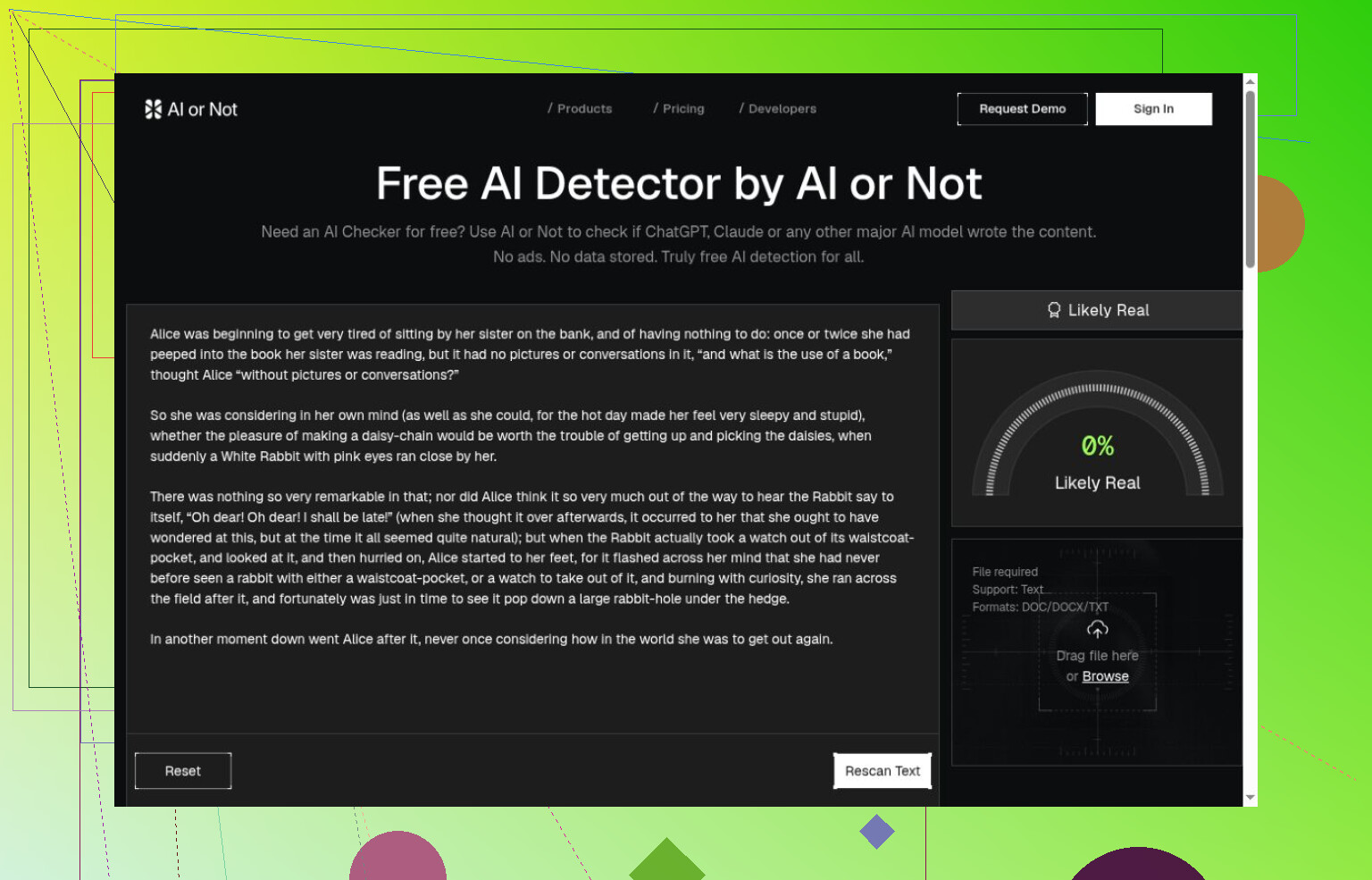
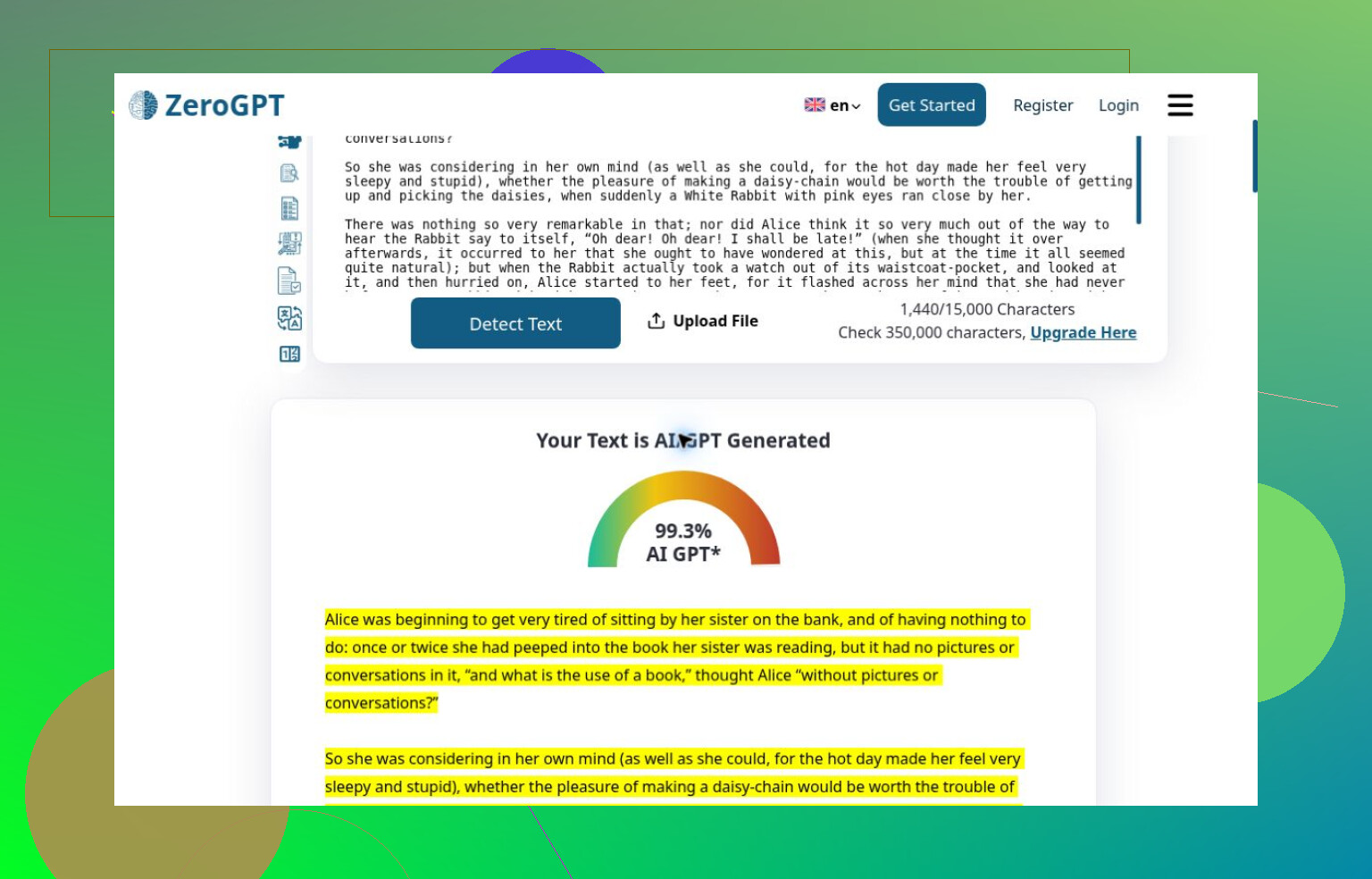
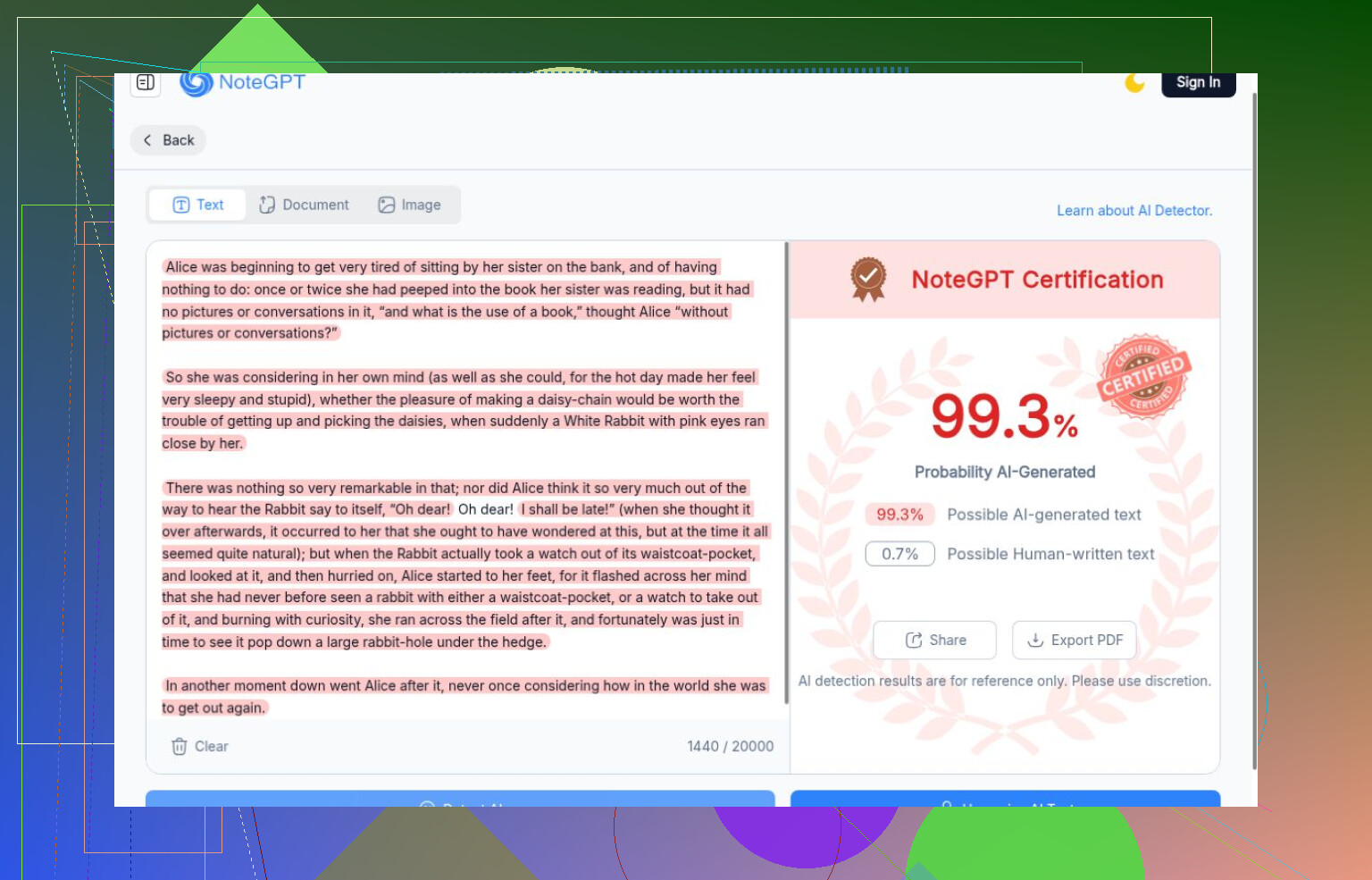
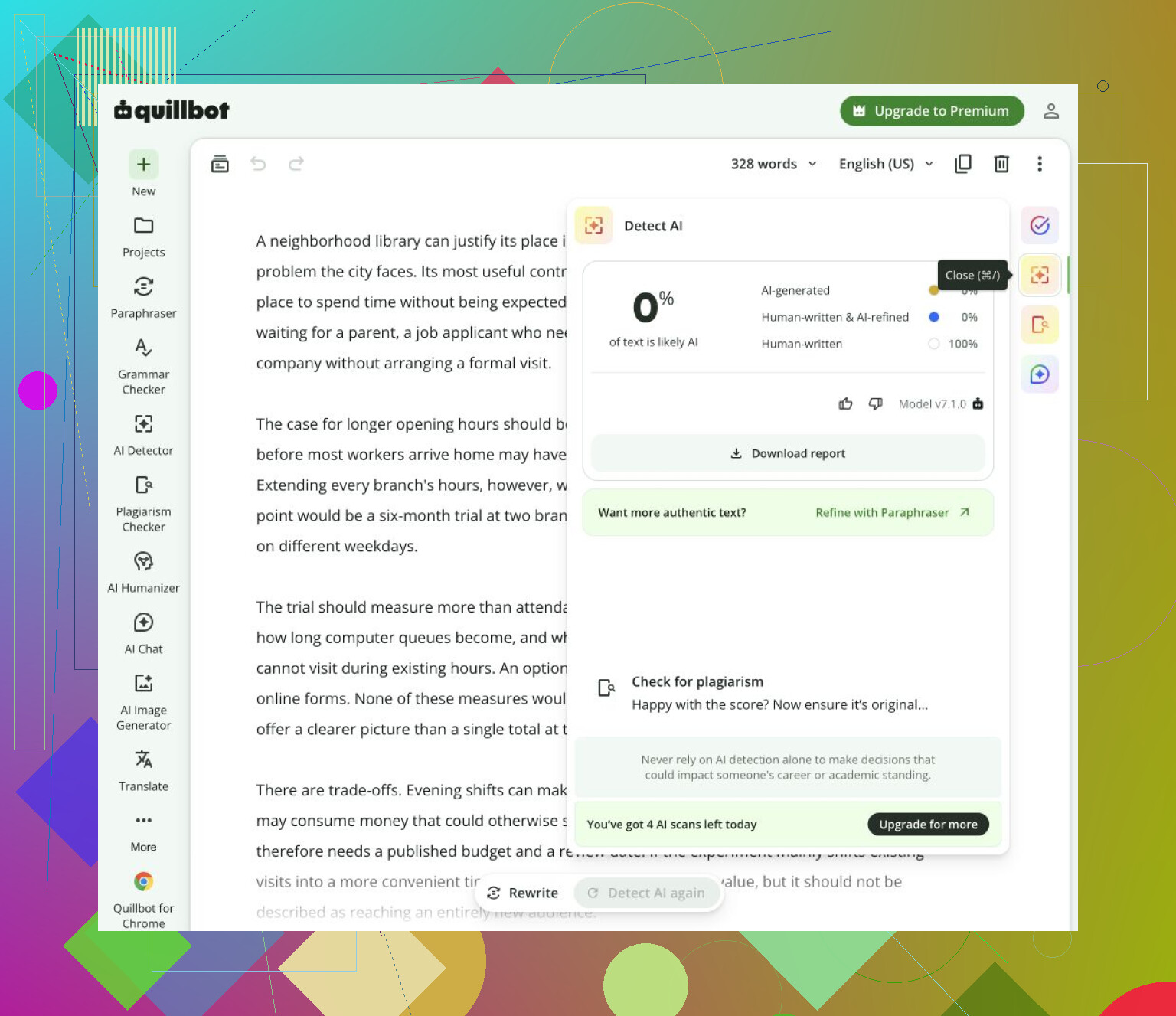
99.3% AI was the verdict on a Lewis Carroll excerpt, not a generated passage. Both ZeroGPT and NoteGPT gave it that score. I’m behind on AI detectors, and catching up with this comparison has made me less interested in confident-looking percentages than in what happens when a tool gets something wrong.
I need to separate mistakes from missing results
The comparison used six unchanged English passages: four generated pieces covering different formats, Carroll’s writing, and a lightly AI-edited version of it. That’s useful for comparison, but I wouldn’t mistake related samples and a historical excerpt for a broad accuracy study.
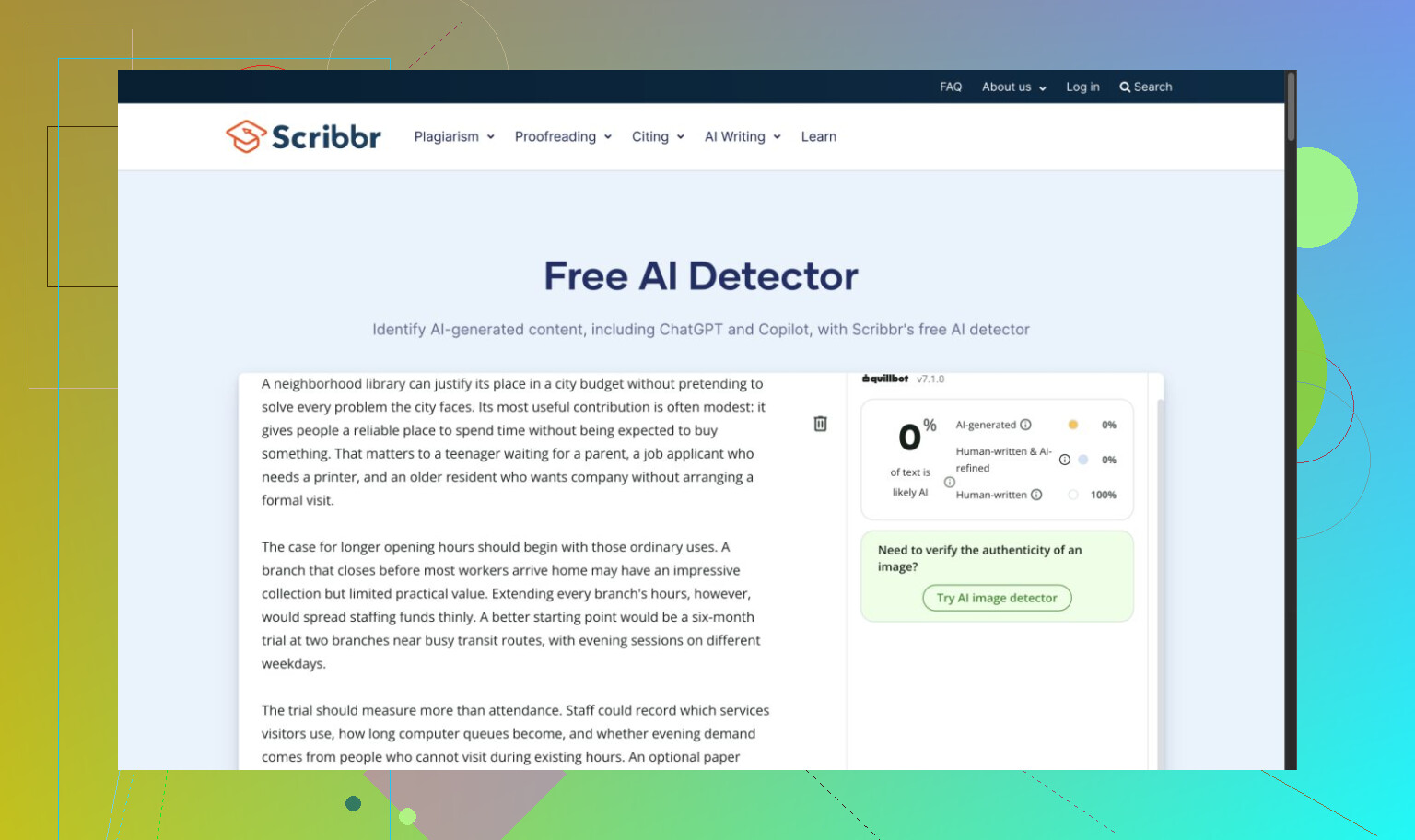
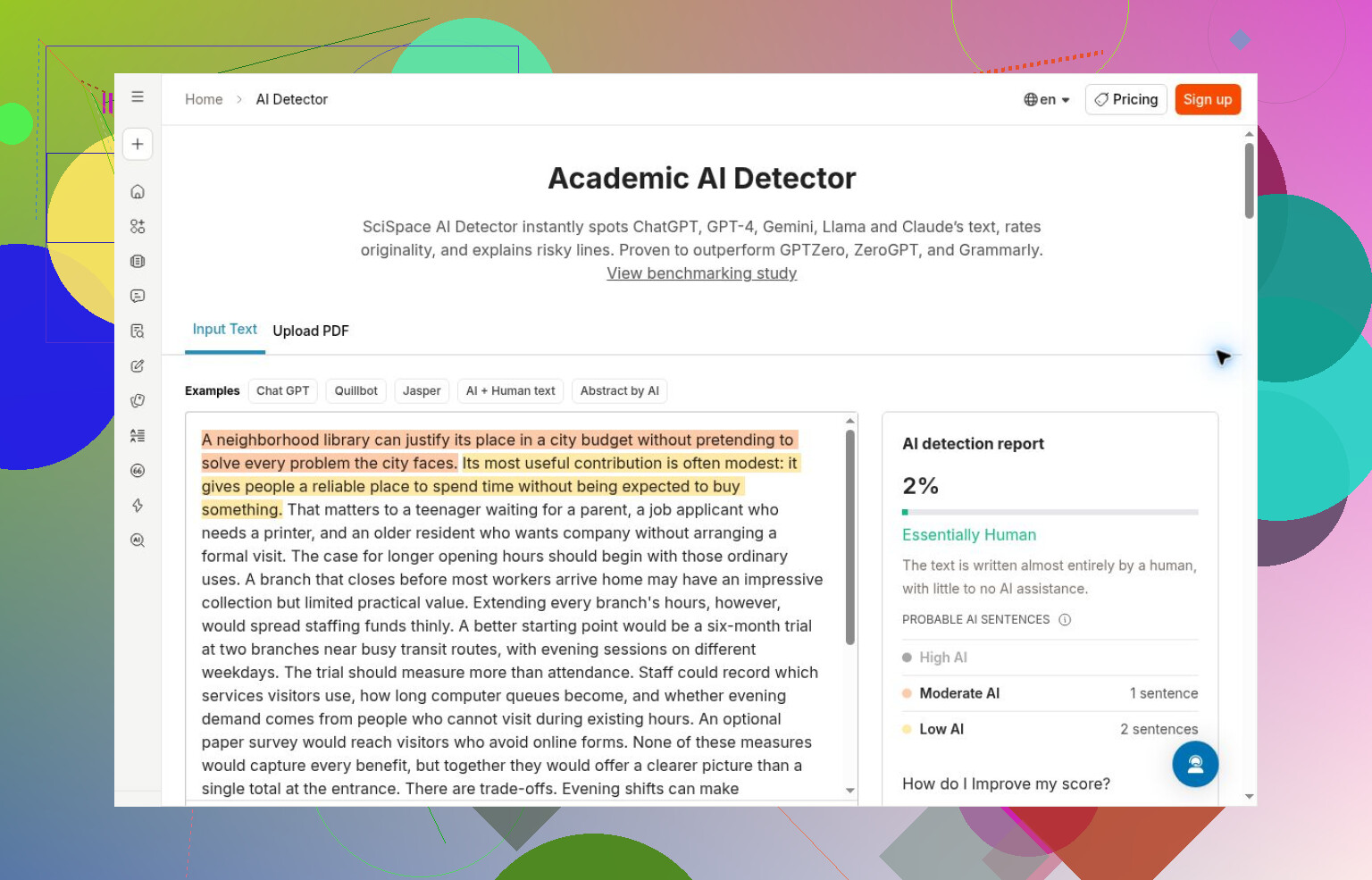
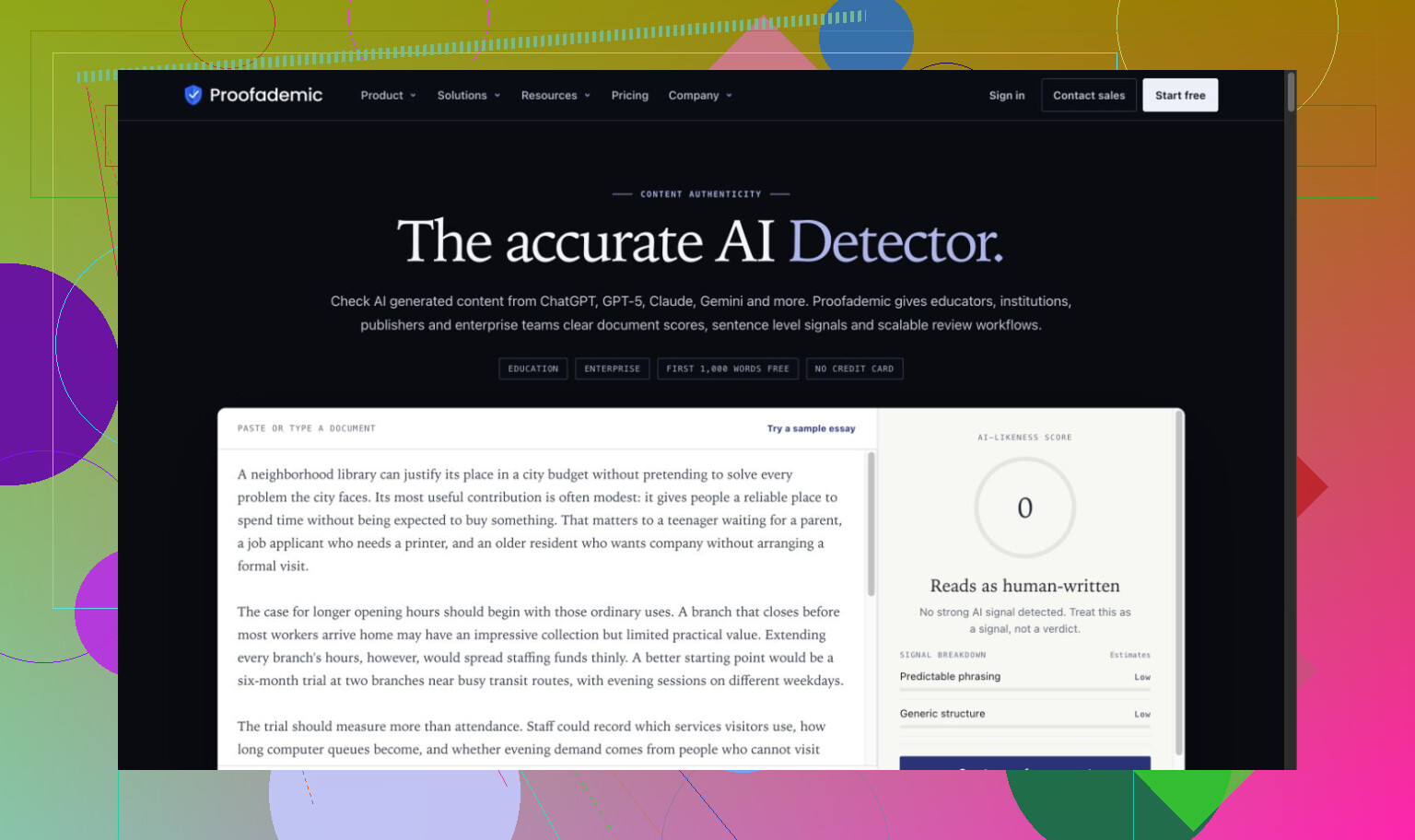
The misses went in opposite directions. ZeroGPT caught the generated set but rated Carroll above every AI passage. QuillBot called the entire generated set human. Scribbr missed the essay too, and its visible QuillBot branding makes me hesitant to treat their agreement as independent confirmation. SciSpace, Proofademic’s public demo, and Surfer also accepted generated writing.
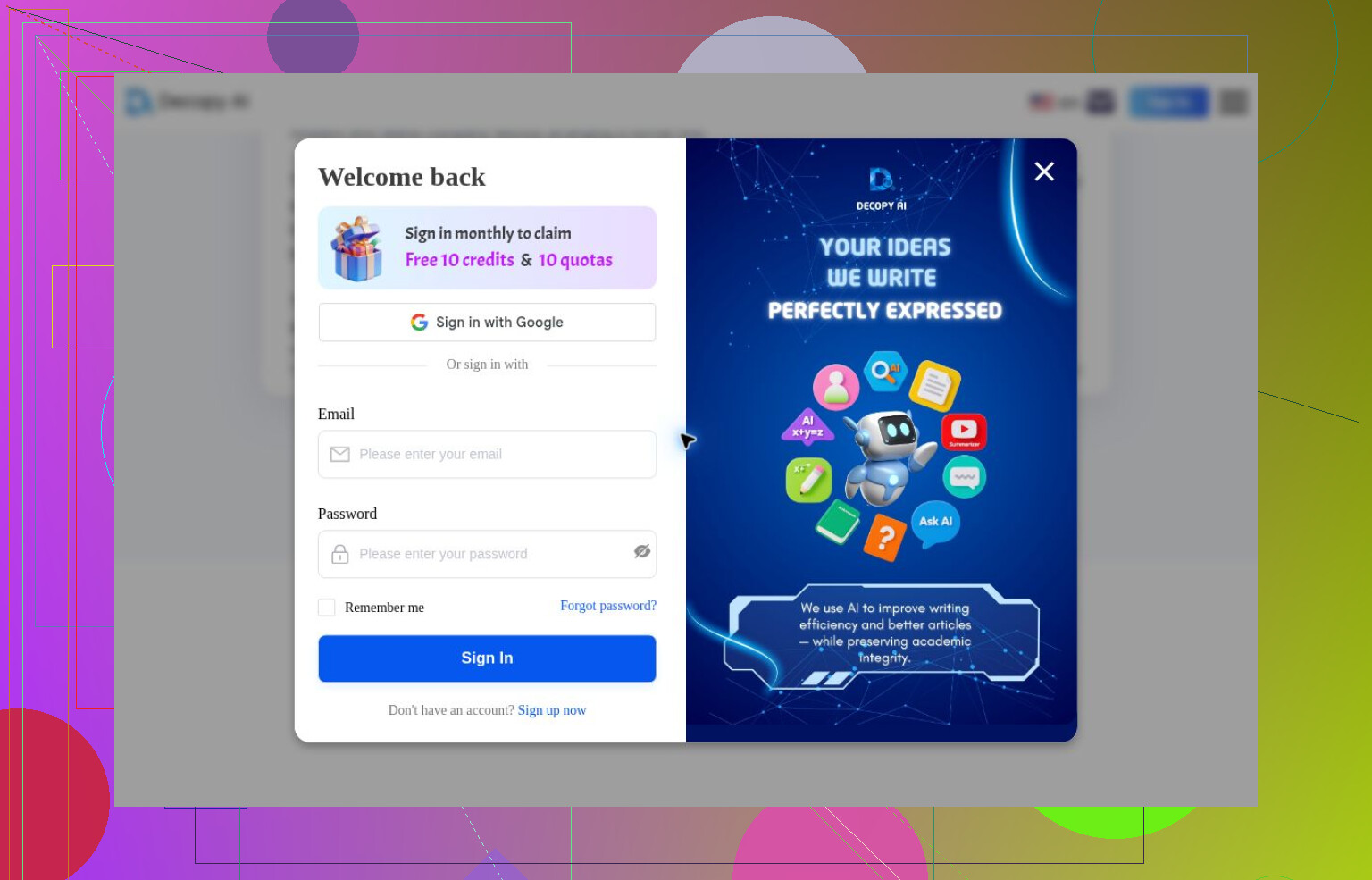
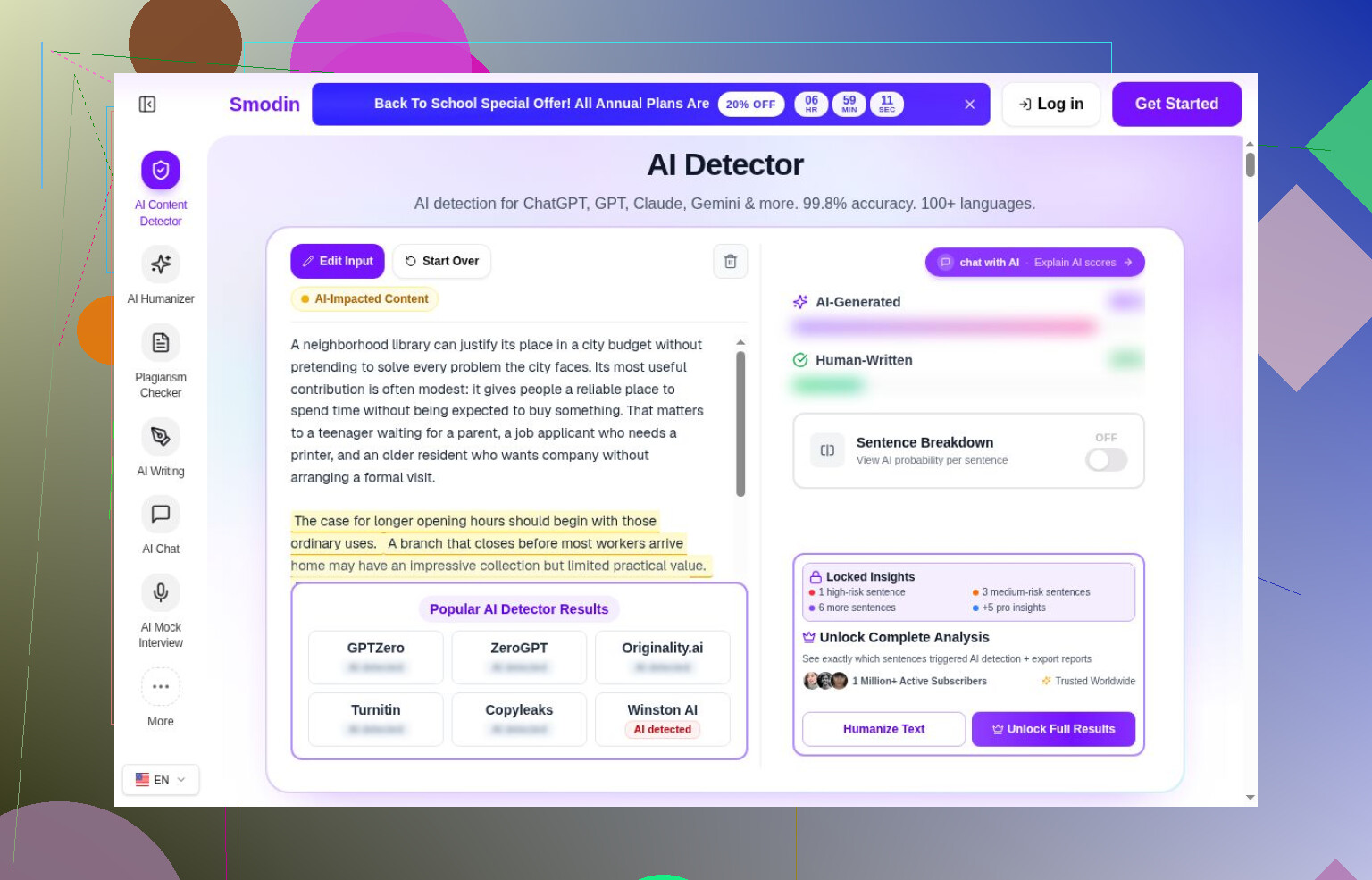
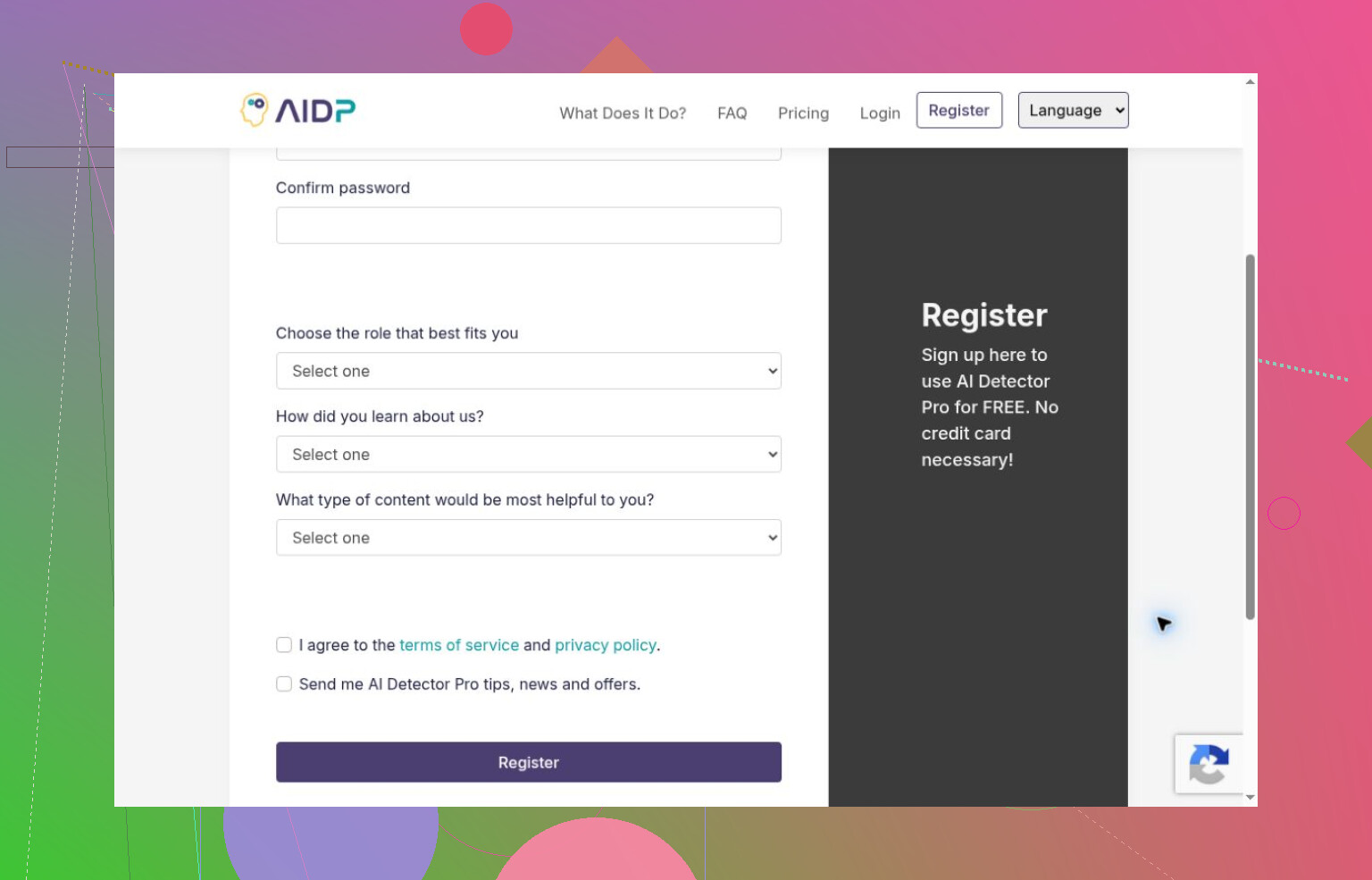
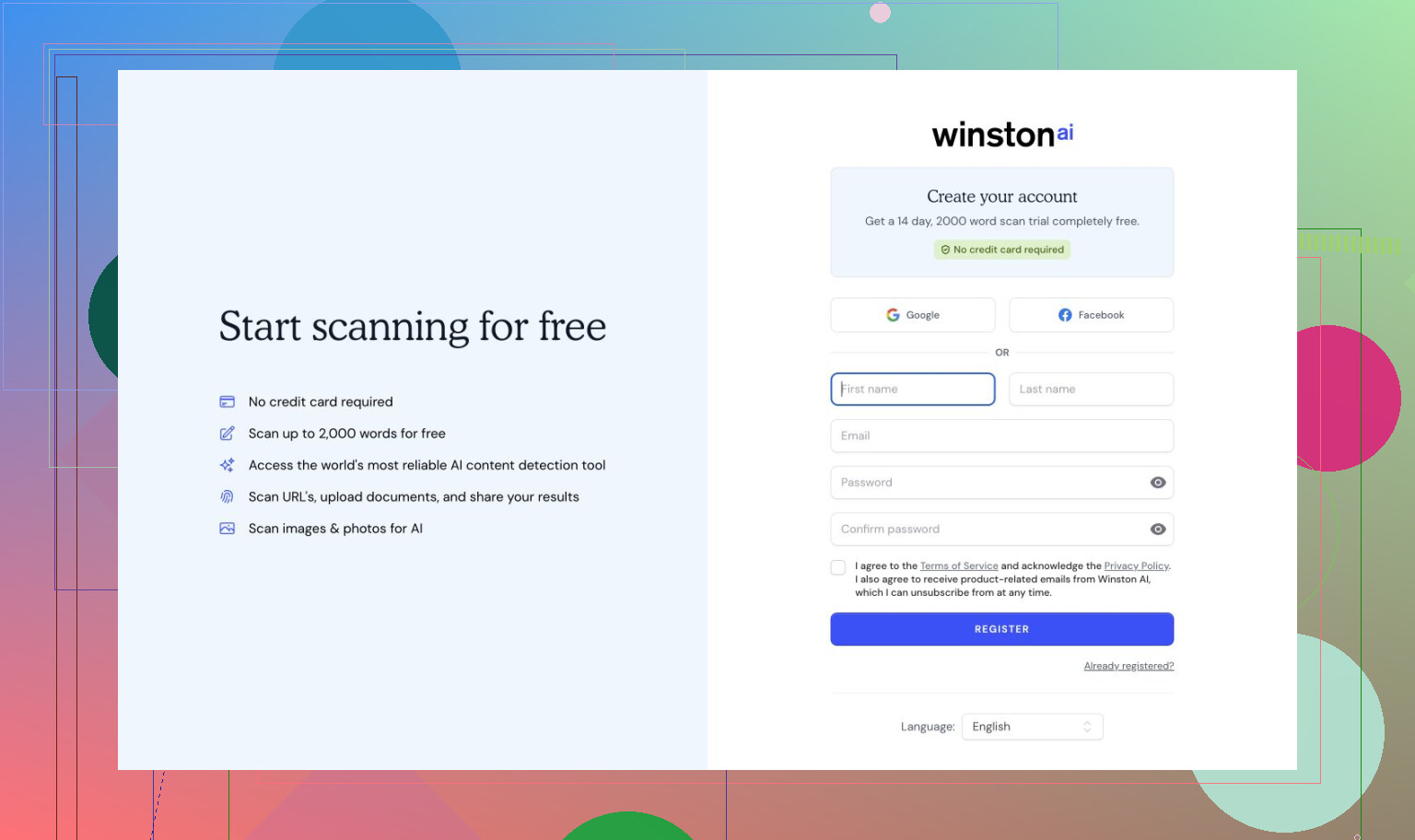
I’m also learning that getting through a checker isn’t the same as evaluating it. Decopy produced a login dialog; Smodin hid its headline scores. AI Detector Pro and Winston AI stopped at registration. Copyleaks wasn’t tested because of applicable-use terms, not a demonstrated detection failure.
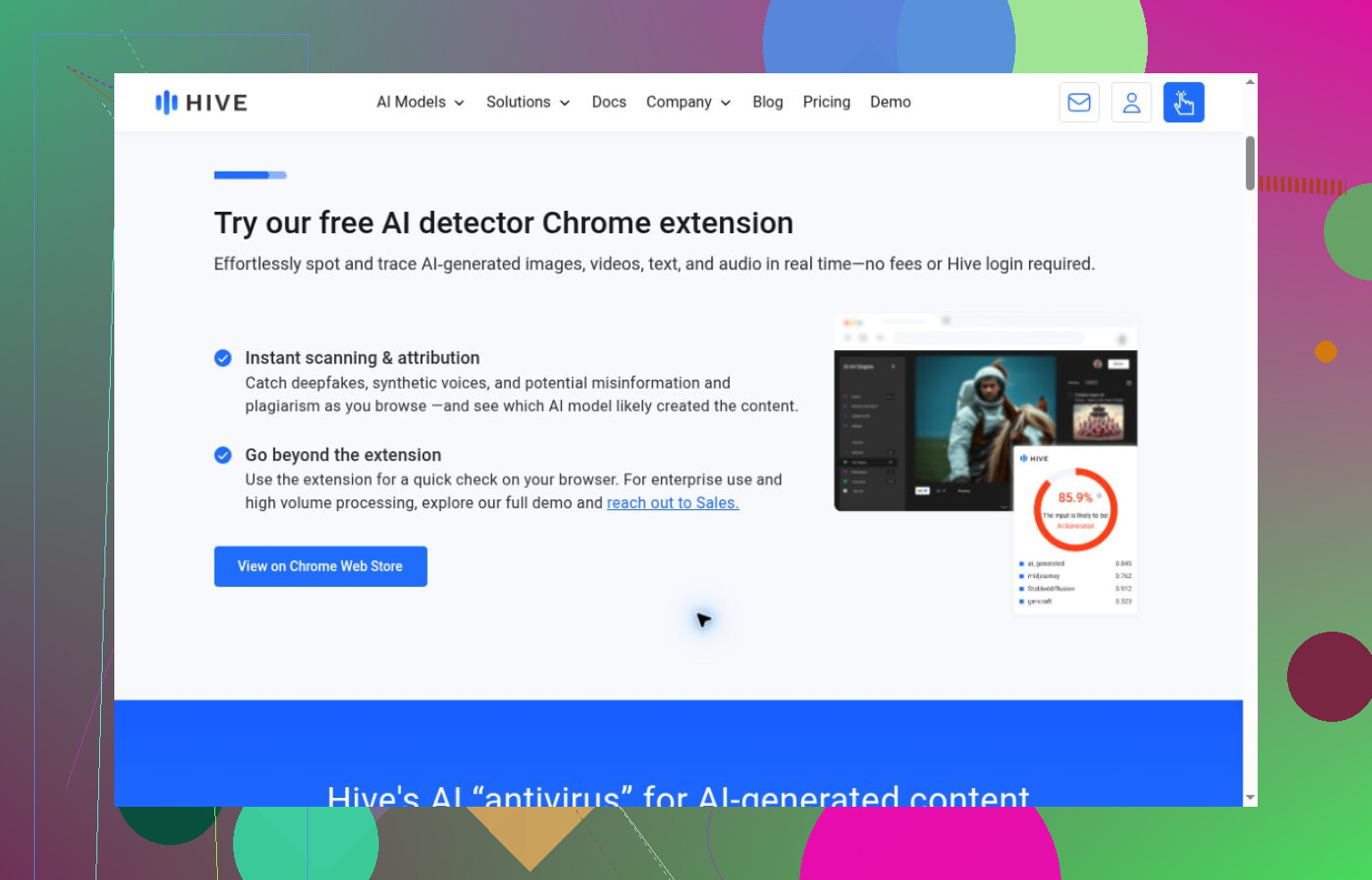
Turnitin needed institutional access. Hive’s inspected demo handled media, while its text routes weren’t tried. ContentDetector.AI led to a Moxby extension listing, and Humanly was only inspected in the app store. I can’t turn any of those access observations into an accuracy verdict.
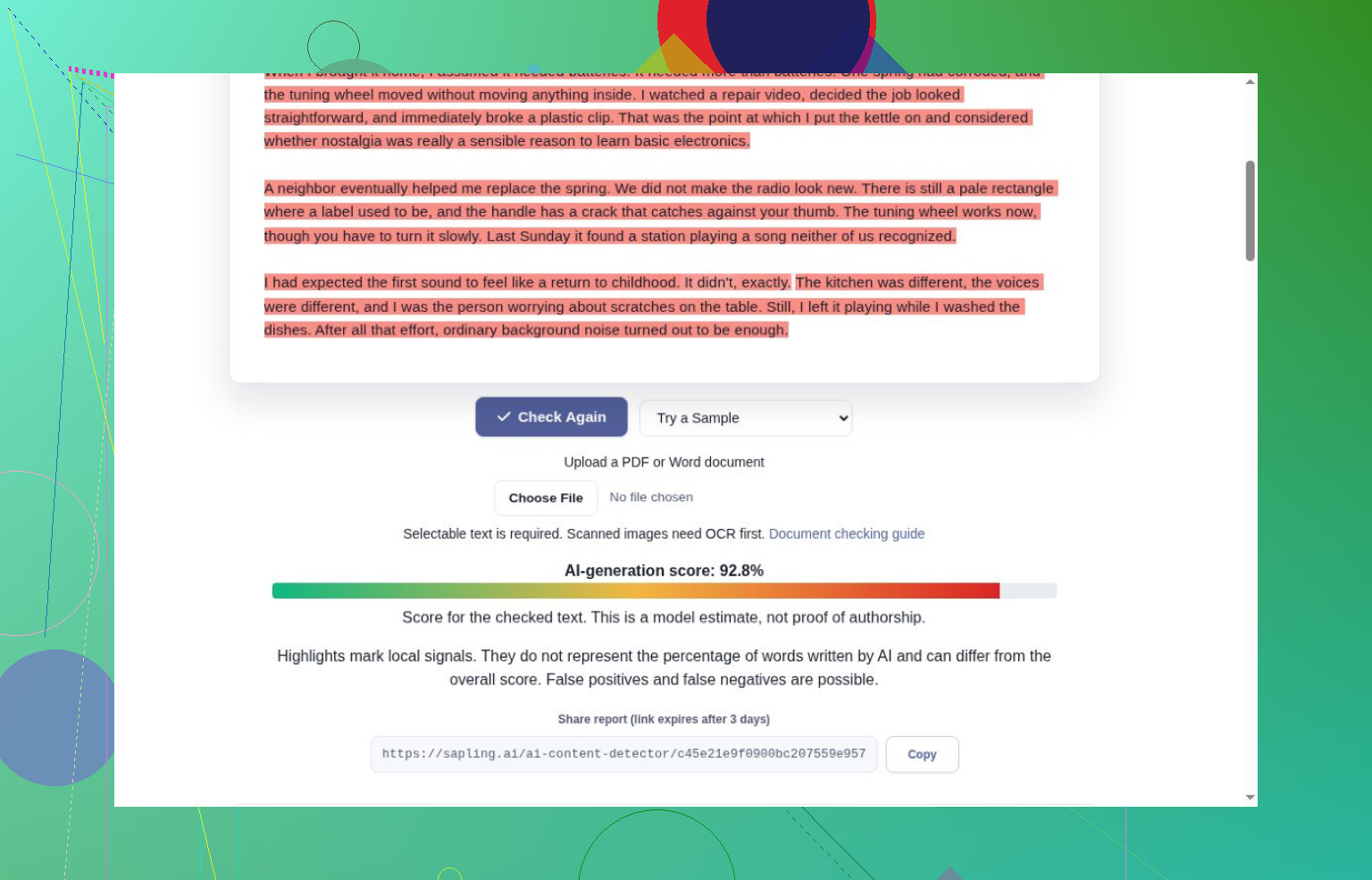
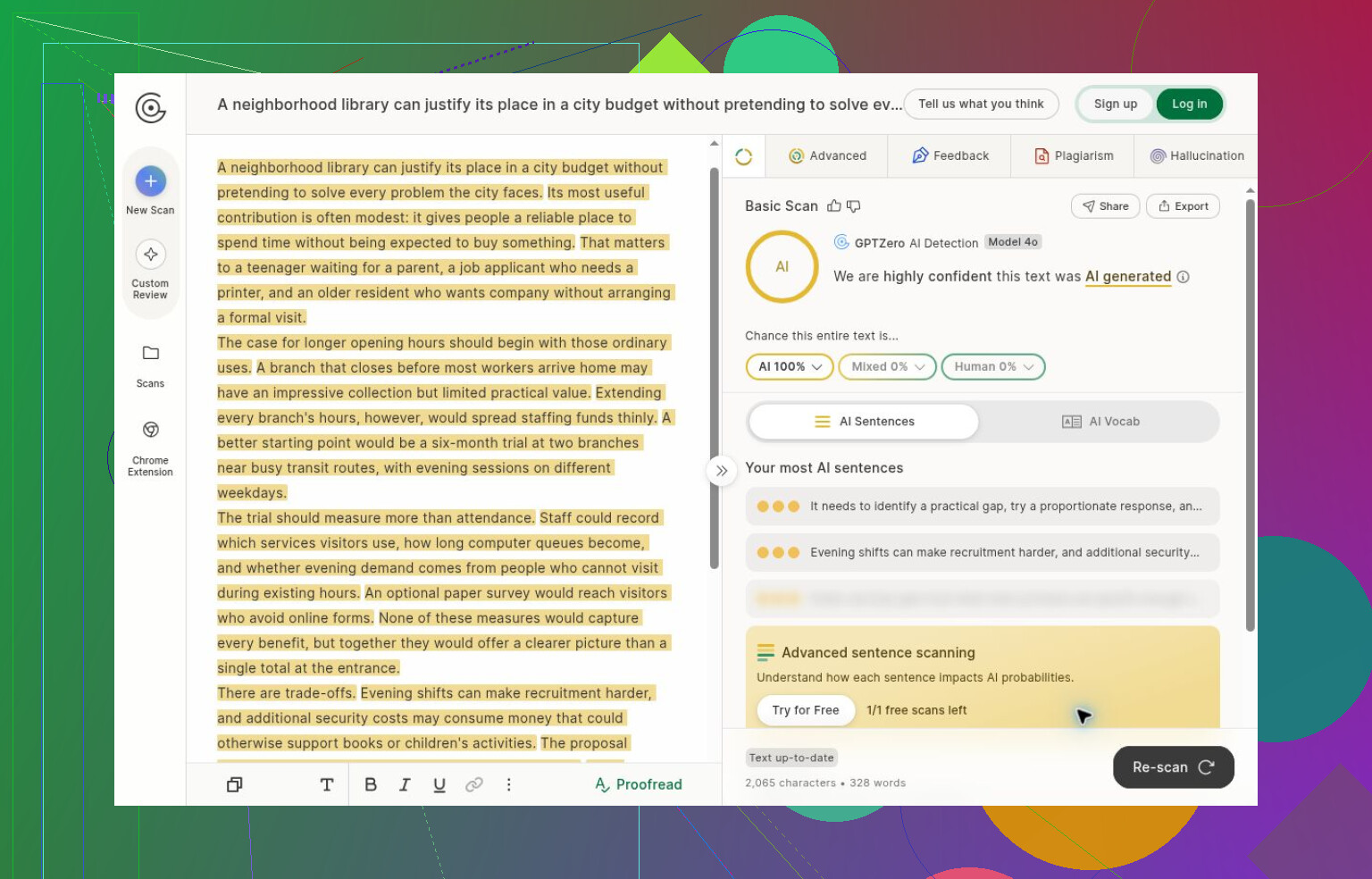
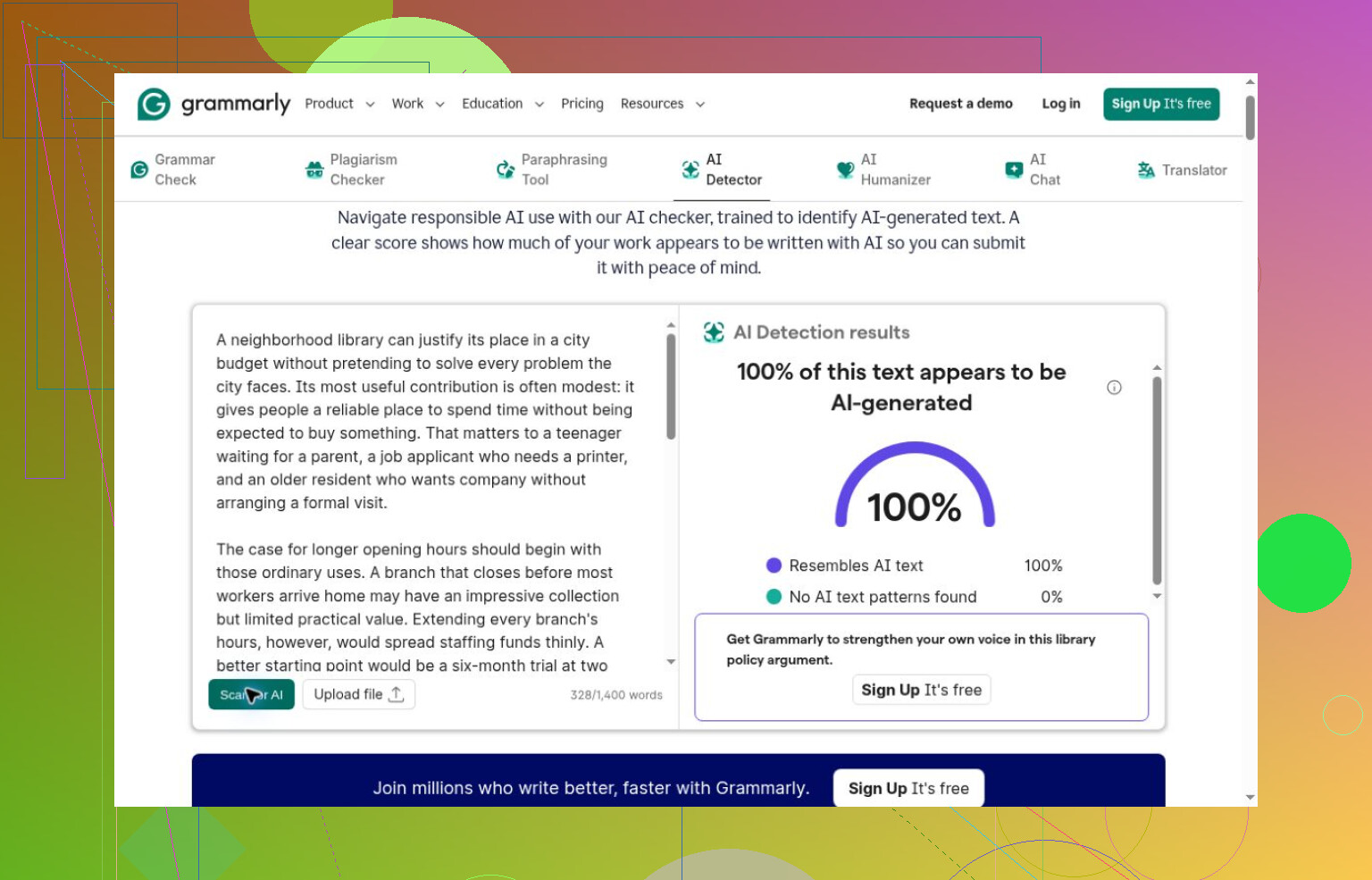
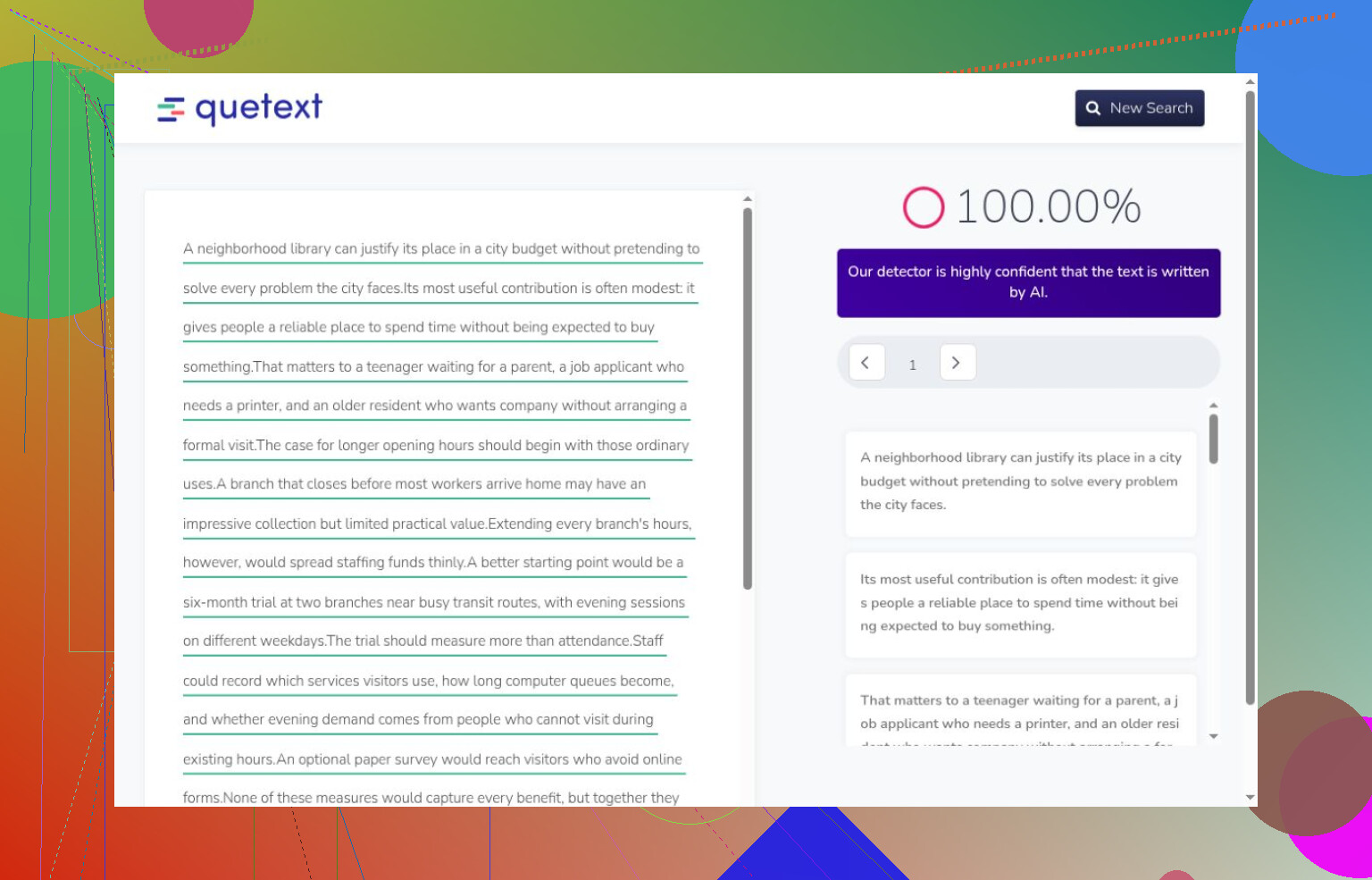
Even completed checks need qualifications. Sapling correctly handled the full story and human excerpt, but truncated the essay. GPTZero caught its initial AI inputs without reaching a human control; an old score remained after the text changed. Grammarly and Quetext caught the essay before signup interrupted further testing.
What I’d put on my own shortlist
With those limits in mind, I’d begin a small trial with Clever AI Detector, because it completed the whole set without payment or registration and distinguished the fully generated passages from Carroll. I wouldn’t call that proof of general reliability. Its sentence colors sometimes conflicted with the headline, and some explanation tags misfired.
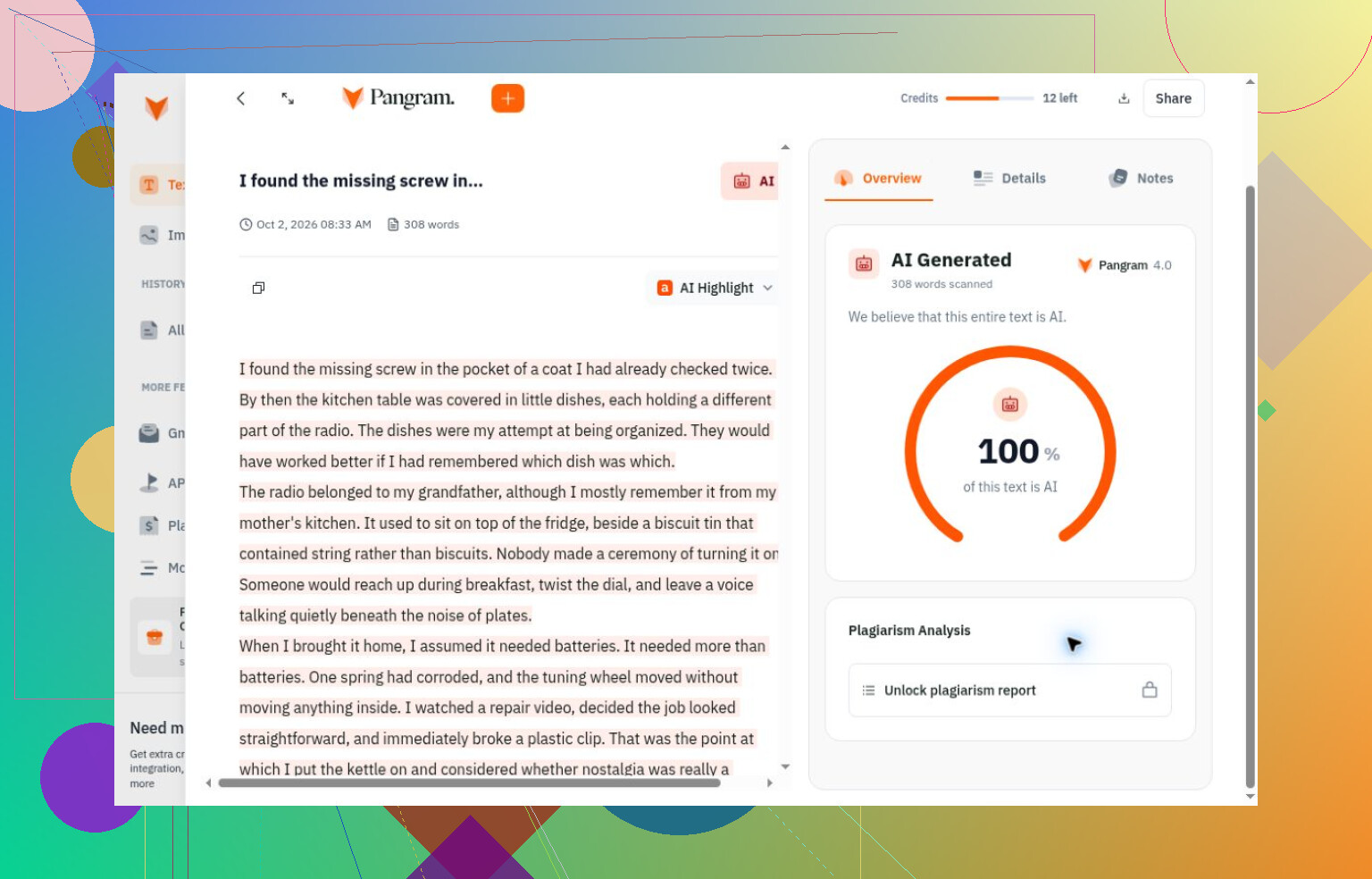
Pangram, Originality.ai, and AI or Not also got their completed generated and human checks right, with narrower coverage. Pangram’s credits depended on length. Originality.ai’s confidence described a threshold-based verdict, not the proportion of generated words. AI or Not wasn’t tested on mixed writing. Both Clever and Pangram classified the lightly edited human passage as human, so I wouldn’t assume they reveal every AI contribution.
My takeaway, while I’m still getting oriented, is to test the workflow rather than shop for the most reassuring score. I’d gather my own known-human drafts, generated samples, and separately labeled edited versions, then submit identical text across tools. Check that each scan actually finishes and includes the whole passage. Save the outputs, distinguish confidence from estimated AI share, and inspect disagreements against drafts or sources. Before relying on a free allowance, verify it yourself, and don’t treat a detector score as grounds for accusing someone.
11 Likes
Onboarding notes should be slightly repetitive to keep the instructions clear. I would ask to run it through the Clever AI Detector to check for any issues, but your concern is an editing issue. Regarding your draft, I would leave the numbered steps and interface labels out of the editing process and ask to only make suggested edits to the explanatory paragraphs.
If these notes include escalation rules, protecting the numbered steps isn’t enough. The surrounding paragraphs can contain conditions that matter just as much. Changing “must get approval” to “can get approval” leaves the terminology intact but changes the instruction. I’d use Clever AI Detector for a separate detection check, not as the sign-off for onboarding material. For this draft, I’d ask for comments on confusing passages rather than replacement text, then have a teammate walk through a sample ticket using the notes. That tests what you actually need: whether someone knows what to do next.
I would have expected a cleanup after a rewrite, not a new audit of the instructions. Based on your experience with your draft, I would have to be very skeptical about running another section of these notes through
AIHumanize. The value of the rewrite is not in the time spent, but in the time saved before someone else reads the document.
While the walkthrough by your teammate makes sense, I would want the editing stage to make her job as little work as possible. If almost every sentence has been rewritten, she is actually reviewing a new document, not a cleanup of an old one. Even if those changes are all correct, it still took time to verify them. I would not spend that much time on a detector test for this choice.
I would rather see a much smaller editing budget. Choose a passage that is actually confusing in the current draft and ask the editor to fix only that one issue. “Make this more human” is too vague – it allows the editor to spend time on things that could have been fixed by a simple cleanup. A better, more specific request would be to suggest the minimal edit needed to put the required action at the beginning of the sentence. Or show the original edit alongside your suggestions and explain why it was not readable. This is a request to narrow the scope of the editing, not a promise that the rewritten text will actually say what you think it does.
I would then compare the two documents, preferably with tracked changes or a similar view, and look at every edit made. I would want to see reasoning behind every change, or at least justification that the change was not merely stylistic. If a paragraph already tells someone what to do, I would consider it unnecessary to change that for something “smoother-sounding”. On the other hand, I would be willing to accept multiple edits to a passage if needed, as long as I have not spent too much time already. I would be much more likely to step away from successive rounds of editing if I have to undo changes made in a rewrite that was already taking too long.
For your next experiment, I would try this on a smaller section first, in order to decide whether further editing is worth the time. I would also factor in the time spent reviewing and repairing the document. Your experience does not prove that
AIHumanize is reliable for every type of text, and is actually a good argument for avoiding it in some cases. I would keep the original draft as my working document and let suggested rewrites earn their place in it.
Who actually reads these notes, and do they care whether a sentence sounds AI-written? Nobody in the thread has asked that. These are internal onboarding docs for your own support team. There’s no reviewer scoring them, no plagiarism gate, no professor. So the question isn’t how to humanize them better, it’s why you’re running precise technical steps through a rewrite tool in the first place. That’s where your time went sideways.
A humanizer optimizes for sounding natural, not for keeping ‘approval required’ intact. @binarystream3915 already nailed the real danger with that approve-vs-can-approve flip, and it applies to any modifier the tool decides is stiff. ‘Immediately,’ ‘only,’ ‘before,’ ‘do not’ all read as clunky to a smoothing pass, and those are exactly the words that carry the instruction. You’re not editing style back in, you’re hunting for meaning that quietly changed. That’s slow because it’s basically proofreading against the original line by line.
If the goal is just readability, skip the rewrite and do two cheap things. Drop the whole doc into Clever AI Detector if you still want a sanity check on how machine-generated the original reads, fine, but that tells you nothing about whether the steps are correct. Then hand the raw draft to one new hire and watch them resolve a real ticket with it. Confusing passages surface fast, and you fix only those. That beats auditing a full rewrite you didn’t need, and it keeps the original as the source of truth instead of trusting whatever the humanizer handed back.
Avoid replacing repeated technical terms just to make the notes less repetitive. Besides, there is a lookup problem in itself — is the new hire going to be able to take a term from your notes and find it in the context of the interface or help documentation? A perfectly understandable synonym will fail at this task. And while I think that avoiding yet another rewrite is fair, I also wouldn’t say that readability is not a concern for the internal documentation. Perhaps, instead of rewriting the same meaning, you could play around with the presentation — shorter paragraphs, descriptive headings, separating description from action items, etc. — to give the text more breathing room without having to go in deep into rewriting all technical terms.
If these notes repeat an existing support procedure, a rewrite gives you two versions to keep in sync whenever the process changes. @devengineer’s presentation changes make more sense to me, with a caveat: I’d keep the actual procedure in one place and have onboarding notes link to it, adding context for new hires. Less polished prose is tolerable; conflicting instructions six months later are a maintenance headache.