My Mac APFS drive stopped mounting after a crash, and Disk Utility can’t repair it. I need to recover important files before reformatting, so I’m looking for a reliable APFS data recovery tool that works on macOS.
Stop using the APFS drive right away. That’s the main thing. If you deleted a folder and already emptied the Trash, the data may still be sitting there, but only until something overwrites it. Copying new files to that same drive, installing apps on it, or continuing to work from it can make recovery a lot harder.
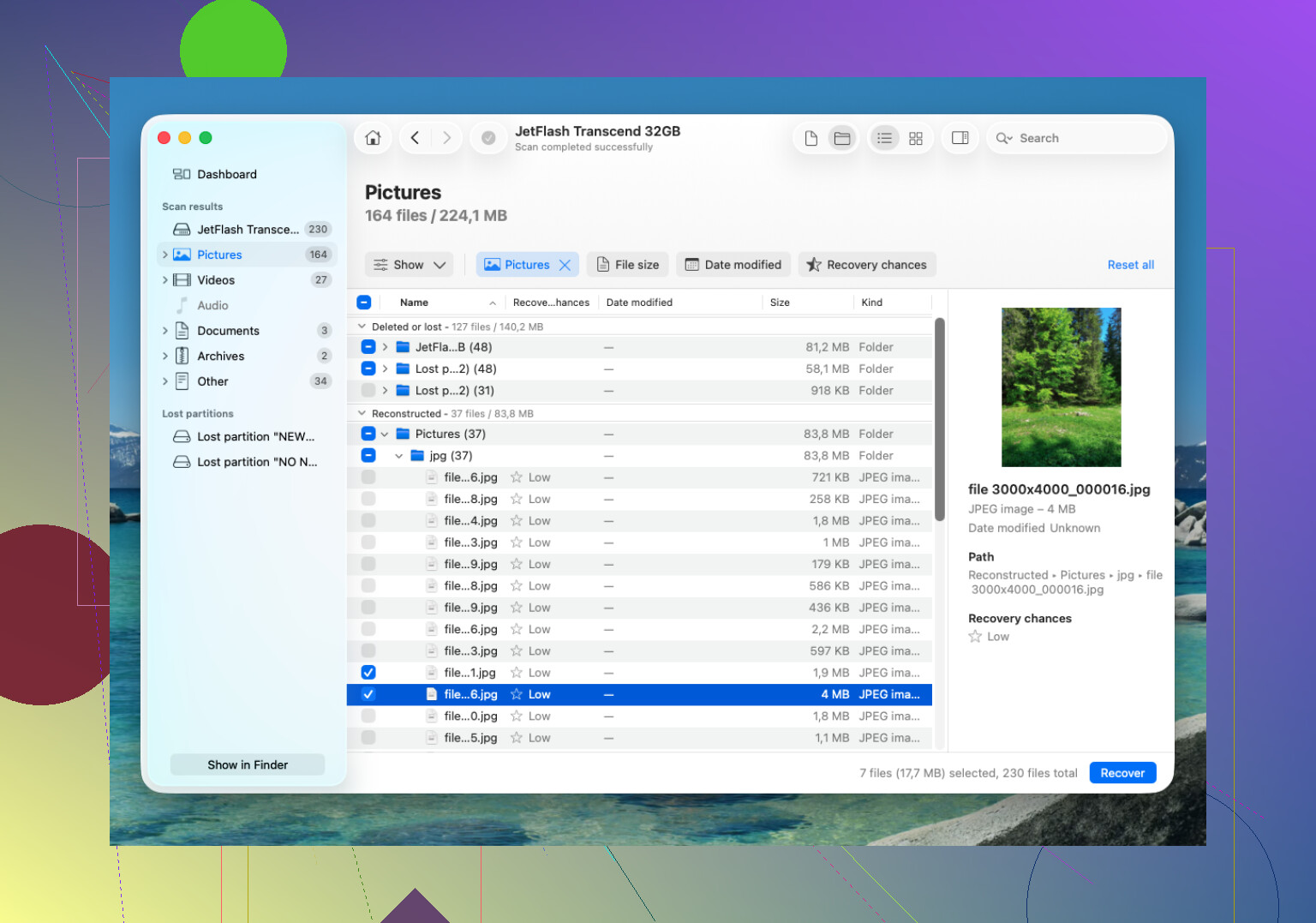
For APFS recovery, Disk Drill is usually one of the better options to try first. APFS is a little trickier than older file systems, and a tool that can read APFS properly has a better shot at bringing files back with the original names and folders, instead of giving you a huge pile of random filenames.
The basic approach would be:
- Install Disk Drill on a different drive, not the APFS drive you’re trying to recover from.
- Connect the external APFS drive to your Mac. If it’s your internal drive, give Disk Drill Full Disk Access when macOS asks for it.
- Choose the APFS volume in Disk Drill and run Search for Lost Data.
- Let the scan finish. Don’t stop after the first few results, especially on a larger drive.
- Preview the files before recovering them, if possible.
- Recover the files to another drive. Never save recovered files back onto the same APFS disk.
Also check your backups before spending too much time on recovery software. If you use Time Machine, that’s the easiest route. It’s also worth checking for APFS snapshots, since macOS can keep local snapshots in some cases. If the deleted folder is in one of those, restoring from there is cleaner than doing a file recovery scan.
The big catch is TRIM on SSDs. If the deleted data was on an SSD, macOS may clear those deleted blocks in the background. Once that happens, recovery software usually can’t bring those files back. That’s why you want to stop using the Mac or SSD as soon as you realize something is missing. On a regular external hard drive, recovery odds are generally better because HDDs don’t work the same way.
If Disk Drill doesn’t find the files, try PhotoRec as a fallback. It’s free, and it can recover a lot, but it doesn’t really preserve the APFS folder structure or filenames because it works by file signatures. So you may get the data back, but sorting it afterward can be a mess.
If the drive is clicking, dropping connection, or only shows up sometimes, don’t keep scanning it. That points more toward a hardware problem, and DIY attempts can make things worse. At that point, a professional recovery lab is the safer move. Many offer a free evaluation and “no data, no fee” terms, but costs can run from around $300 to well over $1,000 depending on what’s wrong. For a healthy drive where this was just an accidental deletion, though, software is the thing I’d try first.
6 Likes
The annoying catch is that recovery apps can make a flaky drive worse just by reading every block. If the APFS disk stopped mounting after a crash, I’d first check whether it sounds healthy and stays connected. If it disconnects, clicks, gets very hot, or shows I/O errors, clone/image it to another drive before running Disk Drill or anything else. Disk Drill is a reasonable pick for APFS if the hardware is stable, but don’t treat the scan itself as harmless. Run it from another Mac or another boot drive, save recovered files somewhere else, and if the drive is physically acting up, stop poking at it and go straight to a recovery shop.
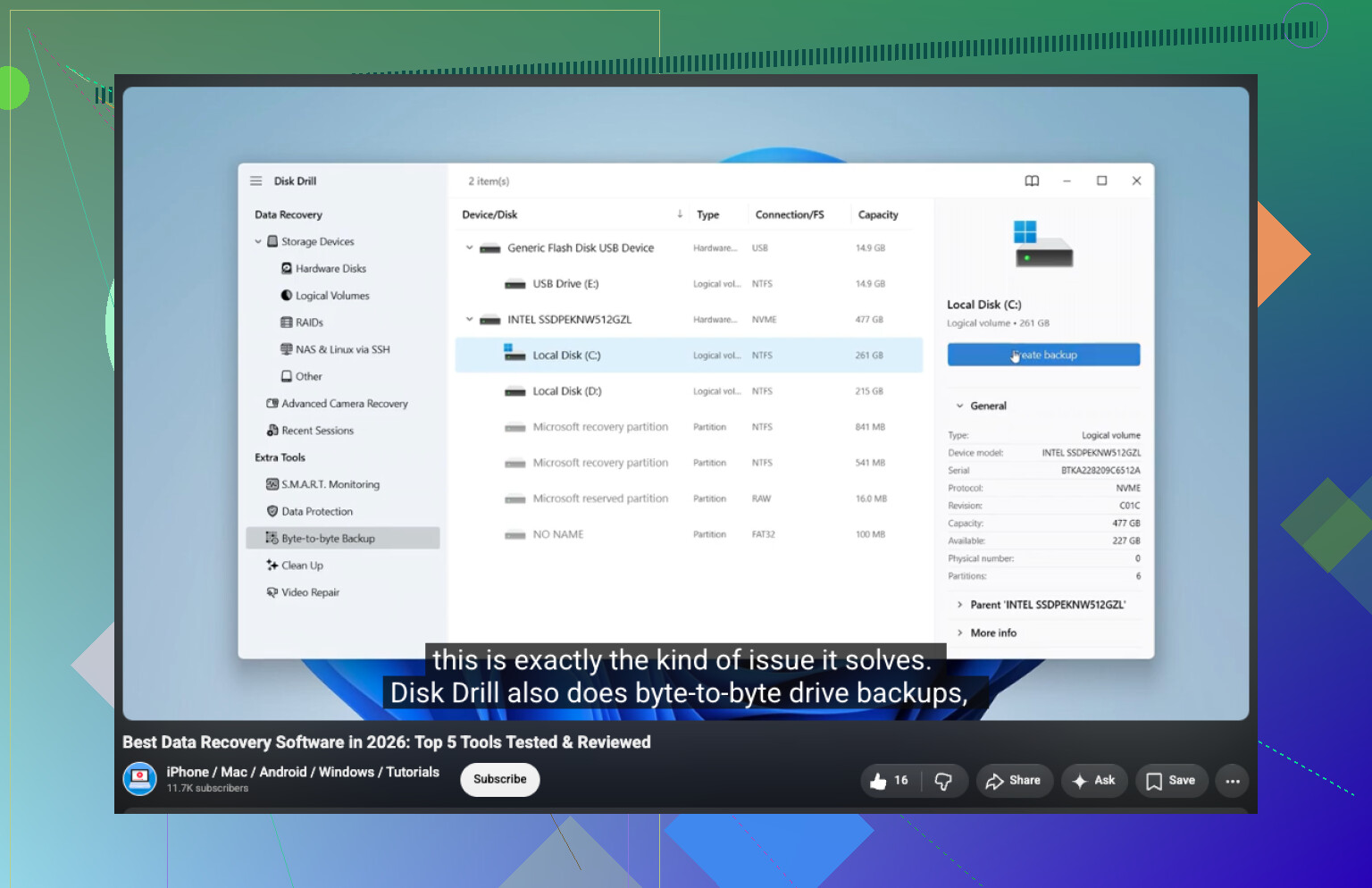
Whether the APFS volume was encrypted matters a lot here. If FileVault was on, any tool, Disk Drill included, is only useful if it can see the APFS container and you still have the password or recovery key. Don’t erase, don’t “initialize,” and don’t create a new APFS volume when macOS prompts you. I’d check diskutil list first and see whether the container/volume is detected at all. If it is, Disk Drill is a fair first try, but scan the physical disk/container rather than only the grayed-out volume if the volume won’t mount. If macOS only sees the USB bridge or the drive capacity is wrong, software recovery is probably the wrong path.