I’m trying to create professional-looking AI headshots for LinkedIn and my portfolio using only my iPhone, but I’m overwhelmed by all the apps and mixed reviews. I need an easy, reliable app that doesn’t look too fake or over-edited and is safe with my photos. What are the best AI headshot generator apps for iPhone right now, and which ones have actually worked well for you?
Best AI Headshot Generators I Tried So You Do Not Have To
I got annoyed enough with my LinkedIn photo to turn this into a small project. I did not want to pay a photographer a few hundred bucks, and my phone photos never look as good as I think they do.
So I went through a bunch of the popular AI headshot options: web tools, iOS apps, Android stuff, and the free LLM route with ChatGPT and Gemini.
Below is what I actually used, what broke, and what I would repeat.
All links stay the same as what I used.
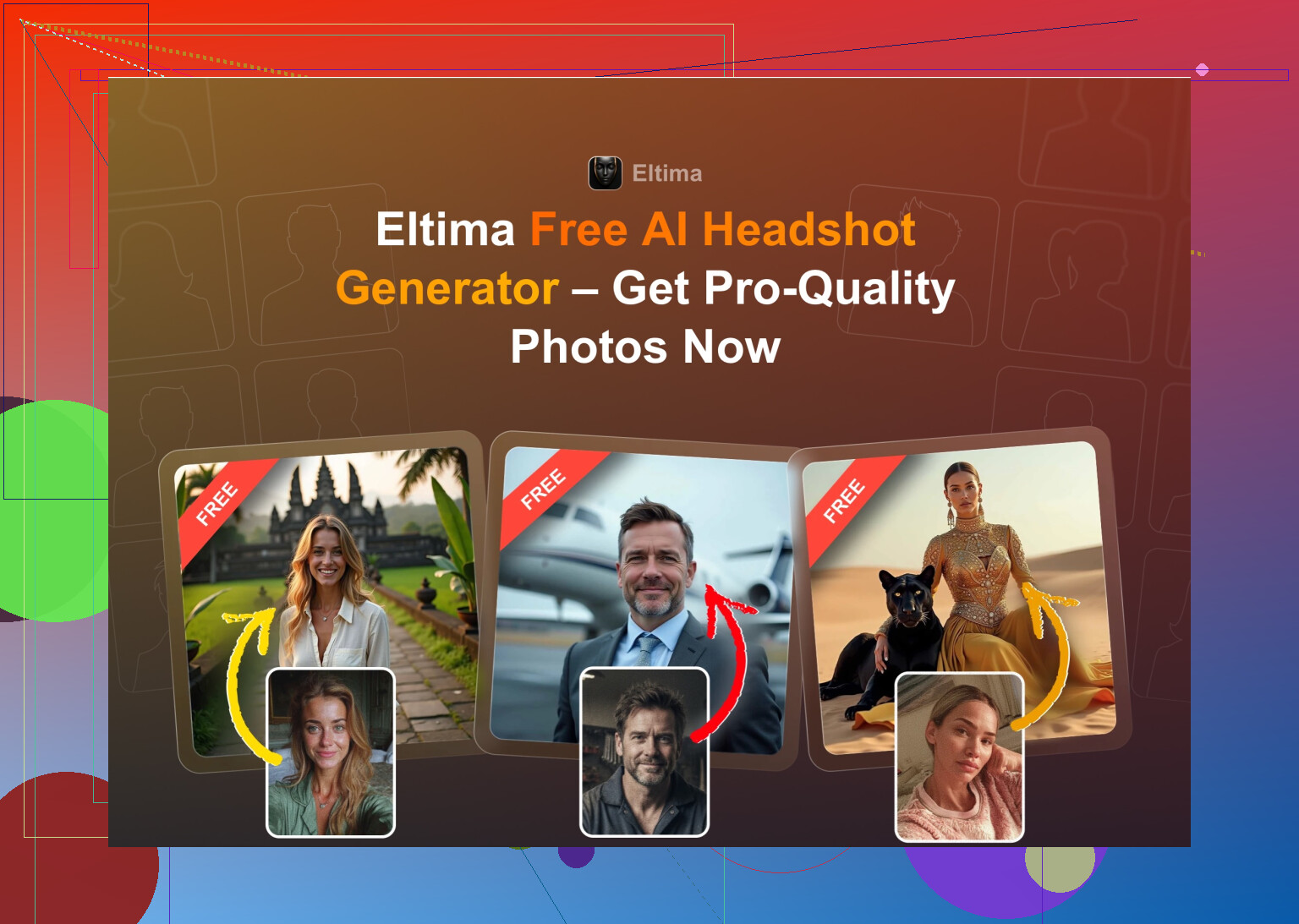
Eltima AI Headshot Generator (iOS)
App Store link
Product page
Reddit thread I first saw it mentioned in
https://www.reddit.com/r/DataRecoveryHelp/comments/1qi12pn/best_ai_headshot_generator/
This one kept popping up in comments on different subs, so I started there.
Daily use experience
I installed it during lunch, uploaded a single selfie from my camera roll, and let it run while I answered emails. No tutorial needed. The app walks you through: pick gender, pick style, done.
What stood out for me
-
Free daily photo
You get one new generation per day without paying. That is enough to slowly build a library of different outfits and angles. I ended up using the free shot to test weird stuff and the paid batch for serious ones. -
Needs only one photo
I expected the usual “upload 10 to 20 photos” routine. This did not ask for that. One decent selfie in neutral light was enough to get a first set that looked like me. -
Group photos (up to 3 people)
I tried this with two coworkers. You select 2 or 3 faces, pick the style and let it run. Results were hit or miss, but when it hit, it looked like an office photoshoot. -
Video from a single headshot
You can turn a portrait into a short video. I do not see it as useful for professional stuff, but for IG or a portfolio it looked okay. -
Over 800 templates
This was the main hook for me. Different backdrops, outfits, framing, lighting. Office, conference, tech bro hoodie, cardigan, more formal, less formal. I did not hit the end of the styles list. -
Photo quality
Most images came out looking like a real shoot. Skin looked like skin, not melted plastic. They have a “beauty” slider, and if you do not abuse it, you still look like you.
Pricing
7.99 per week
49.99 per year
Plus the one free generation per day. I ended up paying for a single week, exported the ones I liked, then went back to the free daily.
Generation speed
Maybe 30 to 60 seconds per headshot in my tests. Completely usable.
My verdict on Eltima
For iPhone, this was the only one I felt comfortable throwing straight on LinkedIn and my portfolio site without edits. Face consistency was good, pose variety was good, and the daily free photo is nice if you are patient.
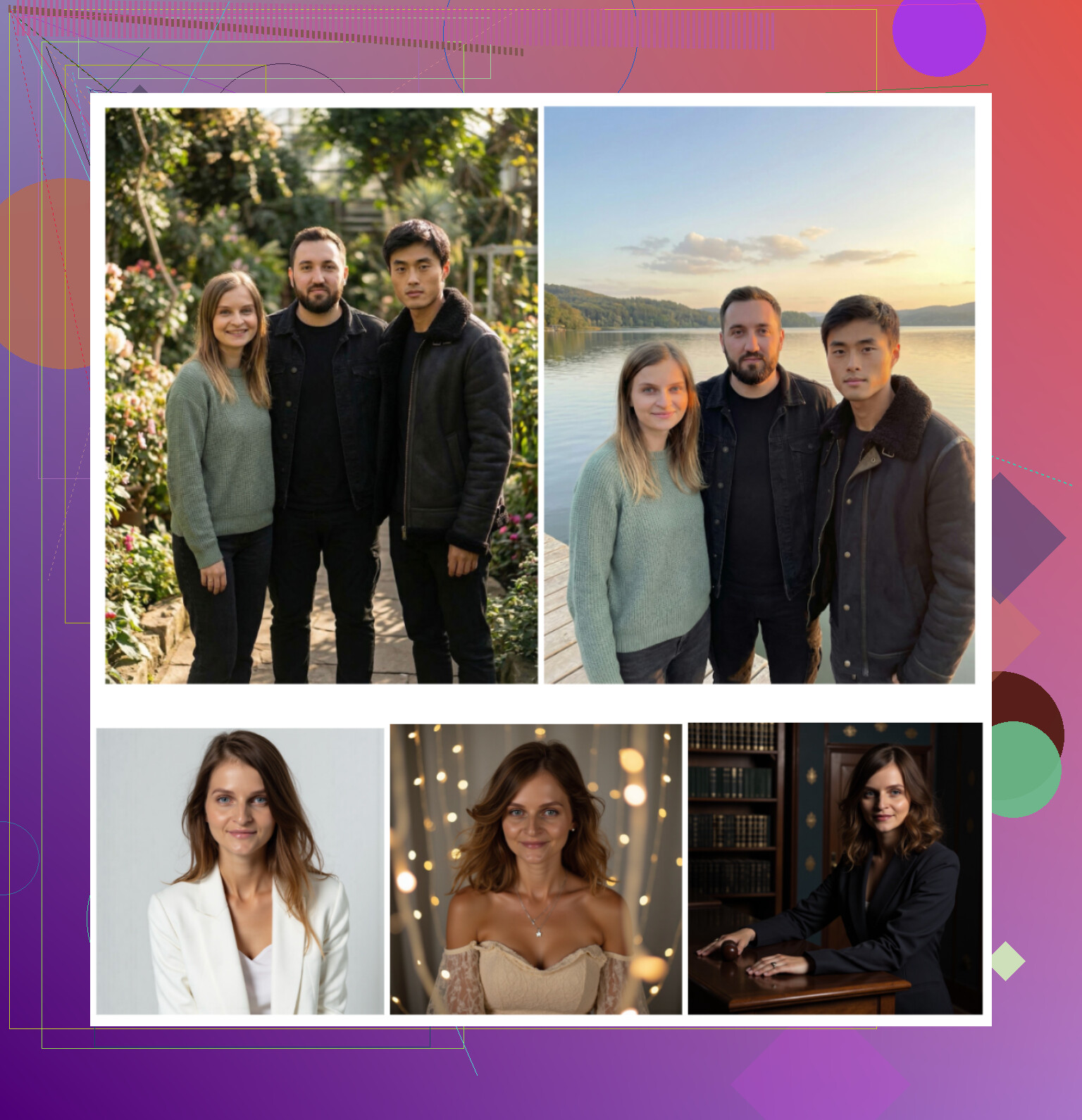
Some samples from my test run:
Short demo I watched before trying it
The big web services I tried
I went to Google and searched for “AI headshot generator” and clicked the obvious three everyone talks about:
• Canva
• Aragon AI
• HeadshotPro
Canva
Website
https://www.canva.com/
I already use Canva for quick graphics, so it felt natural to test the portrait thing there. You upload your photo, choose a preset style, let it generate, and then fix things inside the normal Canva editor.
How it felt
Upload was simple, presets were clear, and generation was fast. For “I need something presentable in 5 minutes” it works.
Pros
• Integrated editor, so you tweak background, crop, text, etc in the same place
• Plenty of presets and editing tools after generation
• Good enough for most social and some business uses
Cons
• On close inspection, skin sometimes looks too polished and fake
• Pricing gets high if you want full Pro access for other features
• Headshots are not their only focus, so quality is uneven
Price
Roughly 120+ per year for Pro, they often run sales though.
Example from my test:
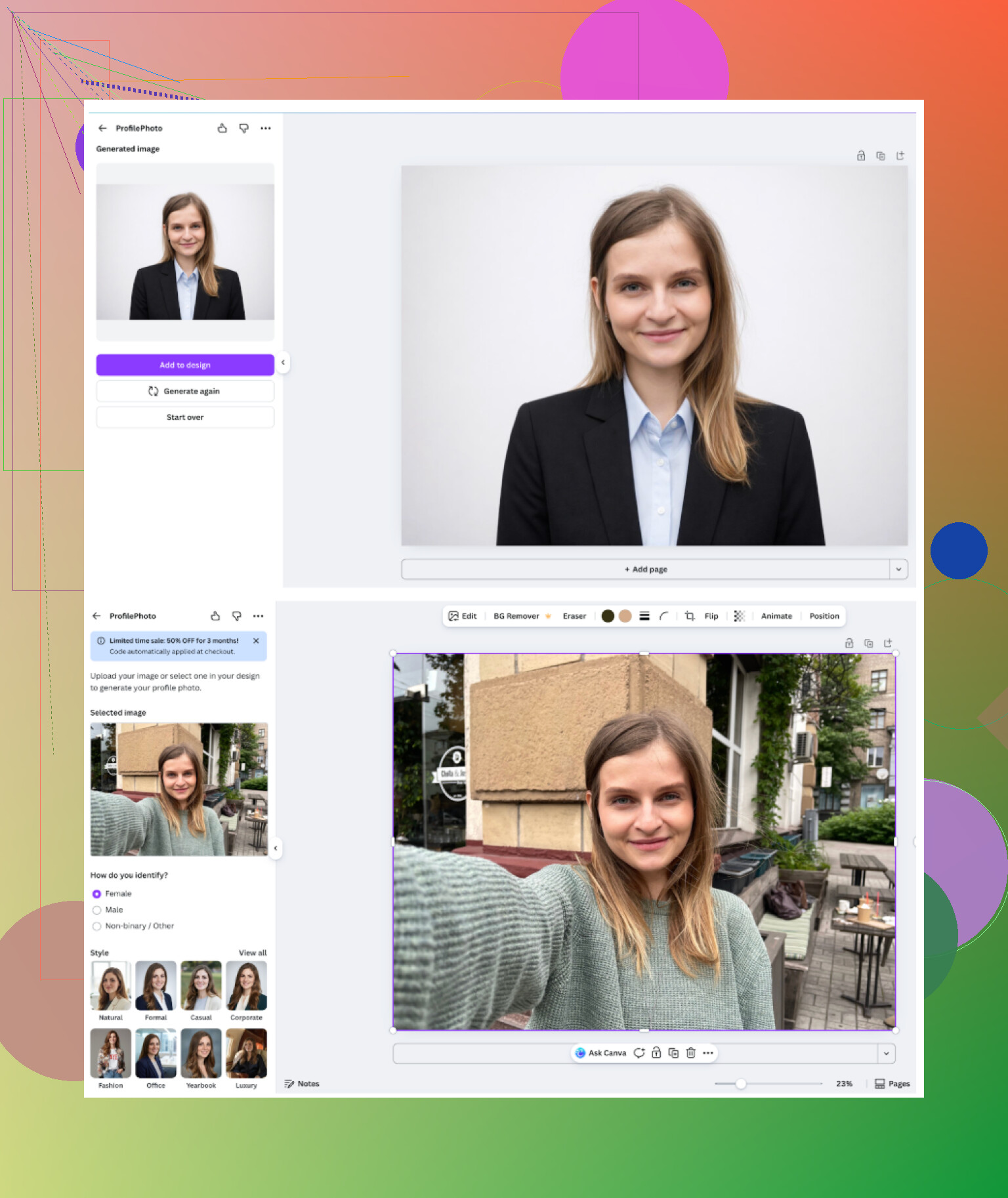
If you already pay for Canva and like keeping everything in one place, it is okay. I still thought the dedicated apps looked more natural.
Aragon AI
Website
This one made me fill out a longer questionnaire before touching anything. Stuff about role, use case, style. Then it wanted a batch of photos plus payment before generating.
Process
• Answer around 10 questions
• Upload a set of photos
• Pay
• Wait for batch processing
Pros
• Out of the paid web tools, this stayed closest to my real face
• Likeness was noticeably better than most competitors
• Turnaround time was acceptable, not instant but fine
Cons
• Needs quite a few input photos to start
• No free test shot
• Upfront pay to see if you even like the overall style
Price
Around 12 to 25 for a pack depending on options.
Result sample:
<img alt=‘Part 4: The ‘Free’ Way (ChatGPT, Gemini, & Hustle)’ src=‘https://ebox-platform.com/uploads/default/original/image-1768927107.png’ height=‘537’ width=‘381’>
I would keep Aragon in mind if you want one-off “serious” corporate style photos and do not mind paying once and be done.
HeadshotPro
Website
The site is very clear about what it wants to be: corporate photos for badges, intranet profiles, and “safe” professional use. Everything about the UI feels like it was built for HR teams rather than casual users.
Pros
• Consistent lighting and framing
• Feels “safe” for conservative companies
• Good option if your company wants a uniform look across staff
Cons
• Limited creativity
• Most photos look like they came from the same studio
• If you want personality, you will not find much here
Price
Starts around 29 for a session.
One of my results looked almost identical to my actual bureau ID photo, which I guess is the point.
iOS headshot apps I tested
On iPhone I went through:
• Remini
• Fotorama
• Collart
• IRMO
• Eltima
I rated them on:
• Ease of use
• How much the result looks like me
• Variety of styles
• Pricing and free options
• Speed
Remini
App Store
Remini is everywhere on TikTok and Instagram. I already used it once for old photo restoration. Their “AI photoshoot” and video stuff was new for me.
What worked
• Interface is clean, everything labeled, nothing confusing
• Importing photos and selecting a style is direct
• You get both still headshots and video outputs
Where it fell apart
• Video generations took me around 13 minutes each
• It created a photo where it turned a candid shot into a weird fake scene featuring a child under stairs, looked wrong and off
• Faces in video outputs looked fake and over-filtered
• Clothes and body shapes distorted a lot
Pricing
9.99 per week
79.99 per year
Trial week on top
Image quality
Photos looked okay at first glance, but on closer look, there were odd details. Inconsistent hands, skin too smooth, weird clothing folds.
Example from my run:
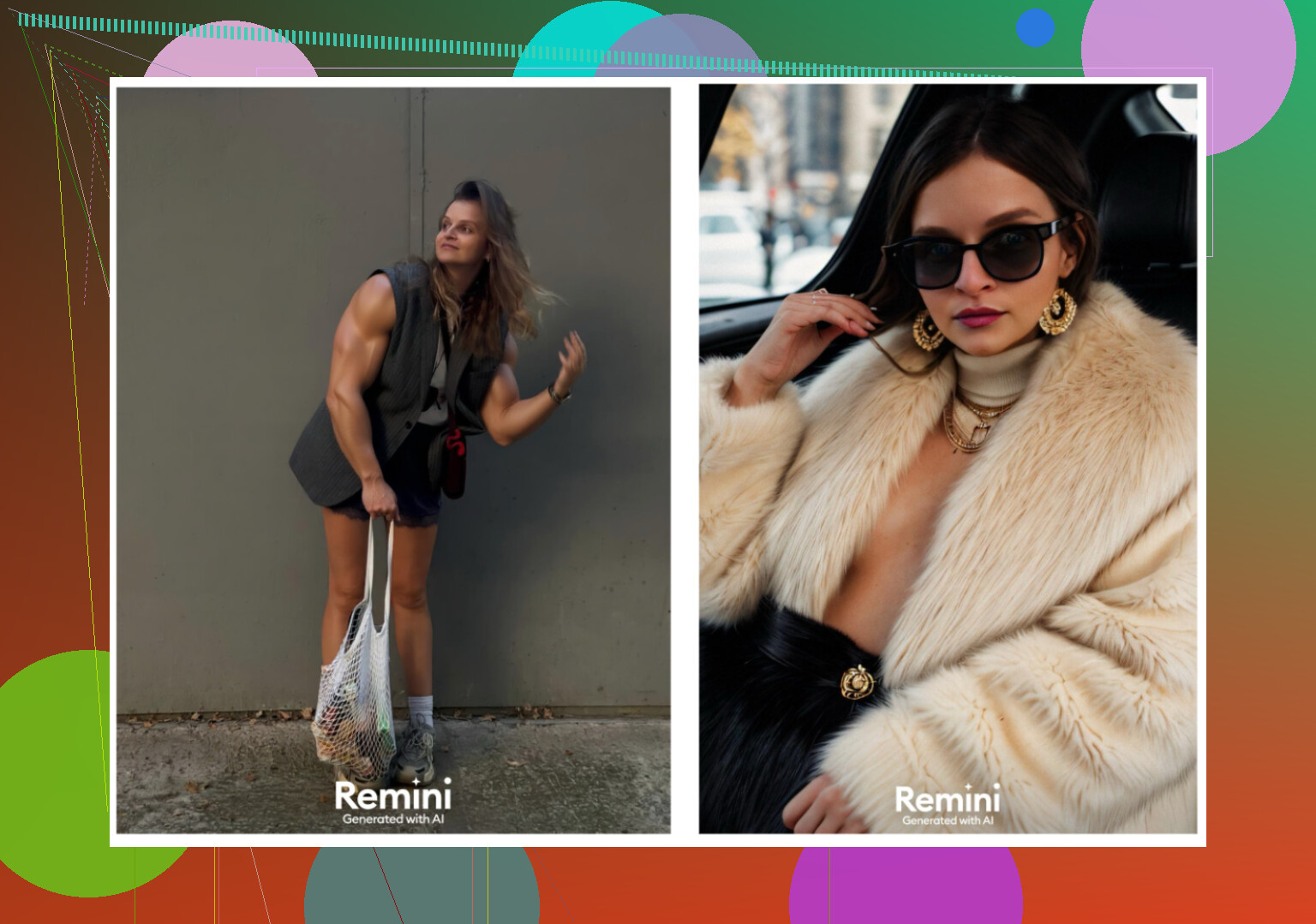
I would not trust Remini for LinkedIn or resumes. For social profiles, maybe.
Fotorama AI Photo Generator
App Store
I installed it because of the “fashion shoot” style previews. Looked cool in the screenshots.
First run
• UI was simple enough
• I uploaded a small batch of real photos
• Started generation
Then the issue
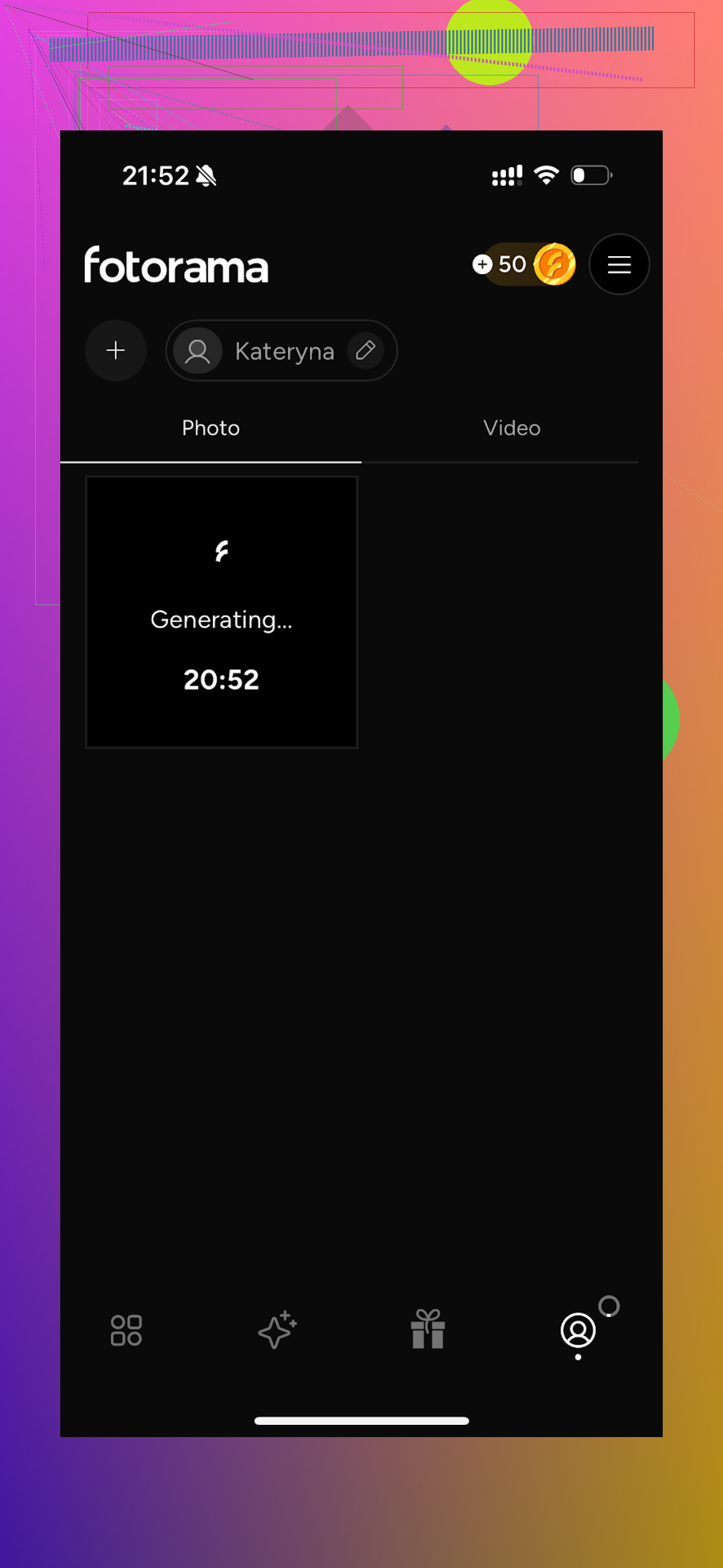
The first generation sat there “analyzing” for around 30 minutes. I closed the app, reopened, and nothing. Coins gone, no result. Tried again, got another long waiting time.
Pros
• Style range is interesting, with more creative scenes
• Ideas are nice if it all worked as shown
Cons
• Slow to the point of unusable on my phone
• Coin system felt punishing, especially with failed generations
• I left without a single result I would use
Pricing
11.99 per week
79.99 per year
I uninstalled it after wasting time and coins.
Collart AI Photo Generator
App Store
This one felt like it was made for fun edits first, serious headshots second.
Usage
• Interface is clean
• You can animate photos
• Many different templates and playful looks
Main problem
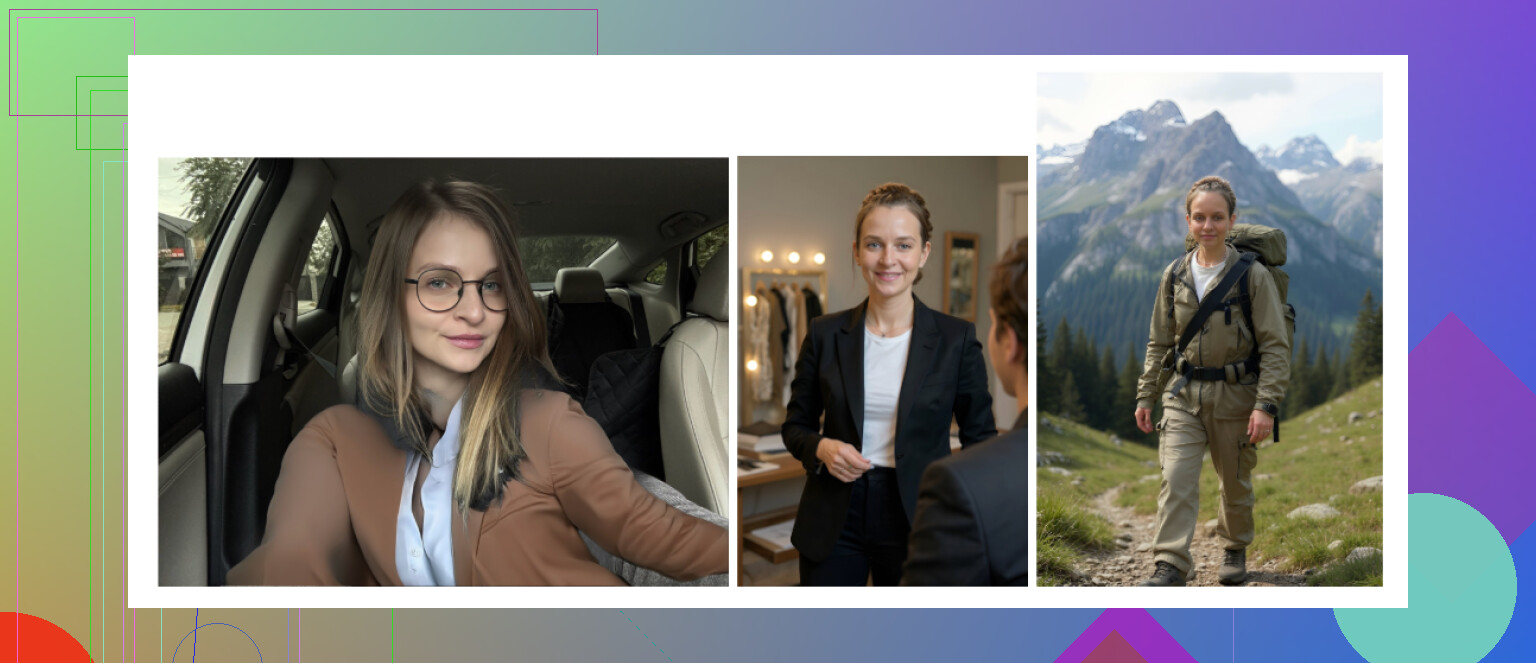
It only used a single photo of me as reference. The generated faces drifted far away from how I look. I got variations that looked like cousins, strangers, or some generic influencer.
Pros
• Tons of styles
• Easy navigation
• Fast generation
Cons
• “Cringe” output level was high in my test
• Likeness was poor
• Would not use for anything serious
Example:
Pricing
3.99 per week
59.99 per year
IRMO AI Photo Generator
App Store
IRMO tries to walk the line between fun photos and practical ones.
Experience
• Controls are direct, no manual needed
• You get standard photo generations and some video features
• Drag, tap, done
Key details
• Only one reference photo allowed for training
• Quality of images was alright, background and colors were decent
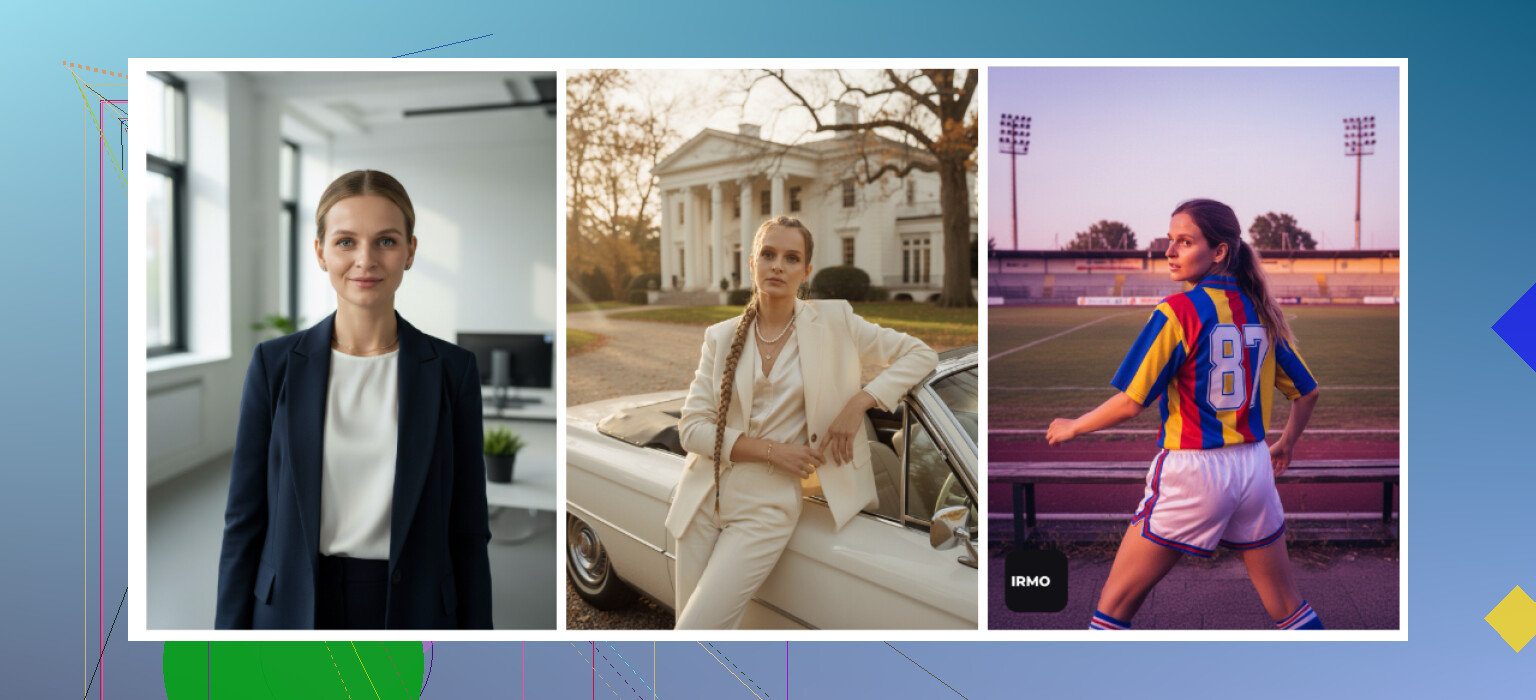
• Face similarity was meh, looked like “me-ish” but not me
Pros
• Good selection of styles and moods
• Generation time between 2 and 6 minutes per batch
• App feels snappy
Cons
• Single-photo reference is not enough for strong likeness
• Feels more like a novelty toy than a headshot solution
Example:
Pricing
5.99 per week
99.99 per year
Among iOS apps, Eltima gave me the most usable headshots, then a big gap, then IRMO and Collart for fun only, with Remini and Fotorama below that for my needs.
Android apps I tried
I was pickier on Android because the Play Store is flooded with junk. I stuck to three better known names.
- Remini (Android)
Google Play
Same story as on iOS.
Pros
• Extremely simple workflow
• The “enhancer” tool cleans up old photos nicely
• Avatars and headshots look appealing at mobile resolution
Cons
• Over-smoothing by default
• Heavy “beauty” effect, strong jawlines, skin blur, strong makeup look
• Easy to cross the line into “fake”
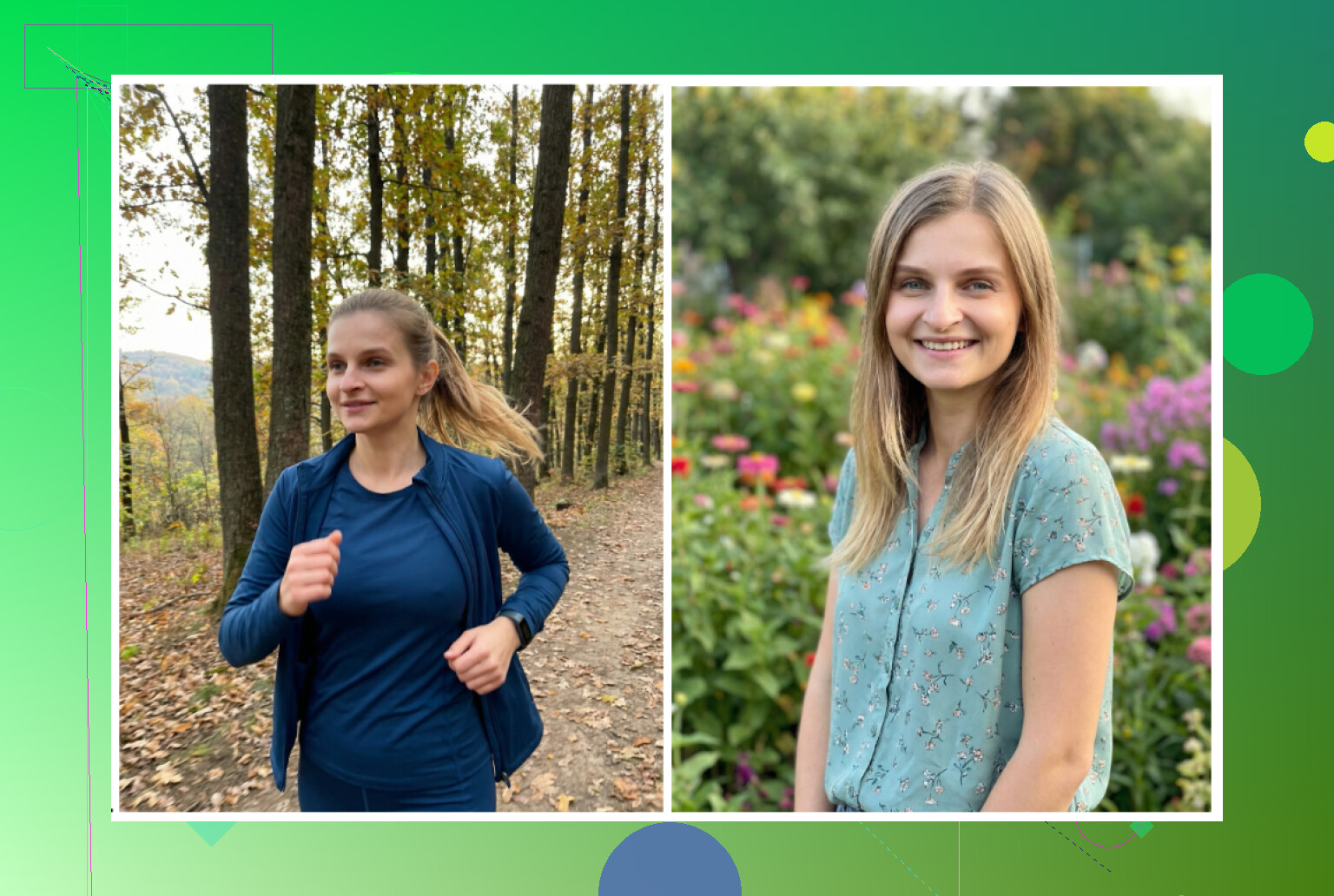
I would not send these to a strict hiring manager, but I see why it is addictive for casual profiles.
- GIO: AI Headshot Generator
Google Play
GIO also exists on iOS, but I focused on Android to avoid repeating the same apps.
Pros
• Less plastic than Remini
• Clothing swap function is decent
• When it works, the faces feel a bit more grounded
Cons
• Inconsistent output quality
• Too many failed or weird generations
• Likeness drops a lot between images
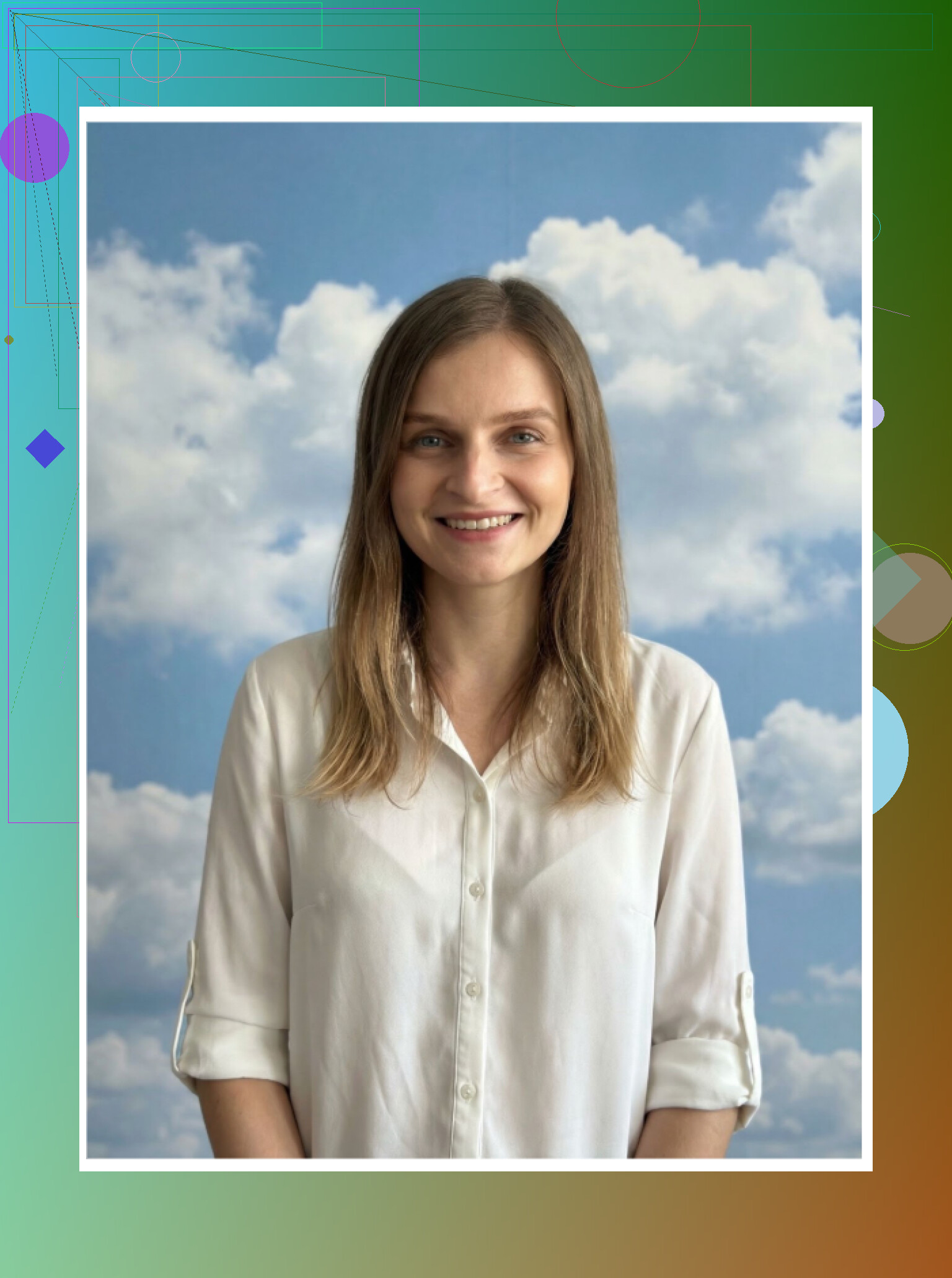
Good as a backup if you hate Remini’s look, but not something I would pay much for.
- Momo
Google Play
Momo felt like a middle range option.
Pros
• More stable than GIO in my tests
• Results did not trigger the same “uncanny valley” feeling
• Some outputs were instantly usable
Cons
• Pricing is higher than some alternatives
• Quality still trails behind the top iOS apps and strong web tools
• Hard to justify the cost once you have seen better results elsewhere
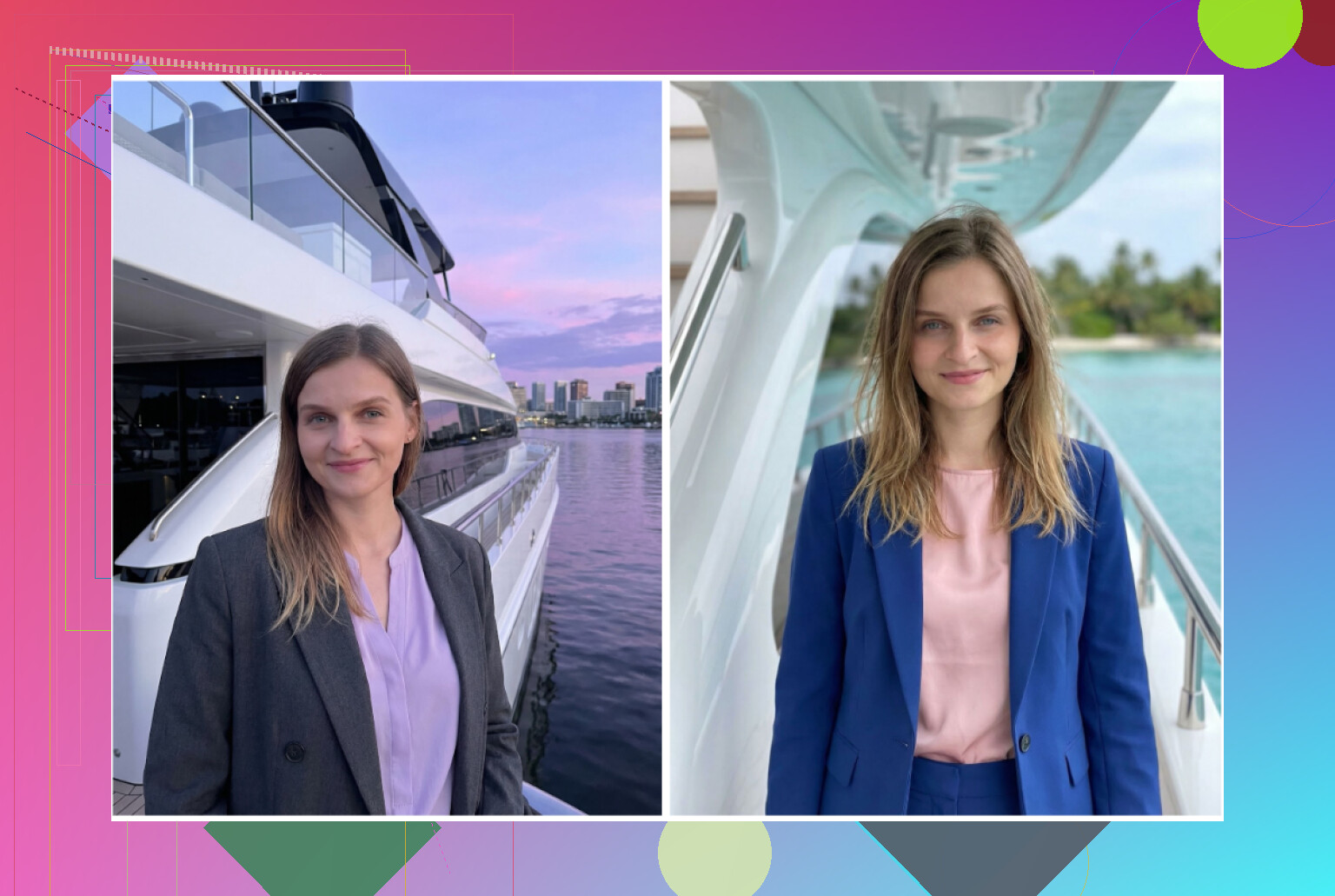
Overall, Android options lagged a bit behind what I got from Eltima and Aragon, especially on consistency and realism.
Doing it free with ChatGPT and Gemini
If you want to avoid subscriptions and are patient, you can piece together free headshots using text models plus image models. It is more work, but I tried it on both ChatGPT and Gemini.
ChatGPT site
https://chatgpt.com/
Gemini image generation
I used:
• ChatGPT with DALL·E
• Gemini with their “Nano Banana Pro” image model
Workflow I used
Step 1
Find a photo online that has the style you want, not of you. For example, “young engineer in office with laptop, neutral background, no suit.”
Step 2
Paste that photo into ChatGPT or Gemini and ask the model to describe it in detail. Pose, lighting, camera angle, outfit, background.
Step 3
Copy the text description. Start a new chat.
Step 4
Upload your own selfie in the new chat. Paste the description and say you want the same style and framing, but with your face.
Step 5
Select an image model
• DALL·E on ChatGPT
• Nano Banana Pro on Gemini
Then iterate. Adjust the prompt to get closer.
I got stuff like this from that workflow:
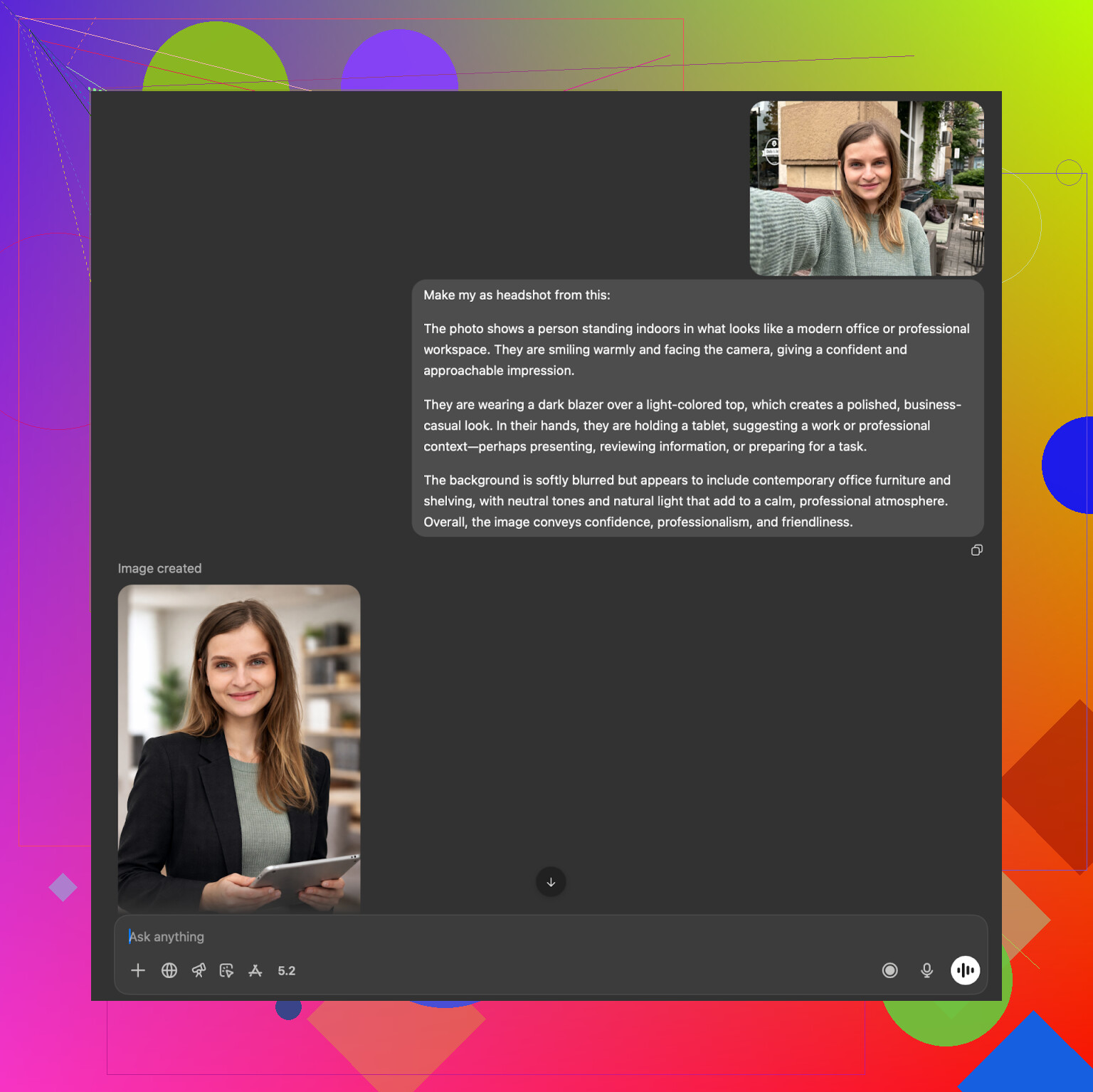
Results
ChatGPT with DALL·E
• Often felt like it generated my “sibling”
• Overall style matched, background and lighting were close
• Face was influenced a lot by DALL·E’s own style
• Good for concepting, less for 1:1 likeness
Example:
Gemini with Nano Banana Pro
• More photoreal in many cases
• Sometimes refused prompts that looked too much like real-person cloning because of safety rules
• When it did work, the skin texture and background looked solid
Example:
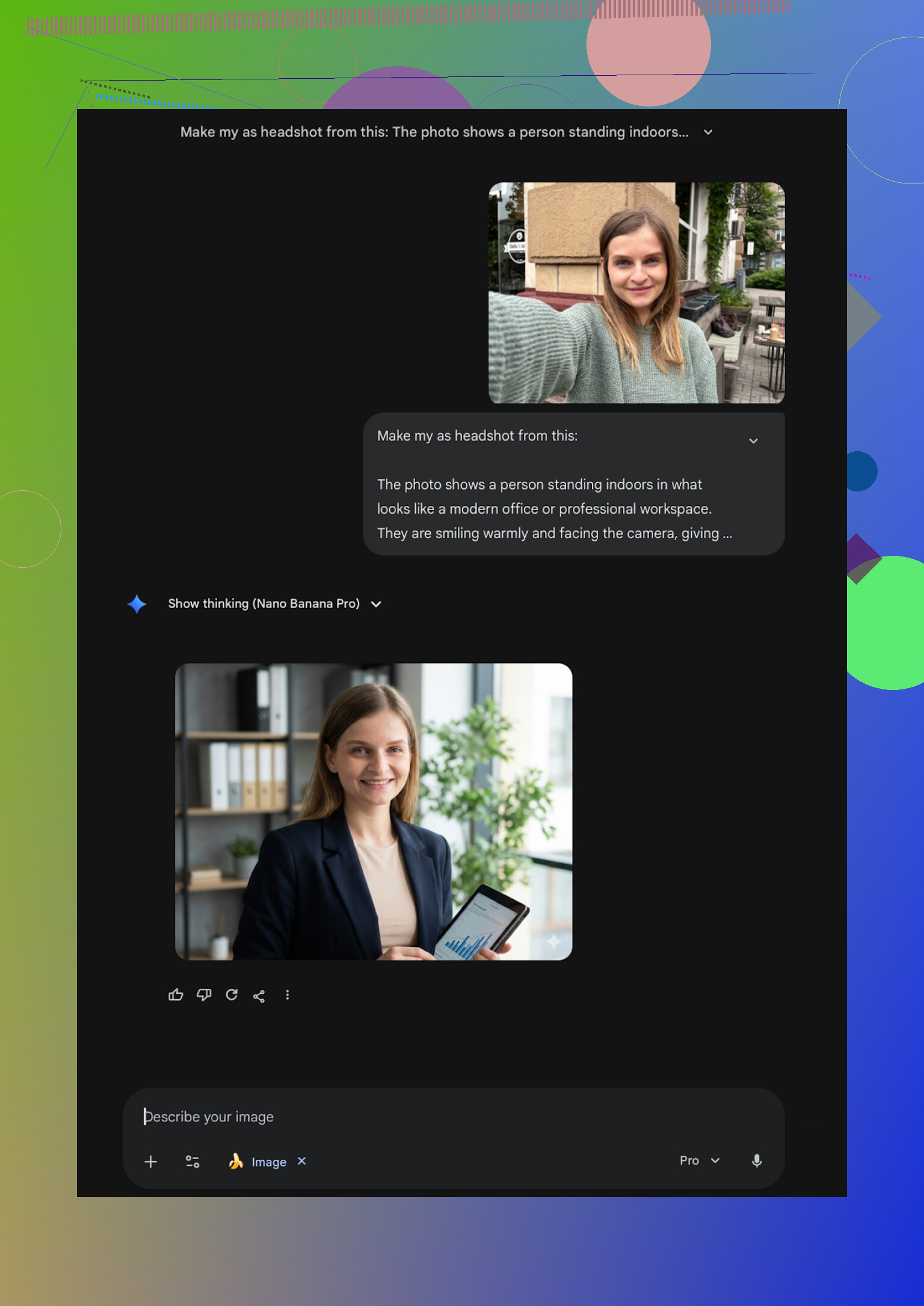
This route takes more tweaking than any dedicated app. You edit prompts, regenerate, tweak again. If you like messing with prompts anyway, it is a fun free project.
What I ended up keeping
After all of this, the photos I still use are:
• Eltima set on my iPhone for LinkedIn, portfolio, GitHub avatar
• One Aragon batch as backup “formal” set
• Occasional Gemini experiments for more creative shots
I tried to stick with tools that:
• Do not melt your face
• Do not cost as much as a full photo session every month
• Output something you can attach to a resume without regret
If you use an iPhone and want a straightforward option, Eltima was my top pick from this whole run:
If you want the cheapest route and are okay with spending time instead of money, the ChatGPT + Gemini trick works, but expect a lot of trial and error.
I hope this spares you from downloading ten random apps and burning half a weekend like I did.
16 Likes
I’m in the same “I need a LinkedIn photo that doesn’t look like an AI doll” boat. Tried a bunch on iPhone over the last month.
Short version: if you want something simple on iPhone that looks professional and not too fake, I’d put them in this order:
- Eltima AI Headshot Generator App
- Canva (if you already pay for it)
- Aragon AI in Safari as a one‑off
Where I slightly disagree with @mikeappsreviewer is on one point. I think Aragon’s likeness is a bit better if you feed it good photos, but for strict iPhone‑only and minimal effort, Eltima wins in practice.
Here is how I’d decide fast.
Eltima AI Headshot Generator App
• Best if you want everything on iPhone with low friction.
• Uses one selfie, so you do not have to dig up 20 photos.
• One free headshot per day is good for testing outfits and backgrounds.
• Styles cover “LinkedIn safe” all the way to slightly more casual tech looks.
• Skin texture holds up on a 27‑inch monitor, not only on phone.
Tip: use a clean selfie in daylight, neutral expression, no heavy filters. Keep the “beauty” slider low, like 0–20 percent, or it starts to look plastic.
Canva on iPhone
• Works if you already pay for Canva Pro and want to do background swaps, text, banners in the same app.
• Headshots look okay at normal LinkedIn size, but close inspection sometimes shows weird skin and hair.
• Good when you need a header + profile photo combo fast.
Tip: Generate in Canva, then tone down “Auto enhance” and any skin smoothing. LinkedIn crop hides a lot, so zoom out when you judge.
Aragon AI in Safari
• Better likeness from my tests, more consistent face.
• Needs a bunch of source photos and payment up front.
• Less convenient on iPhone only, but still workable.
Best if you want one solid corporate set and you are done for a year.
What I would skip for your use case
• Remini: looks nice on a small screen, but HR people will spot the heavy filters and weird clothing artifacts.
• Collart, IRMO: fun for social, likeness drifts a lot, not ideal for portfolio or LinkedIn.
If you want a simple path, do this:
- Install Eltima AI Headshot Generator App on your iPhone.
- Take one fresh selfie in window light, plain wall, no strong shadows.
- Run a few of the most neutral “office” or “business casual” templates.
- Pick 3–5 outputs.
- Crop to a tighter head and shoulders in Photos or Canva and slightly reduce saturation if the colors look too strong.
That workflow gave me a LinkedIn photo that recruiters did not question, and I did everything on my phone in under 15 minutes.
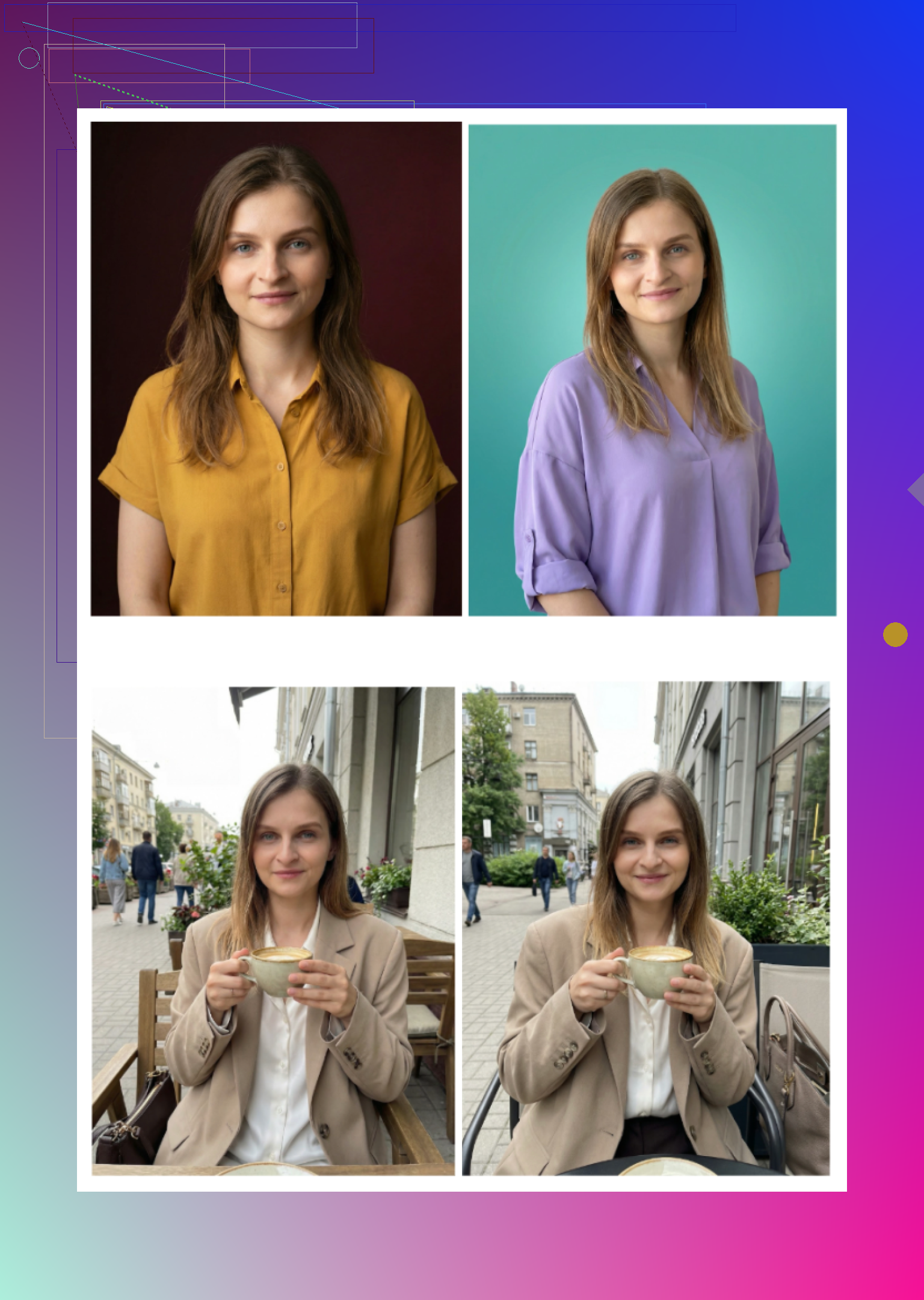
If you want to do this entirely on iPhone and not lose half your weekend testing junk, here’s the blunt version based on what I’ve seen and what @mikeappsreviewer already put himself through:
1. Best balance for LinkedIn on iPhone:
If your priority is “doesn’t look fake” and “I don’t have to learn anything,” I’d still go with the Eltima Ai Headshot Generator App as the main pick. I know that sounds like I’m just echoing, but the combo of:
- Only needing one decent selfie
- Fast output (under a minute in most cases)
- Results that don’t look like a TikTok beauty filter exploded on your face
is exactly what you’re asking for. The key trick: keep their “beauty” slider low or medium, and avoid the super‑dramatic templates. The more boring the preset looks in the app, the better it usually works for LinkedIn.
2. Where I slightly disagree with @mikeappsreviewer:
They’re pretty high on Aragon and some of the web tools; I actually find that if you’re only using an iPhone and you don’t want to mess with 15 reference photos, those services are overkill. For most people, the extra 5 to 10 percent realism isn’t worth the friction. Hiring managers are not zooming in to count pores.
3. Apps I’d personally skip for professional use on iPhone:
-
Remini
Looks great at a glance, starts falling apart when you zoom in. Too much auto‑beauty, weird clothing and hands, and it can make you look like a slightly different person. Fine for dating apps, not great for a serious portfolio. -
Collart / IRMO
Fun, but the likeness drift is real. You end up with someone who could be your cousin. That might work for social, not for a CV. -
Fotorama
Cool ideas, but if the generation stalls or eats credits like it did in the tests, it is not worth the headache.
4. Simple “do this” workflow on iPhone for LinkedIn‑ready shots:
-
Take 3 to 5 new selfies in natural light
- Face the window, neutral background if possible
- No crazy angles, just straight or slight 3/4 turn
-
Open Eltima Ai Headshot Generator App
- Start with one of the “business / office / neutral background” styles
- Keep beautify low
- Avoid templates with dramatic lighting, heavy blur, or overly cinematic angles for LinkedIn
-
Generate 5 to 10 versions
- Pick the one where:
- Eyes are sharp
- Skin still has texture
- Jawline and hair actually look like you on a good day
- Pick the one where:
-
Optional tiny tweak in Photos app
- Slight crop and maybe a subtle exposure / contrast adjustment
- Do not pile other filters on, or you’re back in fake‑land
That’s it. If that does not get you a usable LinkedIn shot in under an hour, I’d seriously consider just paying for a real mini‑shoot instead of bouncing around more apps.
Skipping what others already covered like “upload selfie, pick style, tap generate,” here is what actually helps you pick an app and avoid the fakey look.
Quick verdict for iPhone
If you want something that:
- stays close to your real face
- works from the couch with no learning curve
- does not scream “AI avatar” at first glance
then Eltima Ai Headshot Generator App is the most practical pick right now, especially for LinkedIn / portfolios.
Eltima Ai Headshot Generator App
Pros
-
Realism vs polish is balanced
It can smooth skin, but if you keep the beauty slider modest, you still look like an actual human that could walk into the interview tomorrow. This is where I think @mikeappsreviewer slightly undersold it: the “boring” templates are exactly what make it good for professional use. -
One-photo training actually works
Others like IRMO or Collart also accept one photo, but the likeness drifts a lot. Eltima tends to preserve bone structure, nose, and eye spacing better, so you do not end up with your “better looking cousin.” -
Template library is deep without getting cringe
Yes, there are some flashy styles, but there are plenty of plain office, neutral backdrop, and “designer in a coworking space” looks that read as normal on LinkedIn. -
Usable speed
You are not stuck waiting 10+ minutes per output like some Remini video modes. That makes it realistic to iterate until you get one good shot instead of “hope the first one worked.”
Cons
-
Weekly pricing can be a trap
The subscription structure nudges you into paying multiple weeks if you are not organized. I actually agree with @kakeru here: treat it as a short sprint, get your batch in a week, cancel, then live off free dailies. -
Group mode is flaky for serious use
The multi person feature is fun, but for anything formal like a cofounder team photo, you might still notice off expressions or inconsistent proportions. I would keep group attempts for internal decks, not the company “About” page. -
Still some “AI fingerprints” if you stare
If you zoom way in, you can catch minor fabric weirdness or slightly too perfect hairlines. It is better than a lot of competitors, but not invisible.
How it compares to what others tested
-
Versus Remini
Remini leans heavily into “beauty mode,” and @mikeappsreviewer already showed how that can distort body and clothes. I actually disagree a bit with the idea that Remini is okay for semiformal use. For any field where authenticity matters (product, engineering, research), the plastic look is noticeable. -
Versus Collart / IRMO
Those are closer to toys. Good if you want “cool AI version of me,” not “this is my professional identity.” @kakeru mentioned the cousin effect and that matches what I have seen. -
Versus big web tools (Aragon, HeadshotPro, Canva)
Aragon and HeadshotPro do give strong results, especially if you are willing to feed them a bunch of reference photos. I just do not love them as “from iPhone only” tools because you end up juggling browsers, uploads, and in some cases desktops. For a one device workflow, Eltima is easier to live with, even if web tools sometimes edge it slightly on micro realism.
If you care most about “not looking fake”
Two practical tips that complement what the others said, without repeating their step lists:
-
Avoid extreme lenses and backgrounds in the template list
Choose templates that look like a coworker took them in a normal office or photo studio. No hyper blurred bokeh, no wild neon lighting. The more cinematic it looks in the preview, the more “AI” it reads later. -
Compare against a real selfie side by side
Open your best real selfie and your favorite Eltima output in the Photos app. Ask yourself:- Are the eyes the same distance apart?
- Is the jawline believable for your actual build?
- Does the skin still have some texture, or is it all wax?
If all three pass, that shot is usually safe for LinkedIn and a portfolio.
When to consider competitors anyway
Without saying they are better, here is where the tools @mikeappsreviewer and @kakeru played with might still make sense:
- Aragon if you want a one time, more “corporate conservative” batch and do not mind uploading many photos and using a browser.
- Canva if you are already paying for it and want quick background tweaks or overlays on top of outputs from somewhere else.
- HeadshotPro if your company wants consistency across a whole team and is fine with a slightly generic studio look.
For you, though, wanting an easy, reliable iPhone app that avoids the uncanny valley, I would start and probably end with Eltima Ai Headshot Generator App, keep the styles simple, and treat the subscription like a one week project rather than another forever app.