I need advice on creating modern corporate headshots that look polished and professional for my company website and LinkedIn profiles. I tried taking them myself, but the lighting looked harsh, the backgrounds felt distracting, and the final images didn’t match the clean corporate style I was aiming for. I’m looking for tips on posing, lighting, wardrobe, and editing so these business headshots look consistent and high-end.
Modern corporate headshots look different now. I keep seeing less of the frozen, shoulders-squared, passport-photo thing. More people want something clean and normal, like you on a good day at work.
A few things I’ve seen work well:
Use soft light. Window light usually gives a better result than a hard flash. Flash tends to flatten faces and makes skin look off.
Keep the background simple. Plain walls, muted office corners, or tidy workspaces do the job. Busy backgrounds pull attention away from your face.
Wear clothes you’d wear to a decent meeting. A blazer, button-down, knit top, solid colors. Tiny patterns often look messy on camera.
Loosen up your pose a bit. Slight angle, relaxed shoulders, small expression. Standing stiff makes the photo feel dated fast.
One thing I noticed lately, a lot of people are skipping the full photoshoot and using AI headshots instead. I tried this for a small team update, mostly because scheduling photographers was a pain and nobody wanted to spend half a day on it.
If you want to test that route, I used Eltima AI Headshot Generator.
The process is simple. You upload a few photos, wait a bit, then sort through different portrait versions with different outfits and backgrounds. For stuff like LinkedIn, resumes, internal directories, or company bios, it saves time. Also cheaper than booking a studio, from what I saw.
Here are a couple I generated for my team:
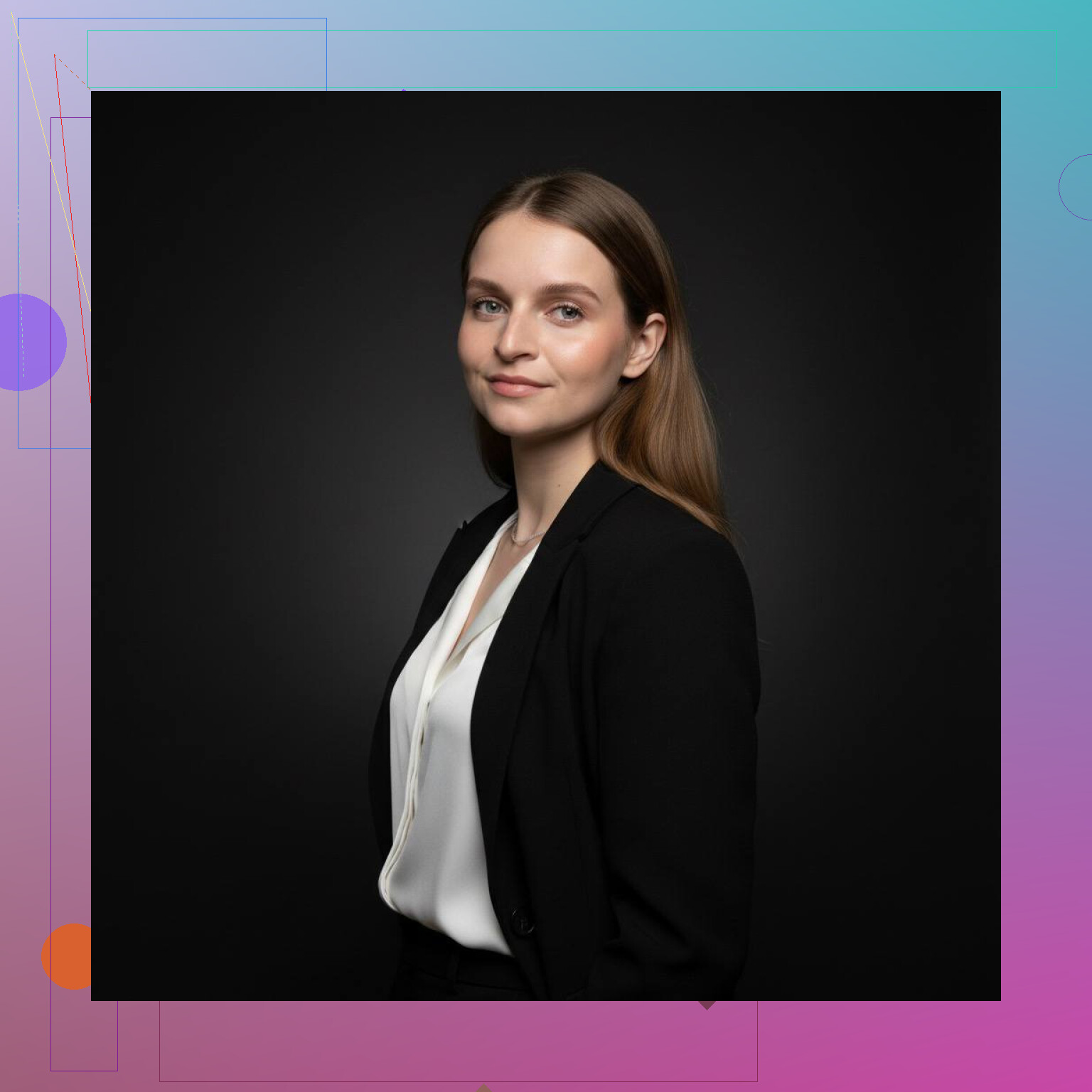
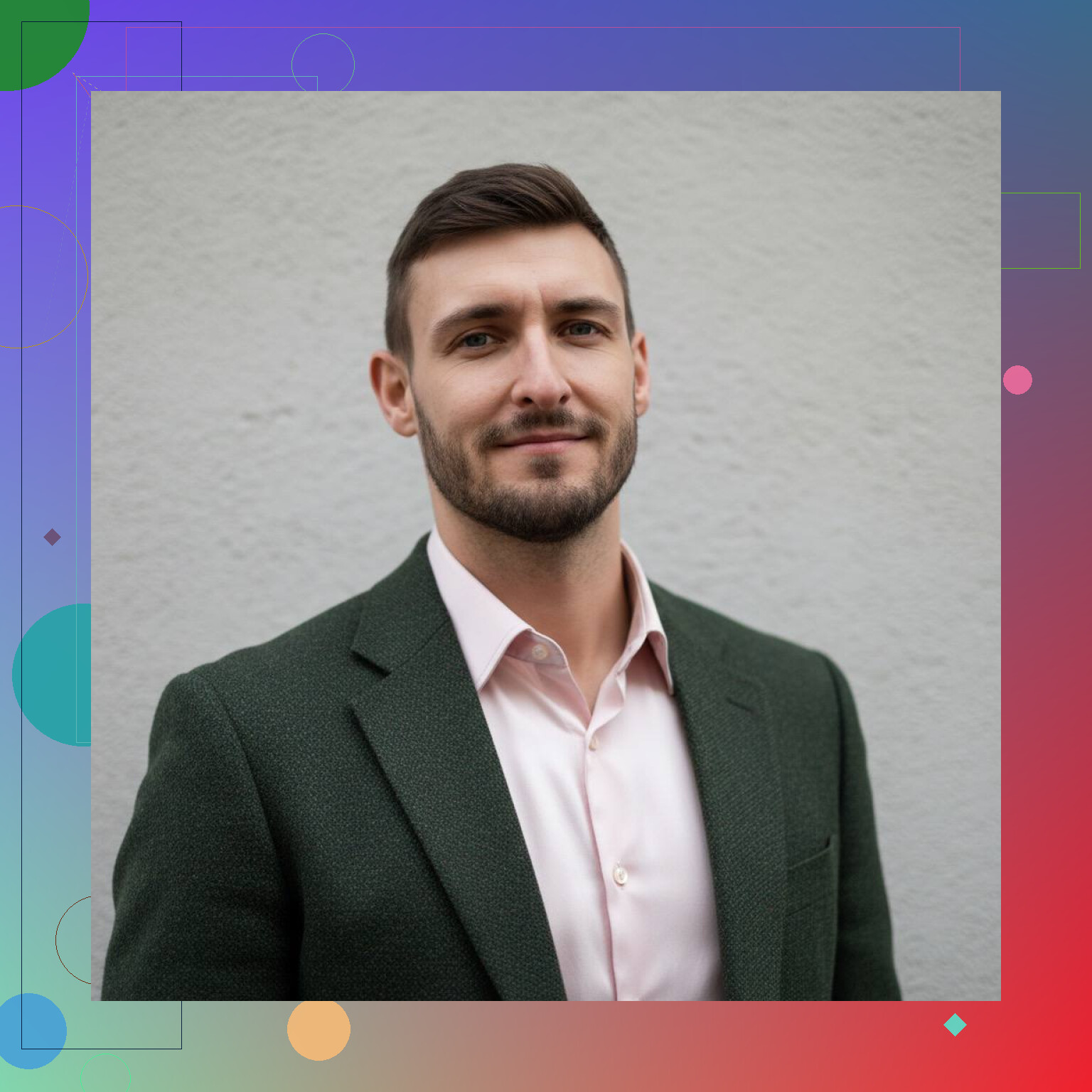
My takeaway, the best headshots now look clean without feeling overproduced. If you don’t want to set up a full photo session, https://mac.eltima.com/ai-headshot-generator-app/ is one way to get there faster.
9 Likes
Skip the wide lens. This wrecks headshots fast. Use your phone’s 2x or 3x lens, or stand farther back and crop in. Faces look cleaner around 50mm to 85mm equivalent. That alone makes a DIY shot look less cheap.
Also, put the camera a little above eye level. Not high, not low. Low angles scream bad Zoom screenshot.
For editing, keep it light. Reduce shine, fix white balance, clean flyaways, soften under-eye shadows a bit. Don’t blur skin into plastic. People notice.
One small disagreement with @mikeappsreviewer, window light is great, but not every window is good. Midday side light can get ugly fast. If your window gives hard shadow lines, hang a thin white curtain or move back 3 to 5 feet.
Best framing for LinkedIn and team pages, chest-up, eyes in the top third, leave some space around your head. Export high res. Most company sites crop weird, so test it befor uploading.
If you need a fast option for a whole team, AI headshots are fine for consistency. I still think one real photo with decent lens choice and cleanup beats a fake-looking render most of the time.
What usually makes a corporate headshot feel “modern” isn’t just lighting or lens choice, it’s consistency and intent.
I agree with parts of what @mikeappsreviewer and @jeff said, but I’d add this: the biggest mistake is treating the photo as a standalone portrait instead of part of a brand system. If these are for a company site and LinkedIn, decide on 3 things first:
- Color palette
- Crop style
- Expression level
If one person is on bright white, another is in a dark office, and a third has a super warm edit, the whole team page looks messy even if each photo is decent on its own.
A few things that help a lot:
- Get wardrobe approval before shooting. Not just “business casual.” Pick ranges like navy, charcoal, cream, soft blue. This avoids one person showing up in neon or tiny checks that look weird on camera.
- Use separation from the background. Even with a plain wall, have the person stand 4 to 6 feet away if possible. That gives a softer, cleaner look and avoids that flat DMV-photo vibe.
- Watch posture from the neck up. People fix shoulders and forget their chin. A tiny forward lean from the forehead usually looks more confident and less stiff.
- Shoot tethered or preview on a bigger screen if you can. A photo can look fine on a phone, then you notice wrinkled collars, glare in glasses, or hair sticking out everywhere.
- Have people blink, breathe, reset. The best expression is often frame 15, not frame 2. The first few always look a little forced imo.
One thing I mildly disagree on: “authentic” does not always mean super casual. For LinkedIn, sure, relaxed works. For law, finance, healthcare leadership, a little polish still matters a lot. Not stiff, just intentional.
Also, if you wear glasses, tilt the earpieces slightly upward or lower the chin a touch to control glare. That one tiny fix saves so many otherwise solid shots.
If DIY keeps fighting you, rent a small softbox kit or hire someone for even 30 mins. That usually gets you farther faster than endless retakes in bad light lol.