I’m trying to create AI photos on my iPhone, but I can’t figure out which app to use or what steps actually work. I tried a couple of photo and AI apps, and the results were confusing or low quality. I need help finding the easiest way to make realistic AI images on an iPhone and understanding the best settings to use.
Making AI photos on iPhone is way easier now than it was even a bit ago. I didn’t need editing skills. I didn’t touch Photoshop. I uploaded selfies, picked a style, waited, done.
Most of these apps follow the same loop. You feed in a handful of photos. The app scans your face, then spits out new versions of you. Usually it’s stuff like work headshots, profile pics, polished portrait sets, movie-style shots, or weirder themed looks. What you get depends on two things more than anything else. The model the app uses, and whether your original selfies are good enough. If your source photos are blurry, same angle, same lighting, the output tends to get weird fast.
A lot of apps also push preset packs. You tap one, submit your photos, and let it process. Some apps give you room to test things. Others hit you with limits almost right away unless you pay.
If you want a starting point on iPhone without smacking into a paywall in the first minute, I’d look at the Eltima AI Headshot Generator app.
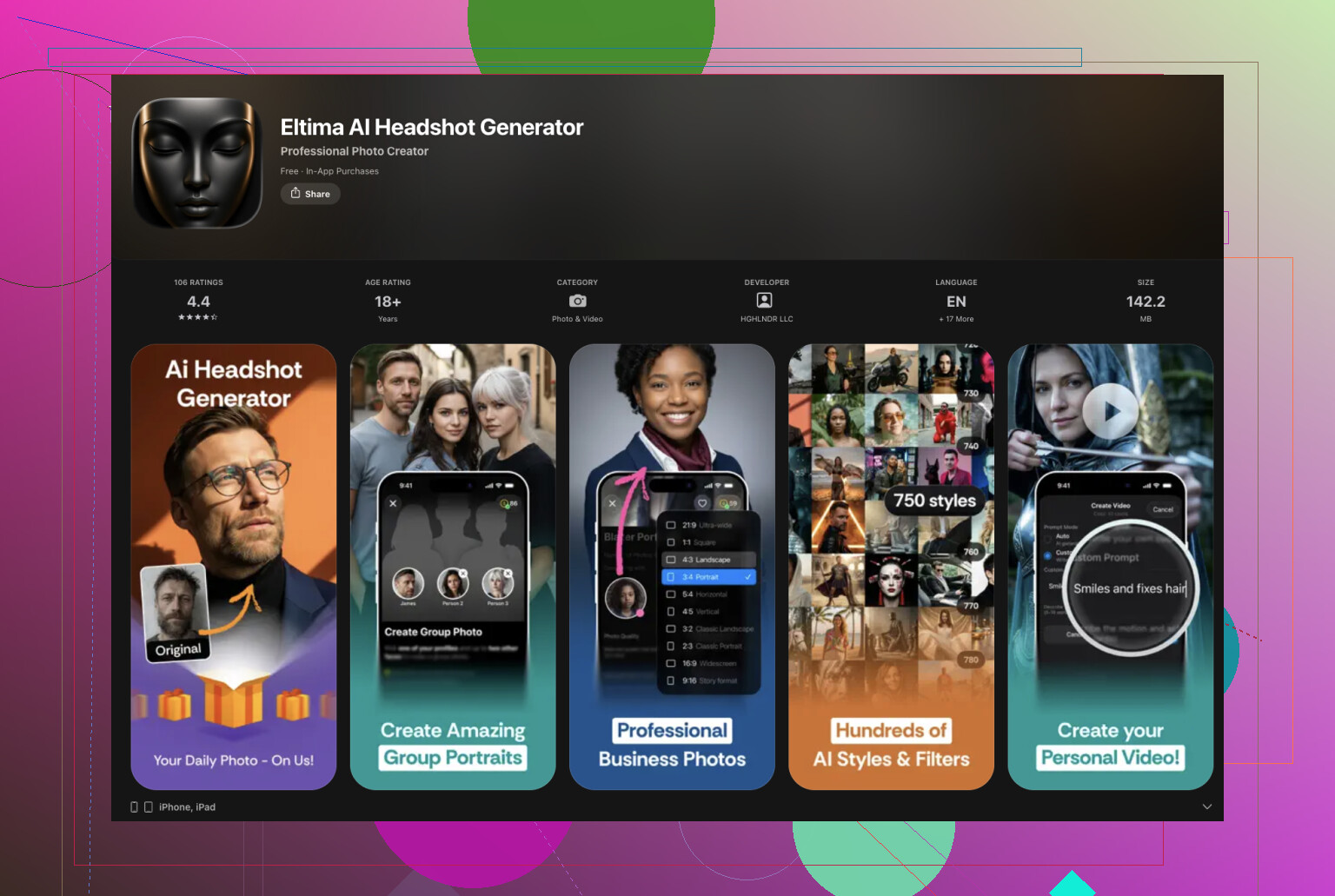
It isn’t free overall, but I liked one part of it more than I expected. You get daily free AI generations. For me, that matters more than a long feature list, becuase you can test your own face with different photo sets and see if the app is any good before spending money.
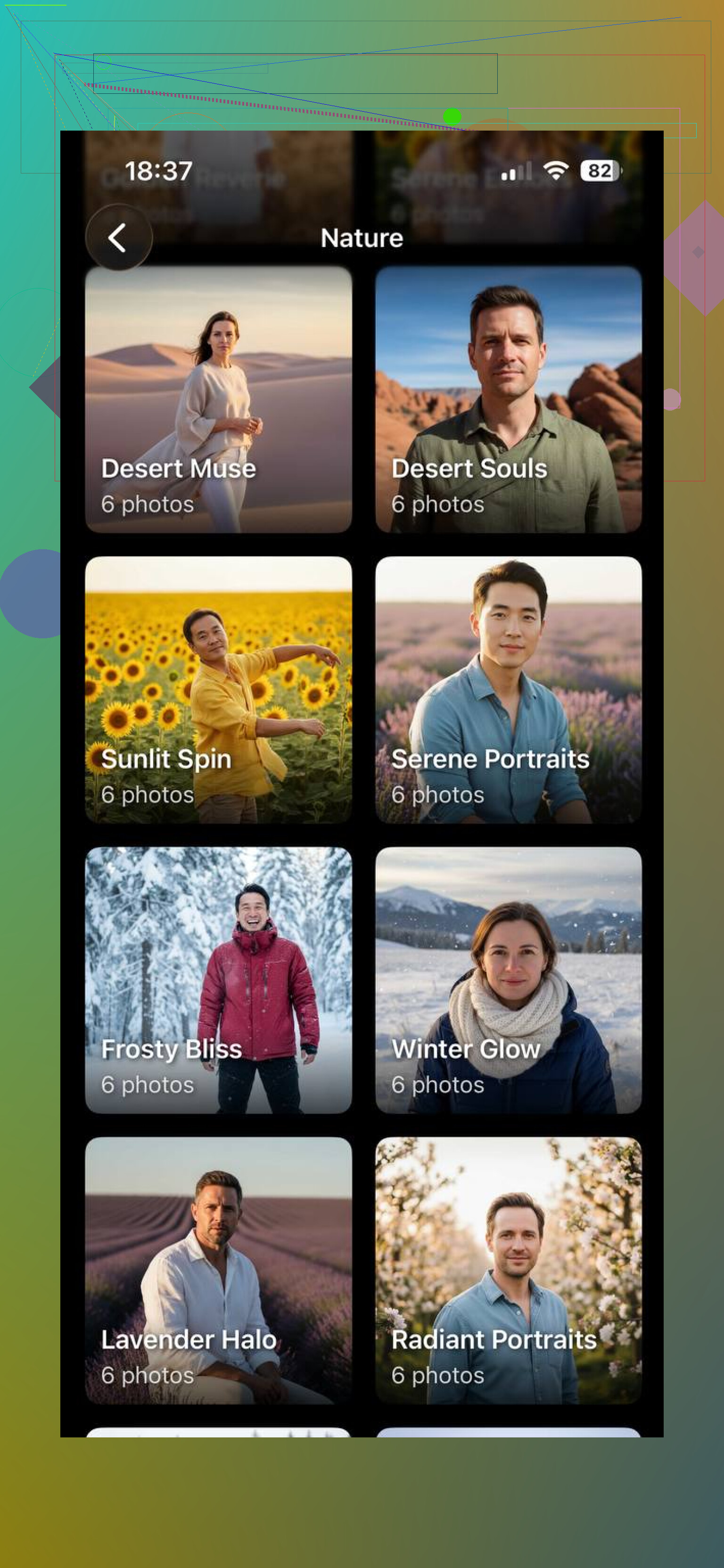
I tried it with a few photos for a friend, mostly to see if it would keep the face believable and not turn everything into plastic skin and dead eyes.
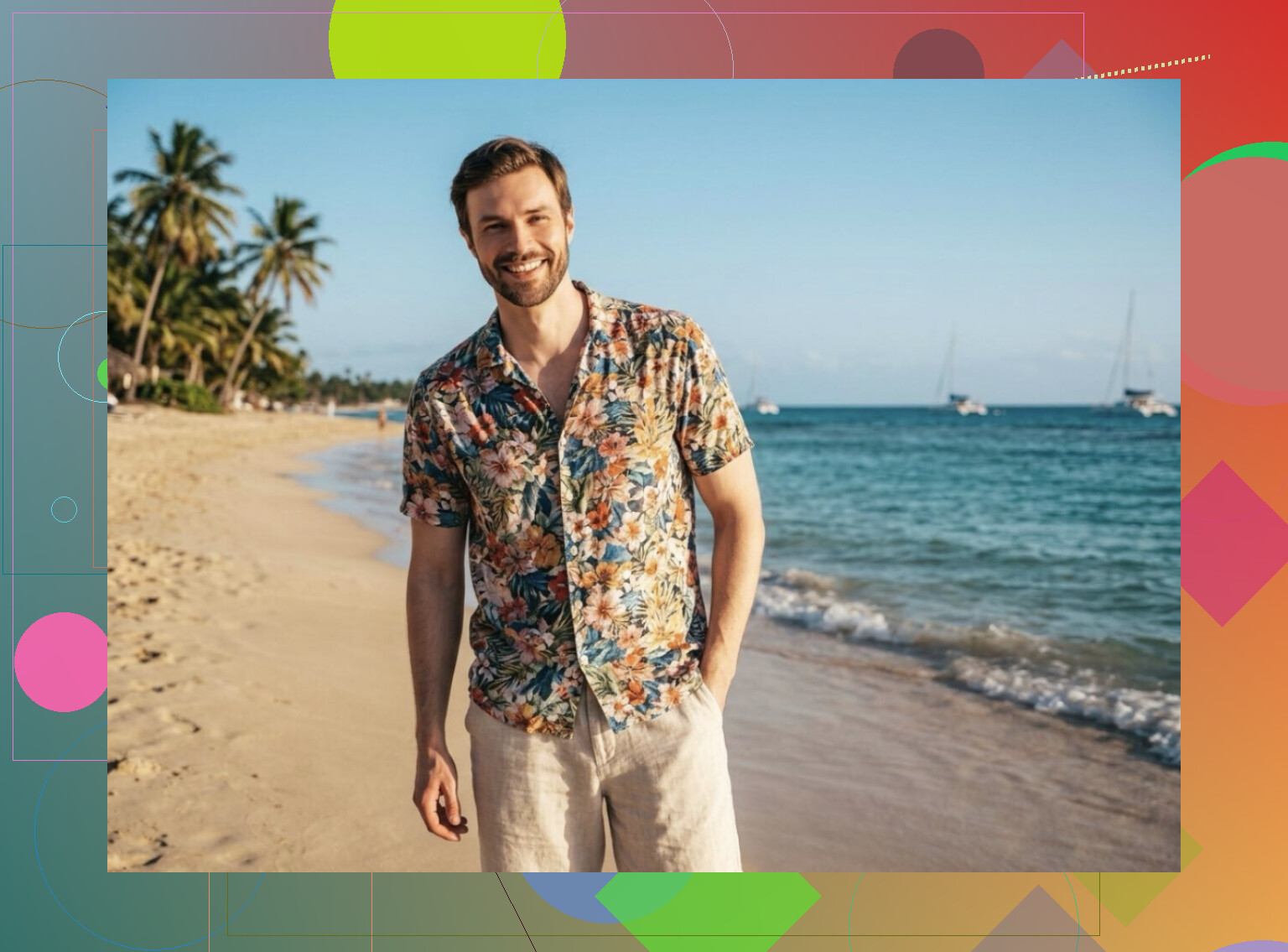
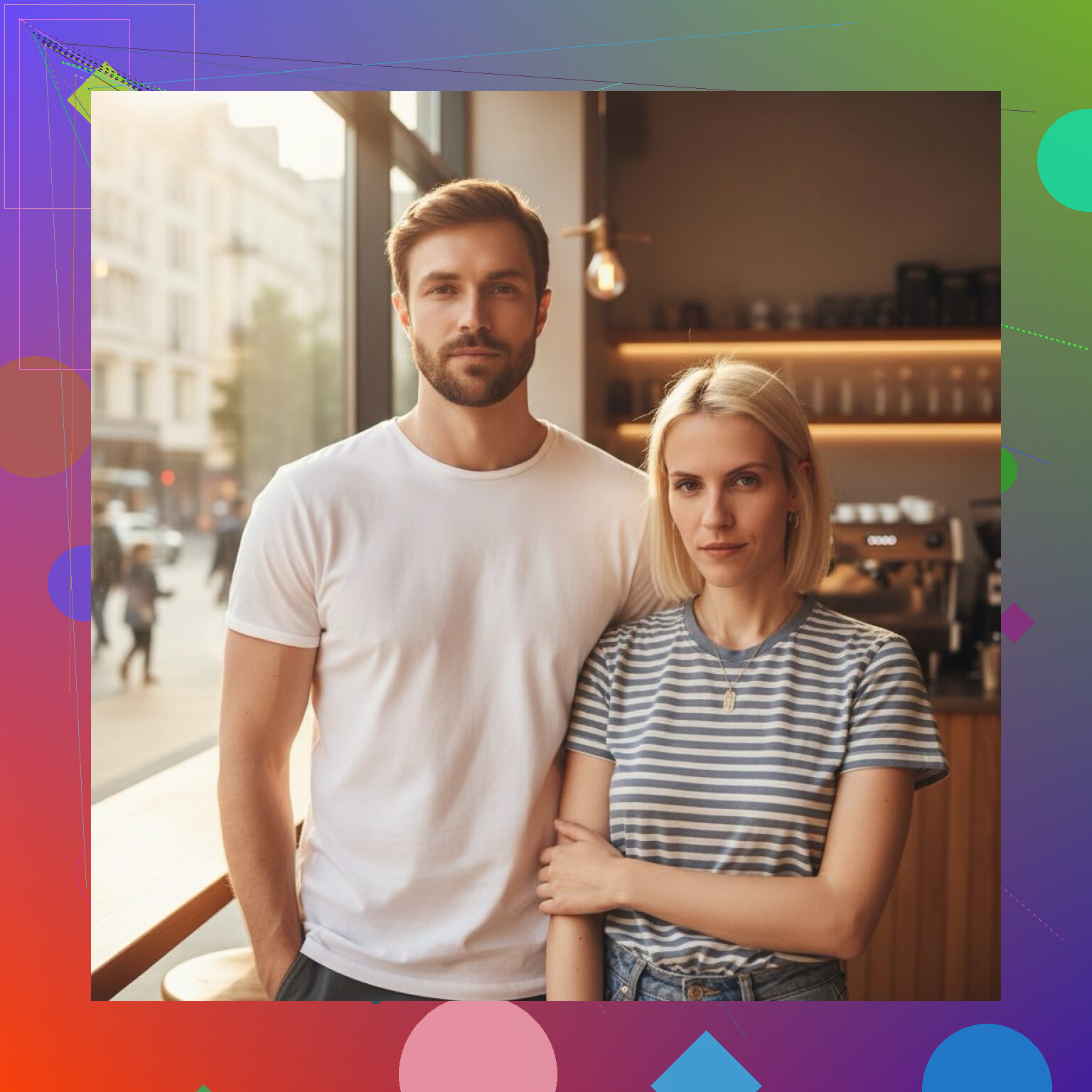
Honestly, the results looked close enough to us that it felt a little odd the first time.
What stood out to me:
Easy setup on iPhone
Importing photos felt simple. No messy extra steps.
Free tries each day
This part helps a lot if you want to test styles instead of paying first and hoping later.
Good portrait quality
The headshot output looked clean enough for work profiles, not only throwaway social posts.
Useful for normal profile stuff
I’d use results like these for LinkedIn, a resume photo, or a social avatar.
Less blind spending
You get some room to experiment before deciding if an upgrade makes sense for you.
If you’re new to AI photo apps on iPhone, I’d start with something that shows real output before shoving every option behind a subscription. That’s where Eltima AI made more sense to me.
7 Likes
I’d split this into 2 paths, becuse people mix them up.
- AI headshots of you.
- AI images from text prompts.
If you want photos of yourself, @mikeappsreviewer is right about one thing. Your source pics matter more than people think. I disagree a bit on preset-heavy apps though. Presets are fast, but they often make everyone look like the same polished robot.
What worked better for me on iPhone:
- Use 10 to 15 selfies
- Mix angles, light, clothes, background
- No sunglasses, filters, group shots
- Upload only sharp photos
- Pick 1 style first, not 6 at once
For apps, try one app for face-based headshots, then a separate app for text-to-image stuff. Apps trying to do evrything often do both poorly.
If quality looks bad, the usual reason is:
- low-res source photos
- too few photos
- same face angle in every shot
- heavy beauty filter in originals
For text-to-image on iPhone, use a prompt with specifics:
“studio portrait, soft light, 85mm lens, natural skin, dark background”
Short prompts give muddy results. Longer prompts tend to look less wonky.
Also, check export size before you save. Some apps preview nice, then save a compressed mess. That part annoys me more than the paywall stuff.
You’re probly running into the biggest iPhone AI-photo trap: people keep testing 5 different apps with 5 different expectations. That usually makes everything feel worse, not better.
I’d actually split your goal first:
- want AI photos of you = face-training / avatar / headshot app
- want AI photos not based on you = text-to-image app
That matters more than people admit. A lot of low-quality results happen because someone uses the wrong type of app and expects magic.
I agree with @mikeappsreviewer and @codecrafter on the photo quality part, but I slightly disagree on chasing too many style packs. Sometimes the “cinematic” and “CEO” presets are just the same face with different lighting slapped on. Looks cool for 10 seconds, then you notice the weird ears lol.
What helped me on iPhone:
- Use Live Photos turned off
- Crop photos before upload so your face fills more of the frame
- Avoid ultra-wide lens selfies, they distort your face
- Generate in small batches and compare, don’t dump everything in at once
- Save the best result, then run that through a normal photo editor for touch-up
That last part is underrated. AI app first, regular editor second. Even Apple Photos can fix exposure/sharpness a bit.
If you want the easiest route, try one of the headshot-focused apps people already mentioned, but judge it by:
- export resolution
- how consistent the eyes/teeth look
- whether it keeps your actual face
- whether free previews are watermarked to death
If the app won’t show sample output clearly before asking for money, I’d bail. Fast. Tons of these apps are basicly subscription funnels with fancy previews.
Also, if your iPhone storage is low, some apps act buggy during upload and processing. Sounds dumb, but I’ve seen it happen. Free up space, use strong wifi, and retry with 8 to 12 solid photos instead of random camera-roll junk.