My iPhone Photos app is packed with duplicates, screenshots, blurry shots, and old downloads, and my iCloud storage is almost full. I’ve tried manually deleting and using albums/search, but it still feels slow and messy. What’s the best way to clean up iPhone photos without losing anything important?
If your photo library is already huge, I wouldn’t try to clean the whole thing by hand from top to bottom. That’s how I lost most of a Saturday after letting mine grow past 10,000 photos and videos. What worked better was splitting the cleanup into a few different passes, because screenshots, duplicates, videos, and random bad photos are all easier to deal with in different ways.
Start with the easy stuff in the built-in Photos app. Go through albums instead of endlessly scrolling the main library. Screenshots are usually the fastest win, especially if you can use Select All and then uncheck anything you still need. The swipe-to-select gesture also helps a lot when you’re clearing groups of photos instead of tapping them one at a time.
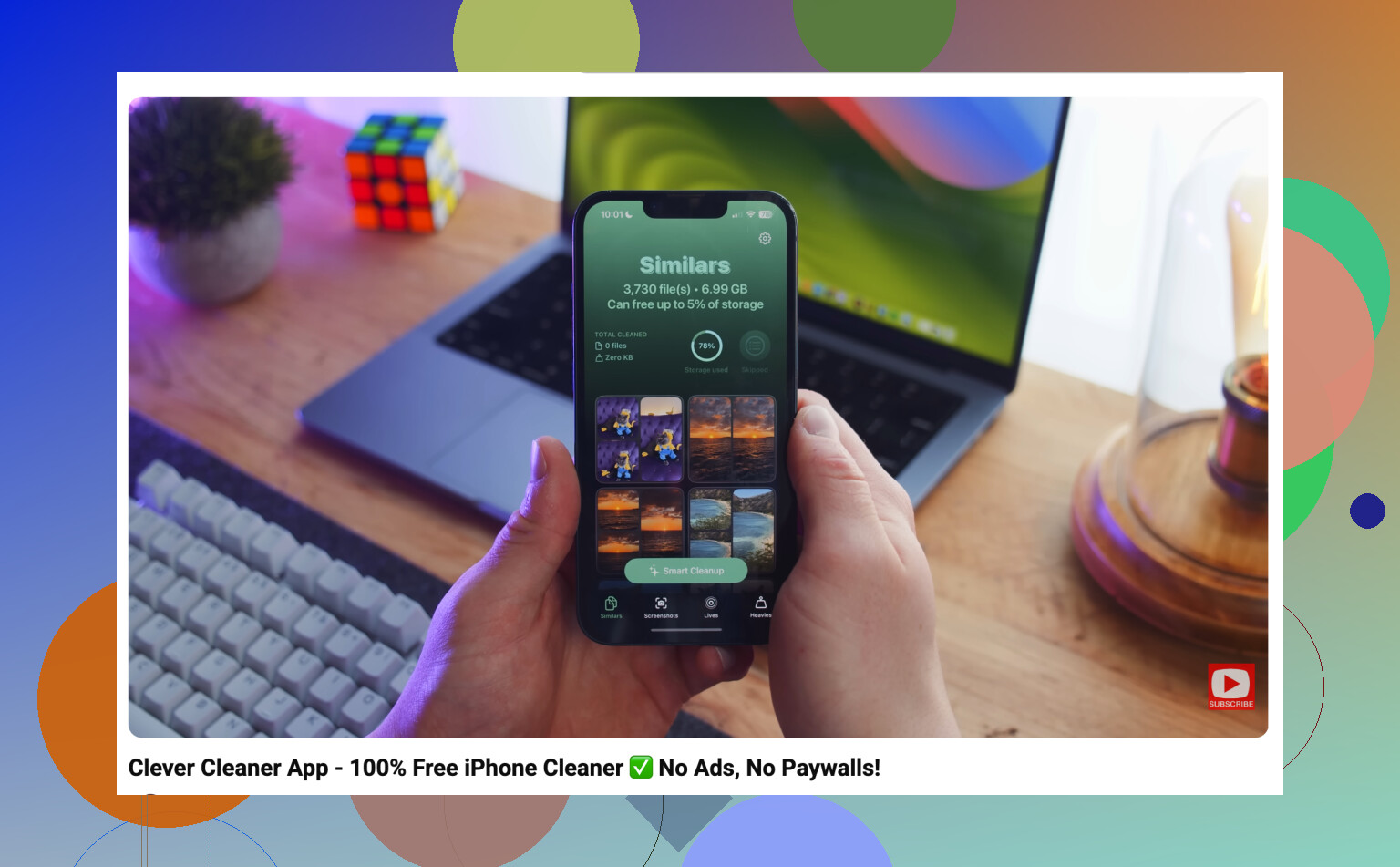
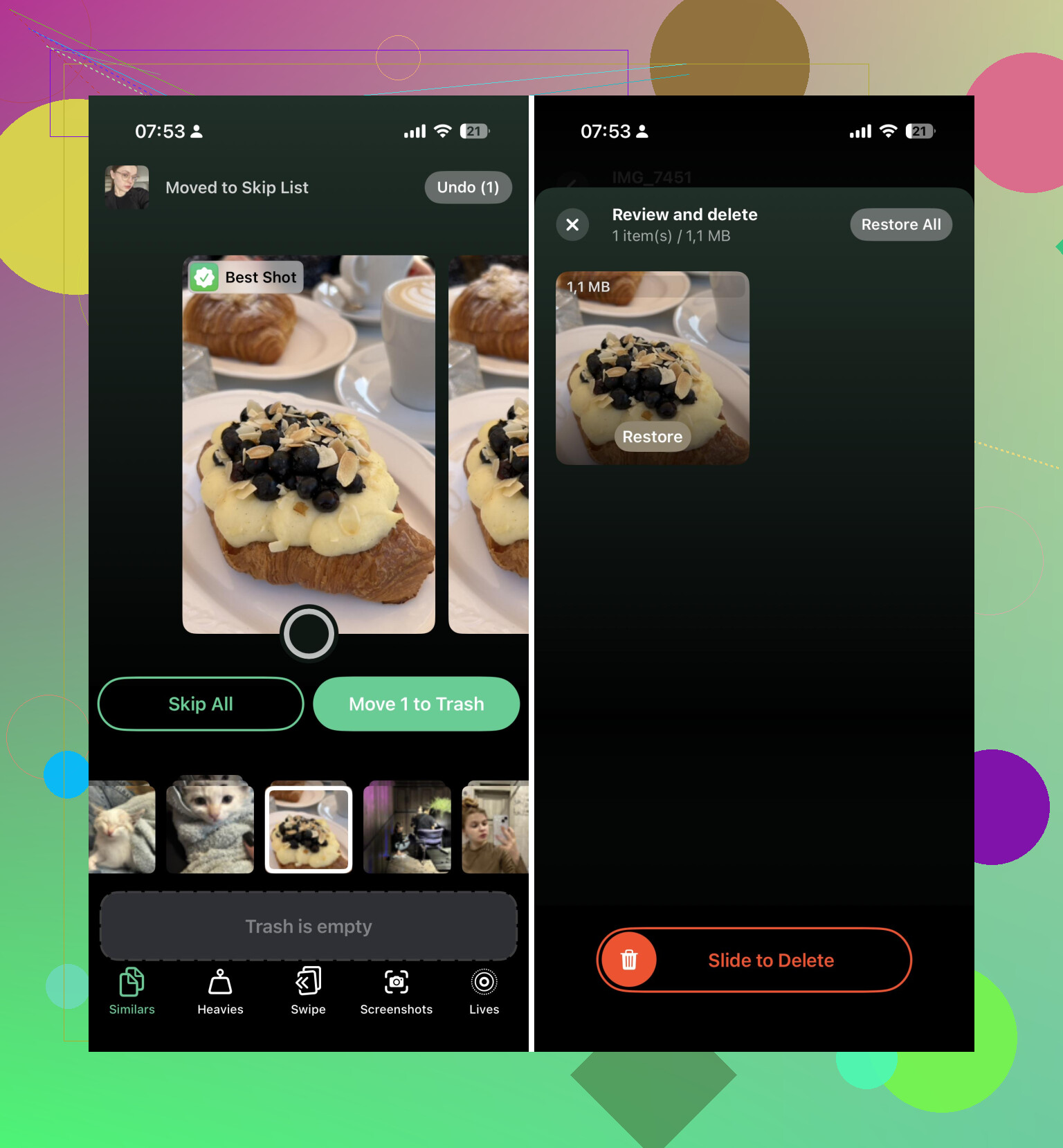
After that, I’d let an app handle the boring comparison work. I used Clever Cleaner for this part because it grouped things into categories like similar photos, duplicates, screenshots, Live Photos, and large videos. That was the real time saver. Instead of making a separate decision on every single image, I could look at a set of near-identical shots and keep the best one.
The biggest storage wins for me were old videos, repeated shots, forgotten screenshots, and Live Photos I didn’t actually need as Live Photos. Converting some of those to still images also made sense in a few cases.
One thing people forget: deleting photos is not the same as immediately freeing the space. Check the Recently Deleted album afterward, make sure nothing important landed there, then empty it. Otherwise the photos can sit there for a while and your storage may not drop the way you expect.
Also, if you’re doing this because iCloud is full, be careful with what you delete. iCloud Photos is one synced library, so removing something from your iPhone also removes it from iCloud and from other Apple devices using the same Apple Account. That’s fine if you’re intentionally cleaning house, but it’s not something you want to realize after deleting thousands of pictures.
What I’d do now is simple: use Photos for the obvious junk, use Clever Cleaner for duplicates and similar shots, then empty Recently Deleted. After that, spend a few minutes each week clearing new screenshots and bad shots so it doesn’t turn into another all-day project.
8 Likes
Don’t let any cleanup app mass-delete without checking the picks first. Tools like Clever Cleaner can speed up the boring duplicate/similar-photo part, but I’d treat them as a sorting assistant, not a trash button. The fastest safe win is still screenshots and huge videos first, because mistakes there are usually easier to spot.
Check whether iCloud Photos is set to Optimize iPhone Storage before judging what actually frees space. A lot of people mix up two problems: iPhone storage being full and iCloud storage being full. Deleting photos helps both only if the originals are actually in iCloud Photos and you empty Recently Deleted. If your phone is just showing optimized thumbnails, the cleanup can feel like it did nothing locally for a while.
I’m with @waldgeist on not trusting any app with a blind delete button, but I’d be even more boring about it: make a backup first if the photos matter. Export the year you care about most to a computer or external drive, then clean. It takes the panic out of deleting 800 “similar” photos when you later realize one had the better expression or the readable receipt.
For the actual cleanup, I don’t think the Photos app is terrible, it’s just bad at bulk decision-making. It’s fine for “all screenshots from last month” or “videos over 2 minutes.” For near-duplicates, an app like Clever Cleaner can be useful, but only if you review in batches instead of treating its picks as truth. My rule would be: delete obvious junk fast, review people/pets/trips slowly, and ignore the dream of making the whole library perfect. Getting rid of the top 20% of junk is usually enough to make the library usable again.
The sneaky downside of cleaning from the phone is that you make worse decisions because every photo is tiny and everything feels urgent. I’d do the judgment-heavy part on a bigger screen if you can. Photos on a Mac is much less annoying for this because you can skim faster, compare similar shots without squinting, and use search terms like “PNG,” “screen recording,” “receipt,” or a year/month instead of doom-scrolling the camera roll.
I agree with the warnings about not trusting a mass delete, but I’d push back a little on making this a huge “clean the whole library” project. That usually burns people out. Pick one ugly category and finish it. For example: screen recordings, memes/downloads, burst shots, or videos you sent once and never watched again. Videos are where the storage actually moves. Deleting 300 tiny screenshots feels productive, but one old 4K clip can matter more.
Clever Cleaner or any similar tool is fine for grouping the obvious duplicates, but I’d use it after you’ve already removed the big junk. Otherwise you spend time choosing between six nearly identical selfies while the real storage hog is a two-minute video of your pocket. My lazy rule would be: big videos first, screenshots/downloads second, duplicate tools third, Recently Deleted last. It won’t make the library perfect, but it gets you out of the “iCloud is screaming at me” zone faster.