I accidentally formatted my SD card and it had important photos and videos on it. I stopped using it right away because I’m worried new data could overwrite the files. I need help with the safest way to recover data from a formatted SD card without causing more damage or lowering my chances of getting everything back.
I’ve done this. Saw “Format Complete,” froze for a sec, then got hit with that sick feeling when I realized it was the wrong SD card. Mine was after a late shoot, dead tired, cards mixed up in one pouch. So first thing, do this now. Stop using the card. Take it out of the camera, phone, drone, whatever it’s in.
What usually happens with an SD card format is a quick format. The files are often still sitting on the card. What gets wiped first is the file index, not the photo and video data itself. So the card looks empty to the device, even though the old stuff is still there in the background. The catch is simple. If you record new clips or save anything onto it, you start overwriting the old data. Once that happens, recovery gets ugly fast, sometiems impossible. If your SD card has the little side switch, slide it to Lock before connecting it to your computer. I always do this now.
Skip the Command Prompt fixes and filesystem repair tools. Stuff like CHKDSK is for damaged file systems. It is not meant for pulling media off a formatted card. I’ve seen people run it out of panic and end up with a bigger mess.
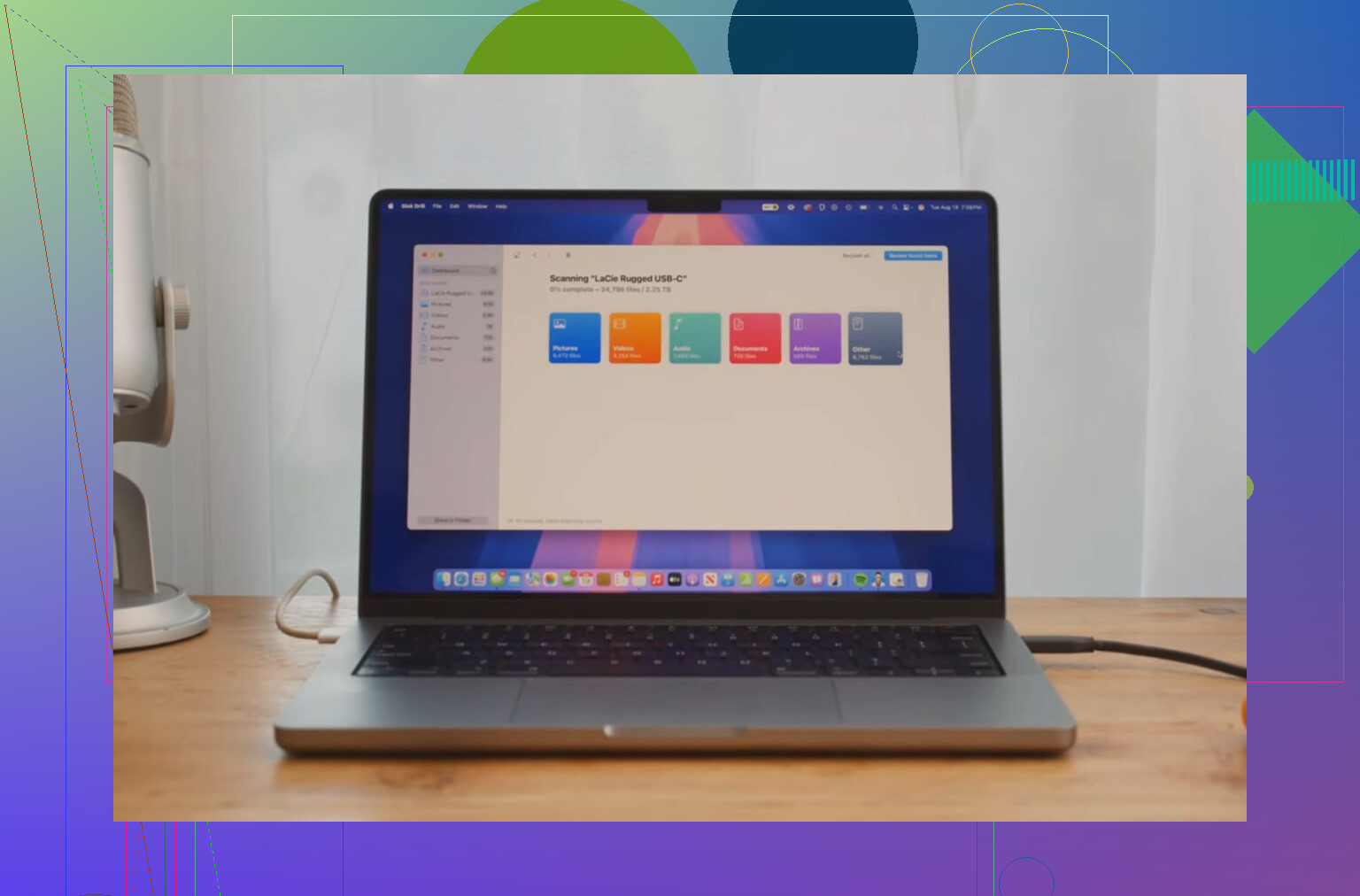
If you want the best shot at getting your files back, use recovery software. From what I tested, Disk Drill did the best job, espiecally with video. That part matters. Photos are often easier. Video is where cheap or free tools tend to fall apart, because clips get split across the card and come back corrupted or unplayable. Disk Drill has an Advanced Camera Recovery mode built for fragmented camera footage, and it also picked up RAW images and regular files when I used it.
Here’s the process I’d follow:
Put the locked SD card into a decent card reader.
Open Disk Drill.
Select the SD card and start the scan.
Wait for results, then preview what it found. If a file previews cleanly, recovery odds are good.
One more rule, and this one matters a lot. Do not save recovered files back onto the same formatted SD card. Save everything to your computer’s internal drive or to another external drive. If you recover onto the same card, you overwrite the data you’re trying to save. I know it sounds obvious when you’re calm. In panic mode, people still do it.
If you didn’t keep shooting after the format, your chances are decent. I’d scan it before doing anything else.
14 Likes
You did the main right thing. You stopped writing to the card.
I agree with @mikeappsreviewer on avoiding file system repair tools. I’d go one step earlier than his workflow though. Make a full image of the SD card first, then scan the image, not the card. If recovery software crashes, or the reader flakes out, your source stays untouched. On Linux or Mac, dd or ddrescue works. On Windows, USB Image Tool or similar is fine. Save the image to your PC or another drive.
Then run recovery software against the image. Disk Drill is a solid pick, esp for mixed photo and video cards. If the format was quick, recovery rates are often high. If it was a full format, odds drop a lot.
A few extra things people miss:
- Clean the card contacts and use a diff card reader.
- If files matter a lot, stop DIY after the image step and send it to a lab.
- Sort results by file signature and date, not filename. Names are often gone after format.
- Recover to a different drive. Never back to the SD card.
If the card came from a camera, try one scan with the exact camera brand profile if the tool offers it. Some video formats are weird.
For a simple guide on SD card photo recovery tools and safe recovery steps, this helps, best ways to recover deleted photos from SD cards.
Biggest risk now is impatience. Don’t test stuff at random and dont reformat again.
One thing I’d add to what @mikeappsreviewer and @cacadordeestrelas said: check whether the card was formatted in-camera or on a computer. That matters. Camera quick formats often leave recoverable data structures behind, while a full desktop format can be a lot nastier. So before you run anything, look at the card size and estimate how much was on it. If it was nearly full of video, recovery may take a while and previews can look worse than the final export.
I slightly disagree with the “always send it to a lab” idea unless this is irreplaceable paid work or family stuff with huge emotional value. Labs are expensive as hell. If the card is still readable and not physically damaged, a careful DIY pass is usually the sane first move.
My approach would be:
- Use a stable reader, not the sketchy built-in one in an old laptop
- Disable auto-import/photo apps so nothing writes thumbnails or metadata
- If possible, mount read-only
- Scan with something that handles media well, like Disk Drill
- Recover only the files that preview correctly first
- Then make a second pass for RAW/video fragments
Also, don’t judge the result by filenames. After a format, names/folders are often toast, but the actual JPG, CR3, MP4, MOV data can still be there. People panic when they see “file000123” and think it failed. It didnt.
If you want more context, this thread is basically the same situation: formatted SD card with tons of photos and videos, what to do next.
Biggest mistake now is getting impatient and trying five random tools back-to-back. Pick one solid workflow and stick to it.
One small thing I’d add to what @cacadordeestrelas, @ombrasilente, and @mikeappsreviewer already covered: check the health behavior of the card before doing long scans. If the SD card disconnects, hangs the reader, or suddenly shows the wrong size, stop the DIY route. That points more toward hardware trouble than just a format issue, and repeated scans can stress a failing card.
I also slightly disagree with the “scan everything immediately” instinct. If the photos/videos are truly irreplaceable, do a tiny preview test first on a handful of files. If previews are garbage across the board, that tells you a lot before you burn hours on a massive recovery attempt.
About Disk Drill specifically:
Pros
- Good at finding mixed photo/video file types
- Preview is useful for checking whether recovery is realistic
- Cleaner interface than a lot of recovery tools
- Decent for camera cards, especially after quick format
Cons
- Not the cheapest option
- Deep scans can take a while on large cards
- Recovered filenames/folder structure may still be messy
- Like any software, it cannot fix overwritten data
My take: if the card is stable and it was probably a quick format, Disk Drill is a sensible first software pass. If the card acts weird physically, skip more experimenting and go pro. Sometimes the safest move is knowing when to stop.