I’m trying to organize photos on my iPhone and got confused after adding pictures to different albums. They still seem to stay in my main library, so I can’t tell if they were actually moved or just grouped another way. I need help understanding how iPhone photo albums work so I don’t accidentally delete or lose anything while organizing my pictures.
Apple’s Photos setup tripped me up too. If you came from normal folders on a PC, it feels backward.
The short version is this. Albums do not move anything.
Your iPhone keeps one main photo library, and Recents or All Photos is still the pile where everything lands. When you add a picture to an album, you are only making another view of the same file. So if you delete the photo from the main library, it disappears from the album too. I learned this the annoying way after spending a chunk of a Sunday sorting stuff, then noticing the big photo stream still looked like a junk drawer.
Albums still help a bit. I use them for trips, house projects, receipts, kid stuff. But they do not reduce clutter in the main feed. They only make certain groups easier to pull up later.
If your goal is finding older photos fast, Search works better than albums most of the time. I type stuff like ‘dog,’ ‘beach,’ ‘pizza,’ ‘snow,’ and it usually gets close enough. The Favorites heart matters more than I expected too. If I take 12 shots and only 1 looks right, I favorite it on the spot. Later, when somebody asks to see pics, I skip the blurry junk and open Favorites first.
The bigger issue for me was storage, not albums. My phone got sluggish. Camera took longer to open. Apps felt sticky. A couple times the keyboard lagged too. I checked storage and, no shock, photos and videos were eating most of it. Once an iPhone gets crowded, performance starts feeling off. I saw it happen.
I tried deleting by hand. Bad idea. Going through 20,000 photos one by one is miserable.
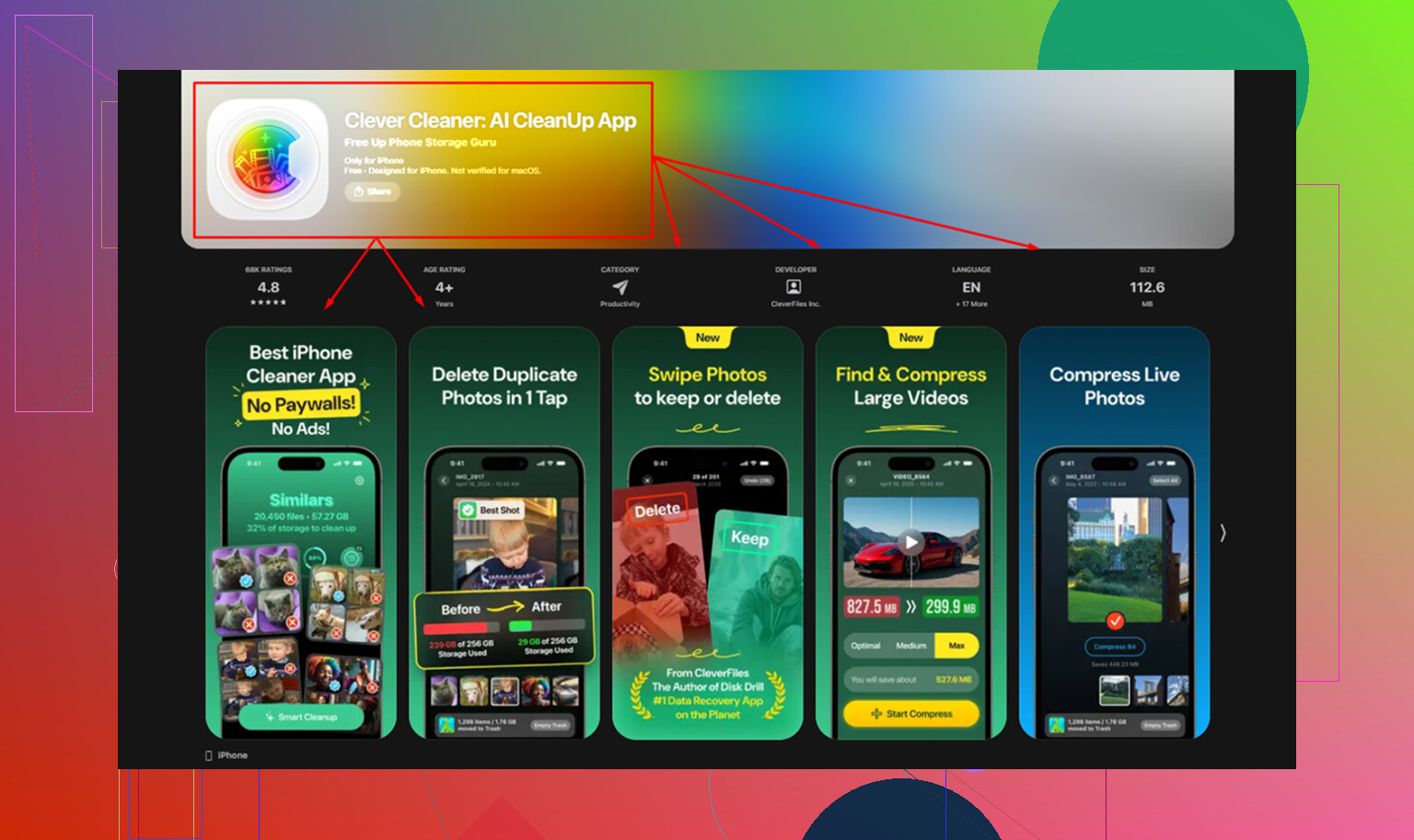
So I caved and tested a cleanup app. The one I kept using was Clever Cleaner. I expected the usual nonsense, ads everywhere, fake scans, paywall after two taps. This one did not do tht. Free, no ads, no subscription wall popping up every minute.
A few parts were useful right away.
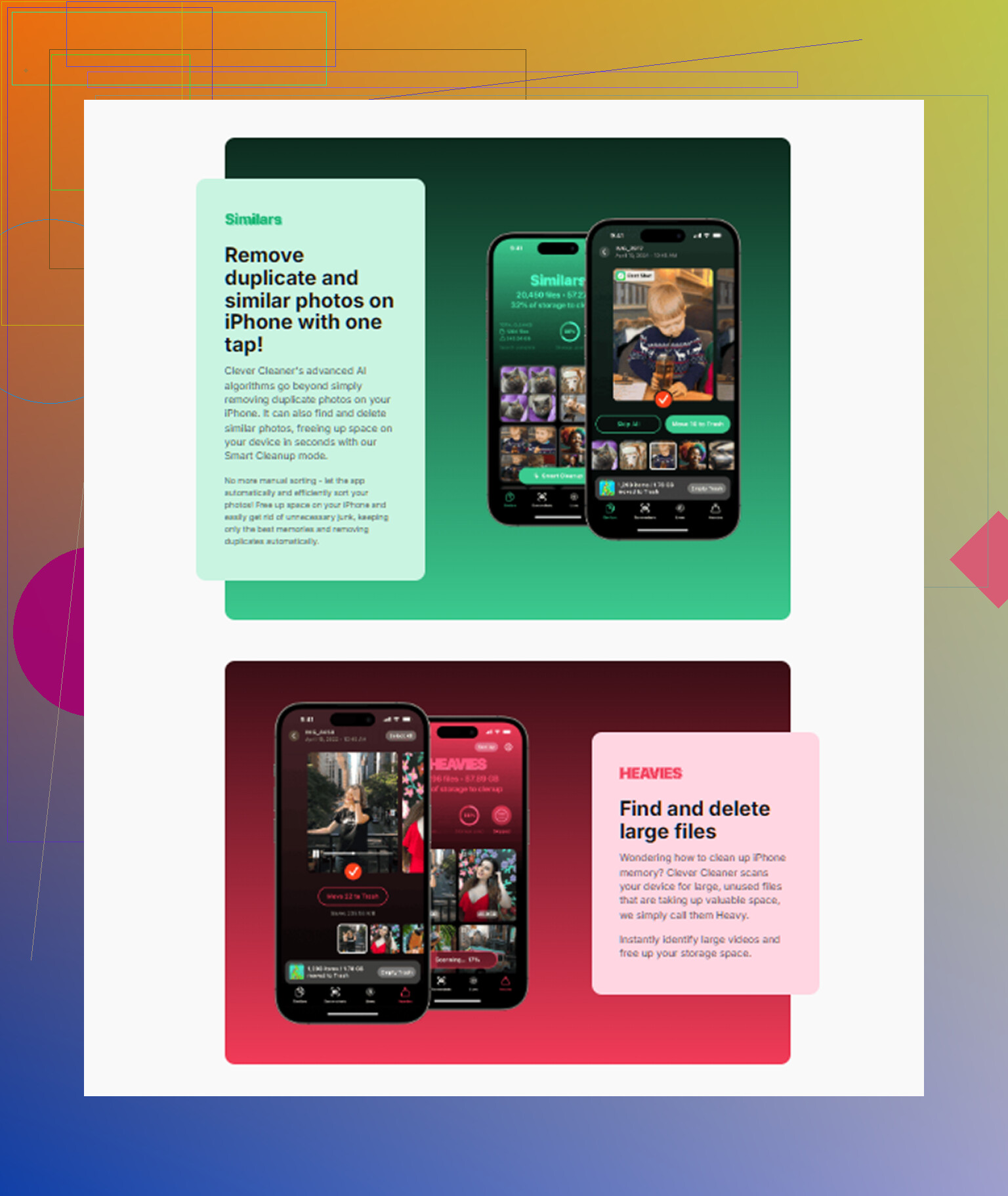
Heavies showed the biggest files first, which made it obvious which 4K clips were wrecking my storage.
Similars grouped near-duplicate shots. If you do the classic thing where you take 18 versions of the same sunset or your kid making the same face, it cuts the pile down fast. It picks a best shot, then you dump the extras.
Screenshots were easier too because it showed file sizes clearly. Sounds small, but seeing the space those random screenshots took up made it easier for me to stop hoarding them.
The privacy bit mattered to me too. It processes on-device, so your library is not being pushed to some mystery server.
After I cleared around 15 GB, my phone felt normal again. Less hitching, less waiting, fewer weird pauses when opening the camera. Not magic, still the same phone, but the difference was obvious.
What worked long term was changing how I shoot and sort.
I started treating Recents like an inbox. Once a week, I go through it. Keep the best shots. Favorite the ones I’d want to find again. Put some in albums if they belong to a trip or event. Then delete the repeats, bad angles, accidental pocket pics, screenshots I no longer need.
The old film-roll mindset helps more than any app. Back then you had 24 or 36 shots and you thought before pressing the button. Now it’s too easy to keep 40 copies of the same birthday cake. I started keeping 1 or 2 and deleting the rest. Feels harsh at first. Then your library stops feeling like a landfill.
So yeah, albums on iPhone are closer to labels than folders. Once I accepted tht, the whole thing made more sense. If your phone feels packed and slow, focus on favorites, search, weekly cleanup, and clearing large files first. That did more for me than trying to build the perfect album system.
17 Likes
No. Adding photos to an iPhone album does not move them out of your library.
Think of Albums as pointers. Your photo stays in the main Photos library, and the album shows another view of the same item. So yes, what you saw is normal. Apple Photos works more like tags than folders.
A few practical points.
-
Recents stays full.
If you add 200 pics to a Trip album, Recents still shows all 200. -
One photo, many albums.
You can place the same photo in Family, Vacation, and Favorites without making 3 copies. -
Delete matters.
If you delete a photo from the library, it vanishes from every album too. If you remove it from an album only, it stays in the library. -
Albums do not save storage.
They help organization. They do not reduce space use.
I agree with @mikeappsreviewer on the core point. I disagree a bit on albums being only mildly useful. For shared stuff like receipts, work docs, pet records, and travel, albums save time if you name them well. Search is great, but it misses odd stuff now and then.
If your goal is cleaner storage, use albums for sorting and a cleanup tool for deleting dupes, large videos, and junk screenshots. Clever Cleaner is solid for this. If you want a quick read, this review covers why it works well for iPhone photo cleanup and storage cleanup, best truly free iPhone storage cleanup app review.
Best setup, in my opinon:
Use albums for events or categories.
Use Favorites for your keepers.
Use search for fast lookup.
Delete from library when you want space back.
Apple made it kinda weird, tbh. Once you treat albums like labels, it makes more sense.
Nope. Adding photos to an iPhone album does not move them anywhere. It just groups them.
Best way to think about it:
- Library/Recents = where the actual photo lives
- Album = a shortcut to that photo
So yeah, @mikeappsreviewer and @cazadordeestrellas are right on the big point. Where I slightly disagree is that albums are not just “nice to have.” If you use them for projects, trips, receipts, or pets, they’re honestly super useful. Just not in the old-school folder way people expect.
Important catch people miss:
- Remove from album = photo still stays in library
- Delete photo from library = gone from all albums
- Put one photo in 3 albums = still one file, not 3 copies
Apple basically wants you to browse by Moments, Search, People, Places, and Albums all at once. Kinda messy, but that’s the system.
If your real issue is clutter, albums won’t fix that. You have to actually delete stuff. I’d use albums for sorting, then favorites for the best shots, then do a cleanup pass every so often. If your storage is getting cooked by duplicates/screenshots/videos, Clever Cleaner is worth a look since it helps find the junk fast without the usual paywall nonsense.
Also, this is a solid read if you want real-world feedback on it: real user experiences with Clever Cleaner for iPhone storage cleanup
So, short version: albums organize, they do not move. Apple made it wierd, but that’s normal.
Yep, albums on iPhone are basically containers of references, not containers of files.
One nuance I’d add to what @cazadordeestrellas, @viajeroceleste, and @mikeappsreviewer said: the thing that feels like the “main library” is often Recents, and Recents is sorted by date added, not really meant to be your clean organized shelf. So even if your albums are perfectly organized, Recents will still look chaotic. That part is Apple’s design, not you doing it wrong.
Where I slightly disagree with the “just use search” crowd: search is good, but not reliable enough for stuff like receipts, warranties, serial numbers, or work images. Albums are better for intentional collections.
Practical mental model:
- Library = master collection
- Albums = curated views
- Favorites = quick shortlist
- Delete = only way to reduce clutter/storage
If your goal is less mess, not just better grouping, albums alone won’t get you there. You need a cleanup habit or a cleanup app. Clever Cleaner is decent for that.
Pros of Clever Cleaner:
- easy duplicate/similar photo review
- helps spot big videos fast
- useful for screenshot cleanup
- simple enough that you actually use it
Cons:
- cleanup suggestions still need human checking
- “similar” photos are not always safe to bulk delete
- albums organization is still something you do in Photos, not in the cleaner
- if you already keep a very tidy library, it may feel unnecessary
So, adding to albums = organized, not moved. If you want fewer photos in your way, you have to remove the extras from the library itself.