I lost my Firestick remote and need a free iPhone app that actually works to control it. I tried a couple of remote apps, but they would not connect or kept asking for payment. Looking for help finding a reliable free Firestick remote app for iPhone so I can use my TV again.
Free Firestick remote app for iPhone
I went looking for the same thing after my physical remote disappeared into the couch void. What worked best for me was starting with an app that was not stuck to one brand or one box.
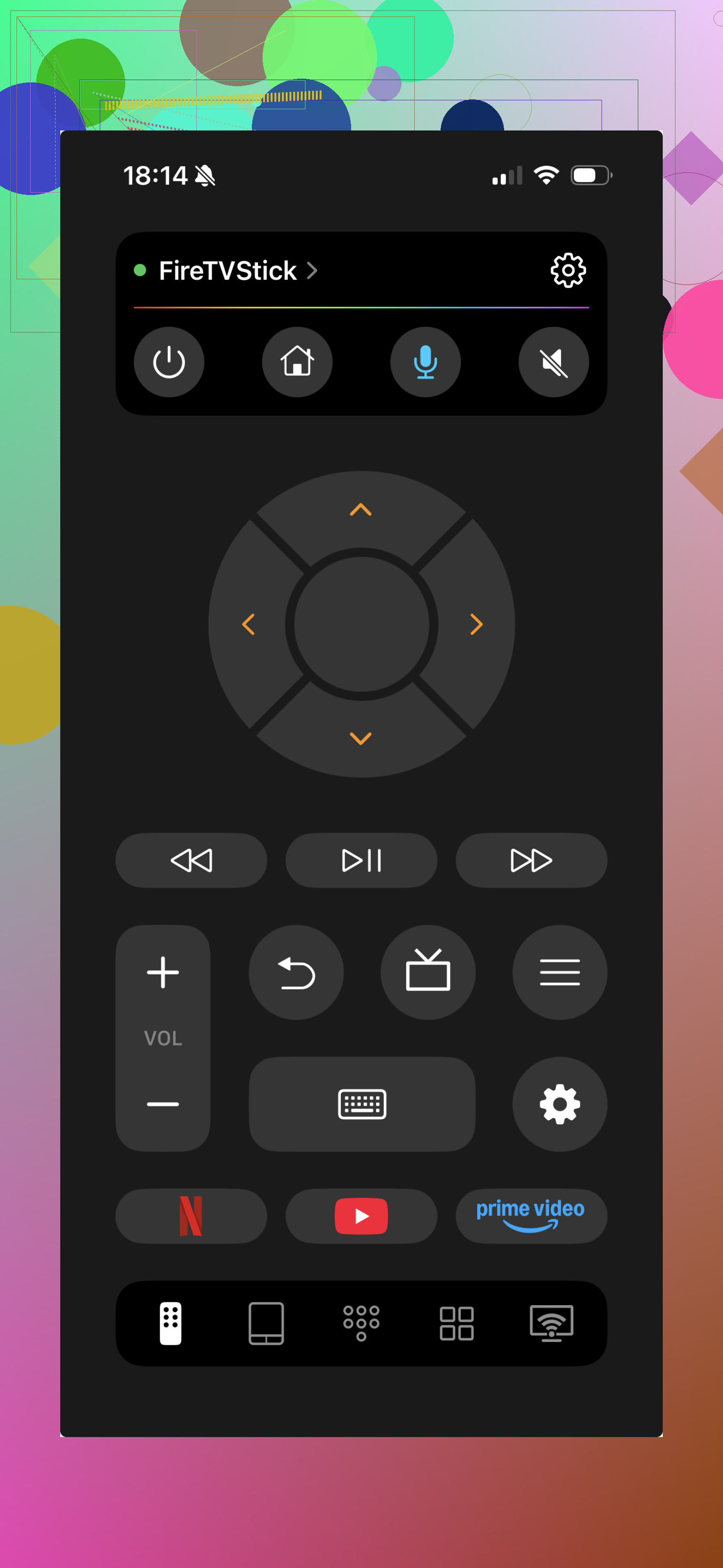
A solid pick is TVRem - Universal TV Remote.
https://apps.apple.com/us/app/tvrem-universal-tv-remote/id6746162794
Setup was plain enough. I installed it, put my iPhone on the same Wi-Fi as the Firestick, and the app picked up the device on its own. After pairing, it felt close to a normal remote. I could move through menus, change volume, jump between apps, and type with the iPhone keyboard instead of pecking letters one by one on the TV. If you’ve typed a long password with a plastic remote, you know why this matters.
What I liked more was the app not being locked to only Firestick. It also works with Fire TV and other smart TVs built on similar systems. So if your living room has a Fire TV and your bedroom has something else in the same lane, you are not starting over with a different app for each screen.
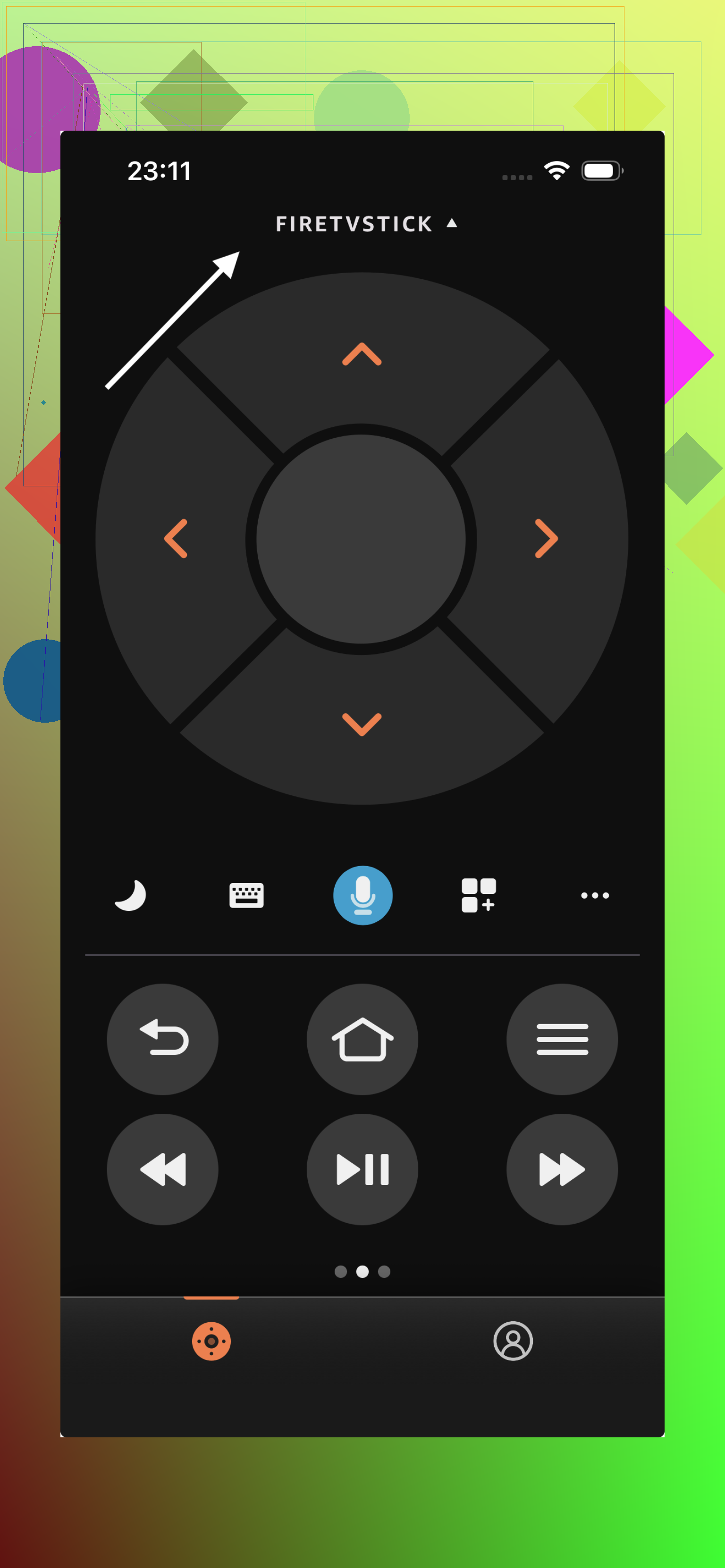
The official Amazon Fire TV app deserves a mention too. I tried it. It was stable, pairing was easy, and it gave me the core stuff you need, remote controls, voice search, and a keyboard. If you only use Amazon gear, it does the job fine. The downside is simple. It stays in Amazon’s lane. Outside of Fire TV devices, it does not help much.
My take
If you want the shortest path to a working remote on iPhone, with fewer compatibility headaches, TVRem felt like the easier place to start. It covers Firestick, Fire TV, and similar smart TV setups without much fiddling.
If your home is all Amazon and you want the official route, the Fire TV app is still a safe option. For day to day use though, I found TVRem a bit faster to live with, and less annoying if you have more than one type of TV around.
24 Likes
I’d skip most third-party “free” remote apps on iPhone. A lot of them give you one tap, then throw a paywall in your face. @mikeappsreviewer mentioned a couple options, but my first pick is still the official Amazon Fire TV app from the App Store. Free, no sub, no weird trial stuff.
If it won’t connect, the issue is often not the app. Check these:
- iPhone and Fire Stick on the same Wi-Fi.
- Turn off VPN on your phone.
- Restart the Fire Stick by unplugging it for 30 seconds.
- Open your router settings and make sure AP isolation is off.
- If your Fire Stick was connected to old Wi-Fi, the app won’t see it. That part trips people up alot.
If your remote is gone and the Fire Stick is on the wrong network, borrow any compatible Fire TV remote once, or use your TV’s HDMI-CEC controls if enabled. Kinda annoying, but it works.
Short version, use Amazon’s app first. If it fails, the network is usualy the problem, not the app.
I’d actually start with the official Amazon Fire TV app before messing with the usual “free” remote apps, but I kinda disagree with the idea that third-party ones are always pointless. Some of them do work, they just love shoving ads or subscriptions in your face after 2 taps.
If you want another free option to try on iPhone, look at BoostVision’s Fire TV remote app. It usually has a free mode that’s enough for basic control. Not amazing, but usable. The catch is you may need to sit through ads. That’s still better than fake-free apps that instantly lock everything.
One thing @mikeappsreviewer and @sognonotturno didn’t really stress enough: if your Fire Stick is asleep, some apps act like it doesn’t exist. If your TV has HDMI-CEC, use the TV remote to wake the Fire Stick first, then try the iPhone app again. That fixes it more often than people think.
Also, if your phone is on 5 GHz guest Wi-Fi and the Fire Stick is on the regular network, they may not see each other even if the Wi-Fi name looks similar. Super annoying, very common.
So my short list:
- Amazon Fire TV app = best true free option
- BoostVision Fire TV Remote = decent backup, ad-supported
- avoid random “universal remote” apps with a weekly fee buried in tiny text
If none of them connect, it’s probly the network setup, not you doing anything wrong.