I lost my LG TV remote and need a free iPhone app that actually works with my TV. I tried a couple of iOS remote apps, but they either wanted a subscription or would not connect. I need help finding a reliable free LG TV remote app for iPhone so I can control my TV again.
If I were installing one first, I’d start with TVRem. Out of the three, it felt the least annoying to live with.
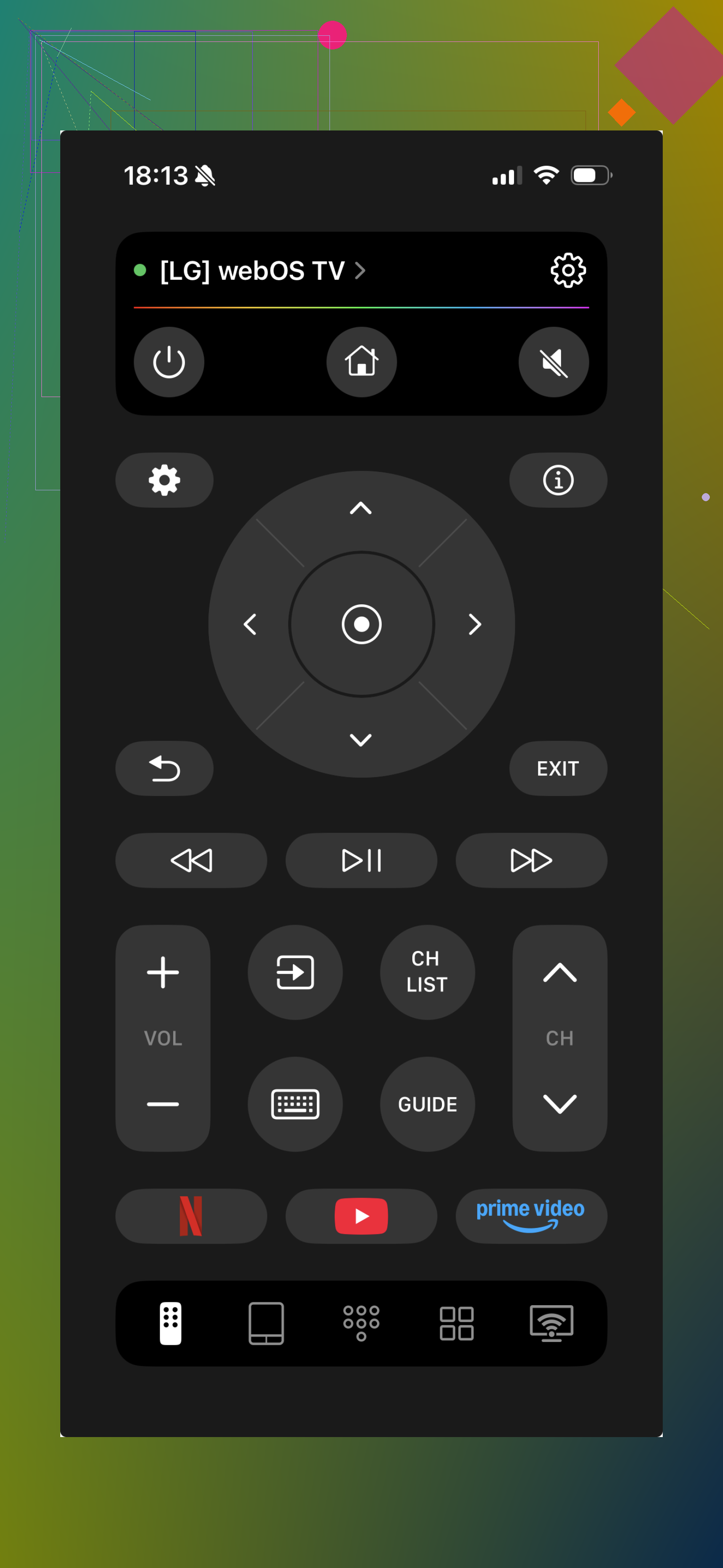
I tried TVRem on an LG set and it paired fast. No weird setup loop, no messy screen packed with junk. The layout made sense right away. I got the parts I needed, touchpad, volume, navigation, and it didn’t fight me while using it. What stood out most was stability. A lot of remote apps look fine for two minutes, then start throwing popups or lagging. This one stayed pretty calm.
Universal Remote Smart TV
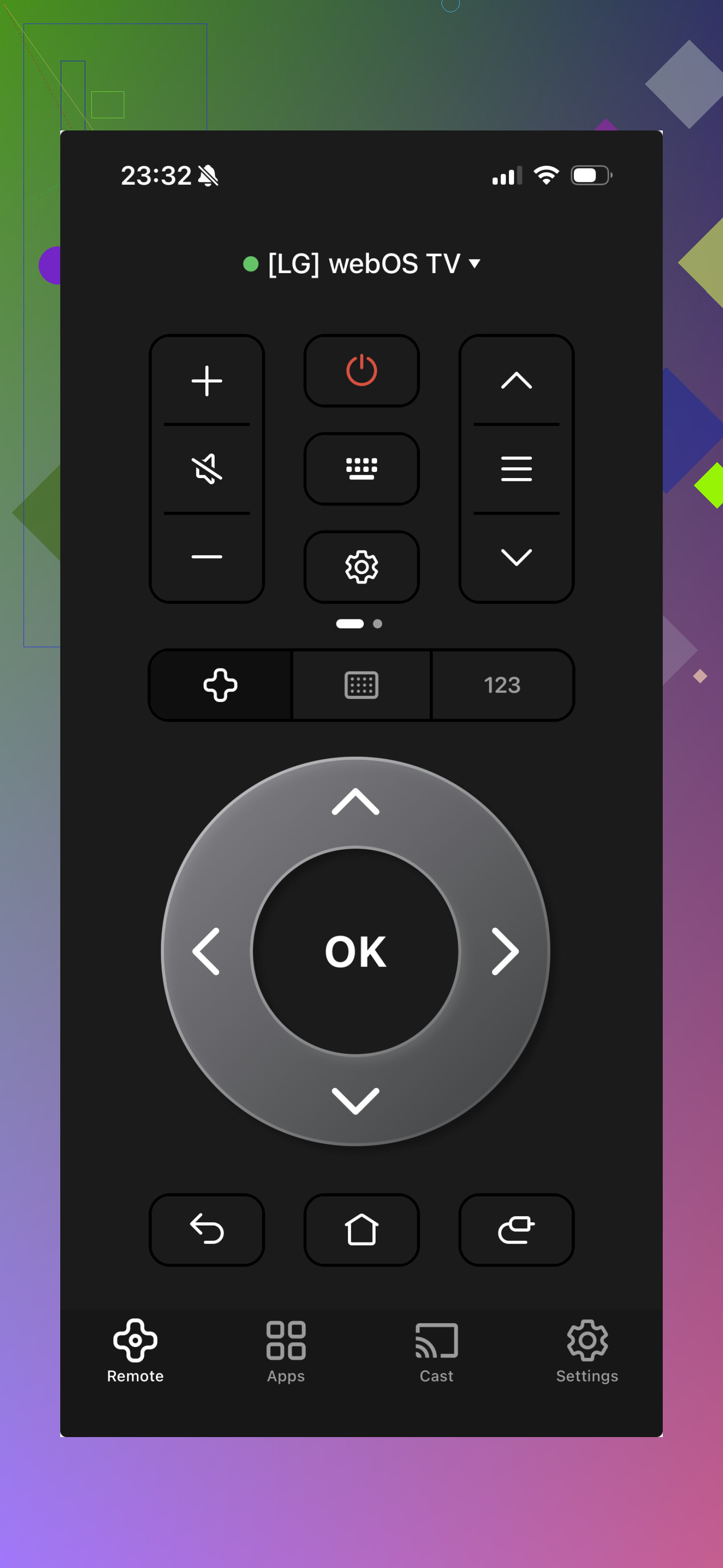
This one felt like the kitchen-sink option. It covers more gear, which sounds nice until you open it and see how crowded everything is. I got it working, so it’s not broken or anything, but the app kept nudging paid upgrades and ads harder than I liked. If your goal is one app for a bunch of devices, you might put up with it. For day to day use, I got tired of it fast.
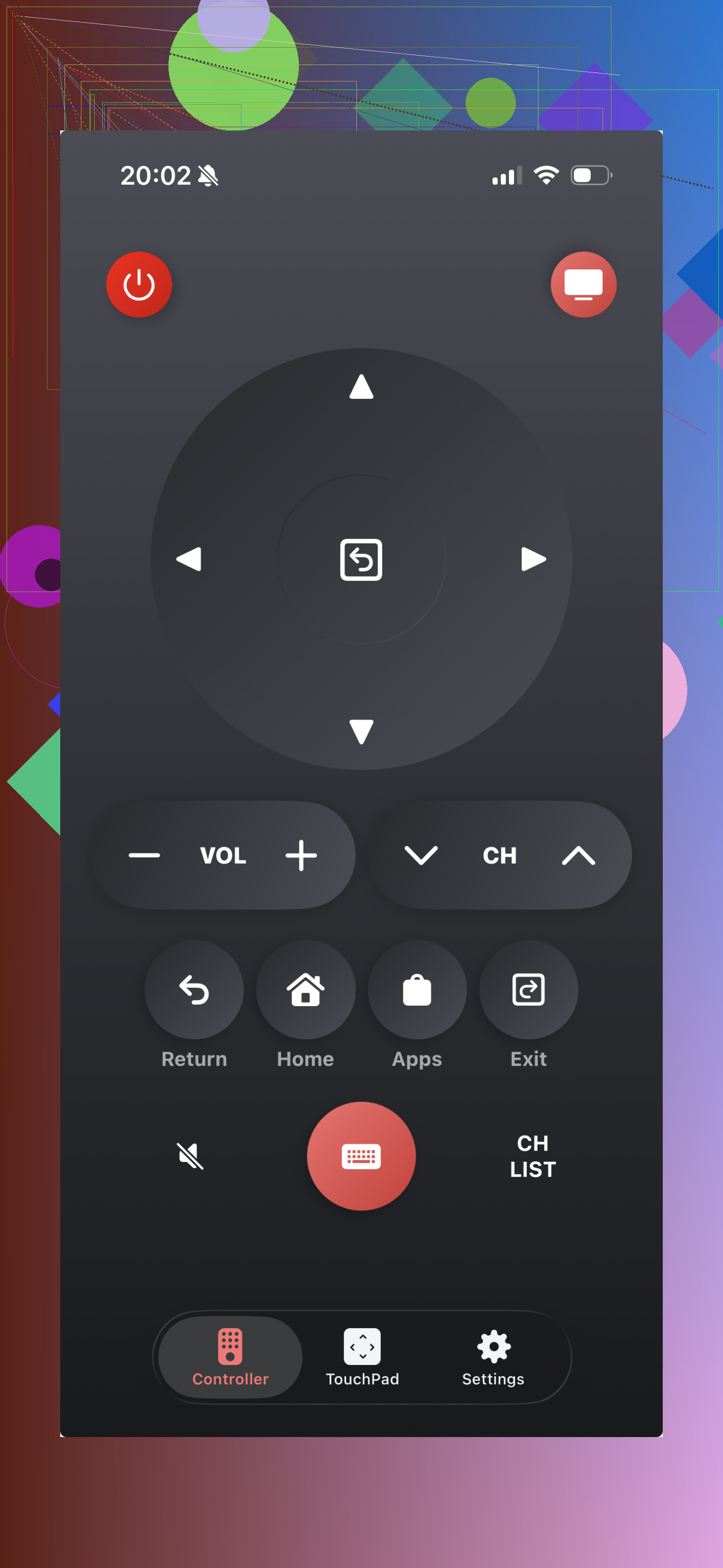
This one stays focused on LG TVs, which I liked on paper. In use, it was less predictable. On one setup it behaved fine. On another, same house, same Wi-Fi band, it dropped connection out of nowhere. If your TV model and network happen to line up, it might feel solid. Mine was mixed, so I wouldn’t put it first.
My take:
If you want the low-friction pick, start with TVRem. It felt cleaner, steadier, and more finished than the other two. The others are usable, sure, but I’d keep them as backup options.
17 Likes
Free on iPhone is the hard part. Most “free” TV remote apps turn into ad walls or push a trial after two taps.
I’d check LG ThinQ first. It’s LG’s own app, free, and it works with many WebOS TVs. It is not my favorite interface, but I trust it more than random remote apps from the App Store. If your TV shows up in ThinQ, pairing tends to be more stable than the cheap clone apps. You also get power, volume, inputs, and app launch on supported sets.
One catch, your TV needs to be on the same Wi-Fi, and some older LG models won’t show. If your TV was never connected before, no app will help much untill you get it online some other way.
I partly disagree with @mikeappsreviewer on one thing. I would try the official LG route before third-party apps. Less clutter, fewer susbcription nags.
Fast checklist:
- Install LG ThinQ.
- Make sure iPhone and TV use the same Wi-Fi.
- Turn on “LG Connect Apps” or network control in TV settings if you still have button access.
- If pairing fails, reboot router, TV, and phone.
If your iPhone has no IR blaster, apps only work over Wi-Fi. That trips up a lot of ppl.
I’d actually add one more route neither @mikeappsreviewer nor @viajeroceleste really covered: skip the “TV remote app” category entirely and try Apple Home / Control Center if your LG supports AirPlay 2 or HomeKit.
If your TV is a newer LG, sometimes you can add it in the Home app and get basic control that way. It’s not a full magic remote replacement, but for power, input switching in some setups, and quick control, it can be less flaky than those ad-stuffed App Store remotes. Kinda boring, but boring is sometimes what works.
Also, blunt truth: if the TV was never connected to Wi-Fi before you lost the remote, most iPhone apps are dead on arrival. People keep blaming the apps, but the real issue is the TV has no network path yet. That’s the annoying part no one tells you.
If you still have the little joystick/button under the TV, use that to:
- connect TV to Wi-Fi
- enable mobile/remote control stuff
- then try apps
I slightly disagree with the “just test a bunch of free apps” approach. That turns into a time sink real fast. Most of them are the same app with a diff logo lol.
If all else fails, a cheap replacement LG remote from Amazon or Walmart is usually like 8 to 15 bucks and saves a lot of headache tbh.
Small disagreement with @nachtschatten: Apple Home is nice if your LG already lives in HomeKit, but for a lost-remote situation it is usually too limited to be the main fix.
What I’d try that is a bit different is the LG TV Plus app, if your model is old enough to support it. A lot of people jump straight to ThinQ, but some 2016 to 2020-ish LG sets pair better with LG TV Plus than with newer all-in-one apps.
Pros of LG TV Plus
- free
- made for LG TVs, not a generic clone
- cleaner than many subscription-heavy remote apps
- decent for navigation, volume, channels, input
Cons of LG TV Plus
- not supported on every newer model
- can be picky about WebOS version
- setup can fail if the TV’s network settings are half-broken
About TVRem since it got mentioned:
Pros
- usually cleaner UI
- less annoying than many generic remote apps
- good backup if official apps fail
Cons
- still depends on Wi-Fi discovery
Also, one overlooked trick: if your LG has a USB port and supports keyboard input, plug in a cheap USB keyboard. On some models, arrow keys, enter, and escape work enough to get into settings and reconnect Wi-Fi. That can rescue you when every iPhone app keeps “searching for TV” forever.
So my order would be:
- LG TV Plus
- ThinQ
- TVRem
- cheap replacement remote
@viajeroceleste, @nachtschatten, and @mikeappsreviewer all covered the common app route well, but I think the USB keyboard workaround saves more dead-end cases than people expect.