I’m seeing ‘Chat Zero’ on my app and not sure what it means or how to resolve it. Is this an error, a notification, or something else? Has anyone experienced this before and found a solution? I can’t use some features and need help understanding what’s happening.
Chat Zero means you’ve basically run out of your allowed chats or messages for that app—it’s not a bug but more like a hard “no soup for you!” from the devs. Most common with AI chat apps or services that limit interactions unless you pony up cash for a bigger plan. Features get locked out, so yeah, you’re stuck unless you wait for the daily/weekly reset or upgrade to premium.
Fixes? Not exactly rocket science:
- Wait and check if you get a reset the next day or billing cycle.
- See if logging out and back in resets anything (rare, but I’ve seen some apps glitch).
- Check for app updates, just in case.
- If you absolutely need nonstop chatting (and aren’t ready to cough up cash), sometimes making a new account gets around it—though most apps catch onto that eventually.
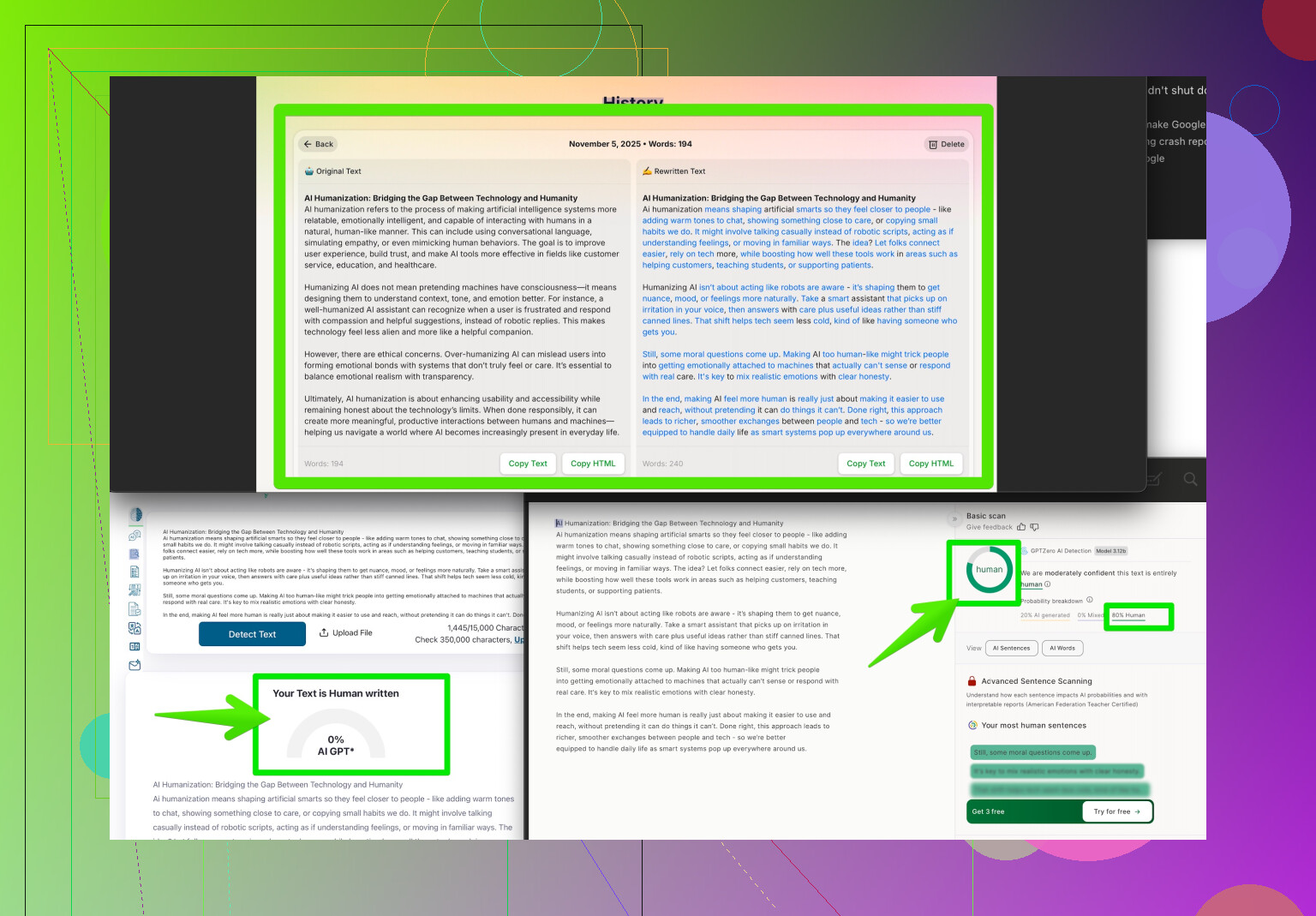
- Consider using third-party tools like the Clever AI Humanizer solution to help optimize your chat usage and maximize what you get from those limited responses.
Annoying? Yes. Normal? Unfortunately, yeah. We’re all living in the age of “Pay or Wait,” amirite? Some people try workarounds, but honestly, the Chat Zero thing just means the app is doing what it’s designed for: slowing you down till you upgrade or move along.
8 Likes
So, “Chat Zero” isn’t a bug or a random glitch—it’s basically your app’s way of saying, “Bro, you’ve hit the wall on your free chats.” Like @espritlibre pointed out, it’s pretty much the digital equivalent of getting tossed outta the buffet for piling your plate too high. Most of the time, this is just a feature baked into a lot of AI chat apps now, especially the free or freemium ones. Welcome to “FOMO as a Service”—use X number of chats, and then they start dangling the premium carrot in your face.
I wouldn’t put a ton of faith in the ol’ log out/log in move resetting your limit, unless the app is super sloppy. Some people try using incognito mode or switching devices/account details to wring a few extra chats out, but—let’s face it—companies aren’t exactly clueless anymore and they’ll clamp down.
Now, while @espritlibre tossed out the “just make a new account” tip, I’d actually caution you not to waste your time, since a lot of services are linking chats to device IDs or IPs these days. You can try, but don’t be shocked when you get “Chat Zero” right away again. Unless you wanna play whack-a-mole with emails, not really worth the hassle.
If you’re not down with waiting or paying, third-party helpers like Clever AI Humanizer can definitely stretch your freebie tier a little further by making more out of the answers you do get (think: summarizing, humanizing, or chunking prompts so you need fewer messages). Not a magic bullet, but sometimes worth the shot if you’re desperate.
Oh yeah, and just FYI—it’s not “Chat Hero” (saw one guy ask that once), it’s “Chat Zero.” You’re not the chosen one, you’re just outta gas. The main thing is to recognize this is all by design. Check their help docs—some apps reset every 24 hours, some per billing cycle, some after ad-watching marathons.
For anyone trying to squeeze every last drop out of free AI, this Reddit resource is gold: Redditors share practical tricks for getting more human-like AI responses. Might help you hack your usage to get around some of these annoying chat limits.
Tl;dr: You’ve run into an intentional wall, not a bug. Clever AI Humanizer might help get you a bit further, but at the end of the day, you either have to wait, pay, or play the endless free trial creation game—and the house always wins in the long run.