I lost my Hisense TV remote and need a free iPhone app that actually works well to control the TV. I’ve tried a couple of remote apps, but they either won’t connect or keep pushing paid upgrades. Looking for help finding the best free Hisense TV remote app for iPhone with easy setup and reliable performance.
If you’re trying to find a free Hisense TV remote app for iPhone, the first thing I’d check is your TV’s system. Hisense sells sets with more than one platform, so one remote app might work great on one model and do nothing on another.
I ran into this because Hisense TVs show up with VIDAA, Roku TV, Google TV, Android TV, and Fire TV. Same brand, diffrent guts.
Here are the three options I’d bother testing.
This one felt like the least annoying pick. It works with several Hisense platforms, including Roku TV, Google TV, Android TV, and Fire TV. No paywall showed up for the core remote stuff. No ads either, which is rare enough on iPhone remote apps.
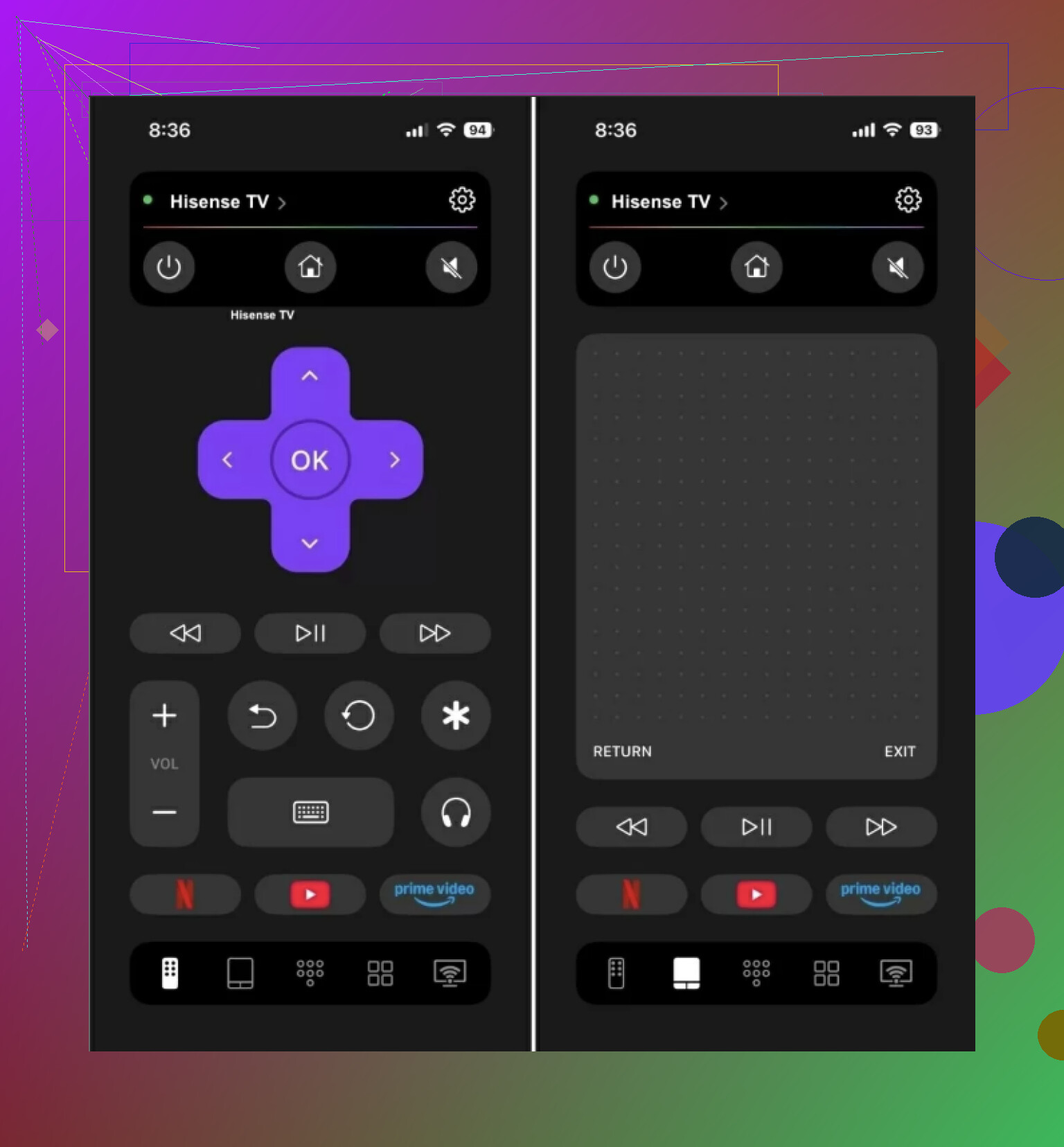
If your Hisense TV is not on VIDAA, I’d start here first.
What you get:
Volume and channel controls
Touchpad navigation
Phone keyboard input
Voice search
Shortcuts for YouTube, Netflix, and other apps
Auto-detect for nearby devices
Why this one got my attention:
A lot of App Store remote apps give you half a remote, then ask for money when you try to change volume or type. This one didn’t do tht. It also works beyond Hisense, with support for Samsung, LG, Roku, Fire TV, and Apple TV.
- VIDAA
If your Hisense TV runs VIDAA, this is the obvious one. It’s the official app built for that system, so pairing tends to be simpler and the feature match is usually tighter.
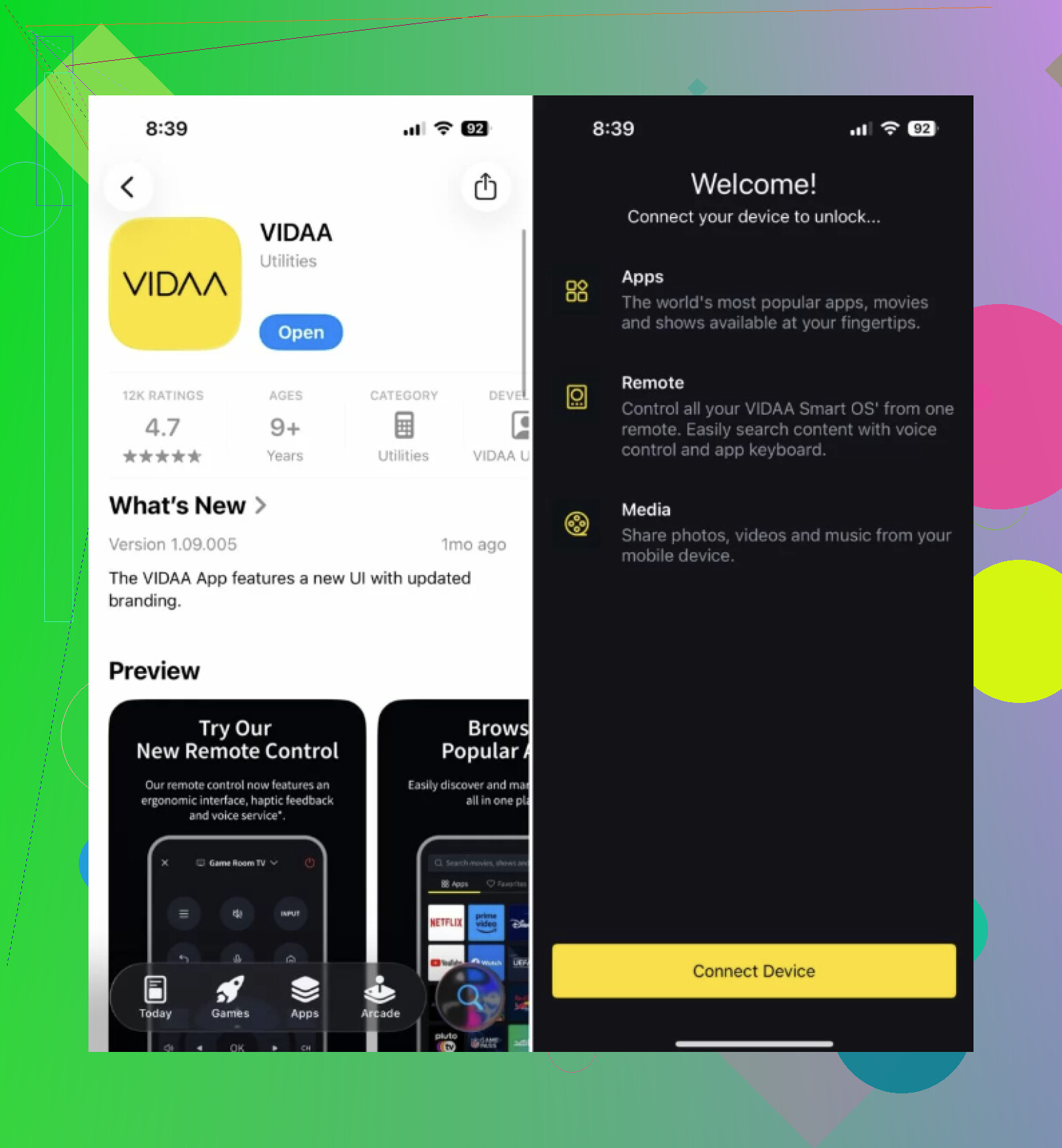
I’ve seen a lot of Hisense owners outside the U.S. end up here, since VIDAA is common on those models. The app covers normal remote controls, lets you type from your phone, and gives quick access to apps on the TV.
What it includes:
Official VIDAA support
Remote navigation
Keyboard input
Content suggestions
Best fit:
Hisense owners with a VIDAA-based TV.
- Remote for Hisense TV
This one takes the single-brand route. It’s a third-party app aimed at Hisense sets instead of trying to be universal.
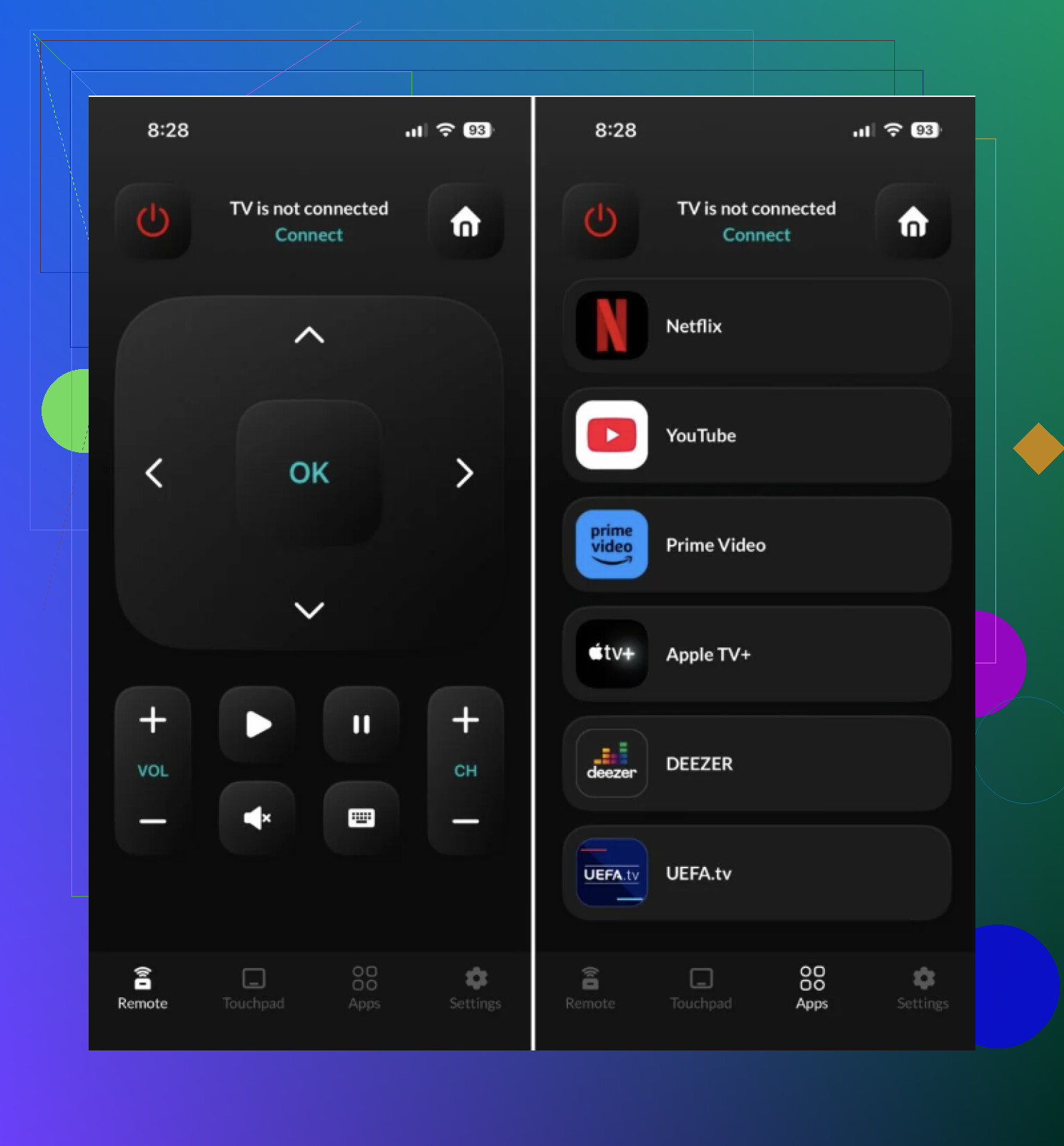
Based on its App Store listing, it supports VIDAA, Android TV, and Roku-based Hisense models. It also includes keyboard entry and app shortcuts, which matters more than people think once you have to type a password with arrow keys.
Main features:
Power and volume controls
Full keyboard
Streaming app shortcuts
Apple Watch support
Best fit:
People who want a Hisense-only option and don’t care much about controlling other TV brands.
Which one makes sense
If your Hisense TV uses Roku TV, Google TV, Android TV, or Fire TV, I’d pick TVRem – Universal TV Remote first. It covers the most ground and doesn’t lock basic features behind a subscription.
If your TV uses VIDAA, go with VIDAA. Fewer surprises.
My short take
For most iPhone users, TVRem is the best free Hisense TV remote app. It’s free in the plain meaning of free, easy to set up, and works across several Hisense platforms.
If your TV is on VIDAA, the official VIDAA app is still the safer bet.
If you want one remote app for Hisense plus other brands around your house, TVRem is the one I’d keep installed.
24 Likes
I’d split this a little diffrently than @mikeappsreviewer.
Best free pick on iPhone depends on your Hisense OS, but I would start with the official platform app before any third party app. Third party apps often connect fine on day one, then push ads, subs, or miss features like input switching.
My order:
-
Roku app, if your Hisense is a Roku TV.
It’s free. Stable. Keyboard works well. Private listening is a nice bonus. -
Google TV app, if your Hisense runs Google TV or Android TV.
Solid for setup, voice, and typing. Less junk than most remote apps. -
VIDAA app, if your set uses VIDAA.
This is the safest route for those models, even if the app ratings look mixed.
If none of those fit, then use a universal app like the one @mikeappsreviewer listed. I agree with his point on checking the TV system first. That’s the part most people miss.
Quick test:
Go to Settings on the TV.
Look for Roku, Google TV, Android TV, Fire TV, or VIDAA.
Match the app to the OS, not the Hisense logo.
Also, your iPhone and TV need the same Wi-Fi. A lot of “won’t connect” issues come from this one dumb thing. If the TV was on ethernet and your phone is on guest Wi-Fi, pairing fails. Happens alll the time.
So, best free app:
Roku app for Roku Hisense.
Google TV app for Google or Android Hisense.
VIDAA app for VIDAA Hisense.
Universal app only if the official one falls short.
I’d split the difference between @mikeappsreviewer and @vrijheidsvogel, but I’m a little less sold on universal apps as the first move.
If you want the best actually-free option, the answer is usually not “best Hisense app,” it’s “best app for the OS hiding inside the Hisense.”
My real-world ranking:
- Hisense Roku TV: use the official Roku app
- Hisense Google TV / Android TV: use the Google TV app
- Hisense VIDAA: use the VIDAA app
- Hisense Fire TV: try the Amazon Fire TV app before anything else
That last one doesn’t get mentioned enough. A lot of people forget some Hisense sets are basically Fire TVs with a Hisense badge slapped on. In that case, a generic “Hisense remote” app is kinda missing the point.
Where I disagree a bit with @mikeappsreviewer: universal apps are fine, but they’re usually Plan B for me, not Plan A. They can be great when they work, but official platform apps tend to handle setup, app launching, and keyboard input with fewer weird bugs.
Where I agree with @vrijheidsvogel: matching the app to the TV OS matters more than the logo on the bezel. 100%.
One more thing people miss: if your lost remote was the only way to approve pairing on the TV, some apps won’t help until the TV was already connected to your Wi-Fi before. That’s the annoying catch. If the TV got disconnected from network, you may need a cheap replacement physical remote first just to get back in.
So, short version:
- Best free app overall = the official app for your TV’s OS
- Best fallback = TVRem if the official one is bad or too limited
- Avoid random Hisense remote apps with “free” in the title and a subscription popup 8 seconds later. Total scammy vibes, lol.
If you post your exact Hisense model number, it’s way easier to say which app will actually connect.
I’d side mostly with @vrijheidsvogel and @waldgeist on one thing: official app first. But I disagree a bit with @mikeappsreviewer making a universal app the main pick for “most” people, because Hisense is too fragmented for that.
My practical answer:
- Roku OS on the TV = Roku app
- Google TV / Android TV = Google TV app
- VIDAA = VIDAA app
- Fire TV = Amazon Fire TV app
That’s usually the least frustrating free route on iPhone.
Where TVRem – Universal TV Remote fits:
- Pros: clean interface, broad support, decent fallback if you have multiple TV brands, 100% free, than many remote apps
- Cons: still a third-party layer, can be hit-or-miss on obscure Hisense variants, and official apps usually handle pairing quirks better
So if you want the best free Hisense TV remote app for iPhone, I would not search by “Hisense” first. I’d search by the TV’s platform. If the official app is bad on your model, then try TVRem – Universal TV Remote as backup.
One slightly annoying truth: if the TV is no longer on your Wi-Fi, no iPhone app may help until you use a physical remote once. That’s the part a lot of app listings conveniently gloss over.