About to give VLC a shot for the first time. Anything you wish you’d known going in? No need to sugarcoat it - honesty is welcome.
I have been using VLC Media Player on both Windows and macOS for quite a few years now, so I figured I would share some thoughts for anyone considering it.
What it does well
The most practical thing about VLC is its format support. I have thrown a wide range of video and audio files at it: MKV, AVI, MP4, FLAC, OGG, and a few more obscure containers, and it handled almost all of them without requiring me to install any additional codecs. That alone saves a fair amount of time compared to players that prompt you to download something every time you open an unusual file.
Subtitles work reliably in my experience. You can drag and drop an SRT file onto the window and it loads immediately. Sync adjustment is also accessible through a keyboard shortcut, which I use fairly often when subtitles are slightly off.
The network streaming feature is something I use occasionally. You can paste an RTSP or HTTP stream URL directly into the “Open Network Stream” dialog and it plays back without much fuss. Nothing elaborate, but it works.
Interface customization is limited but functional. You can switch to a minimal skin or keep the default layout. The preferences panel goes quite deep if you want to adjust audio output, hardware decoding, or caching values.
Where it falls short
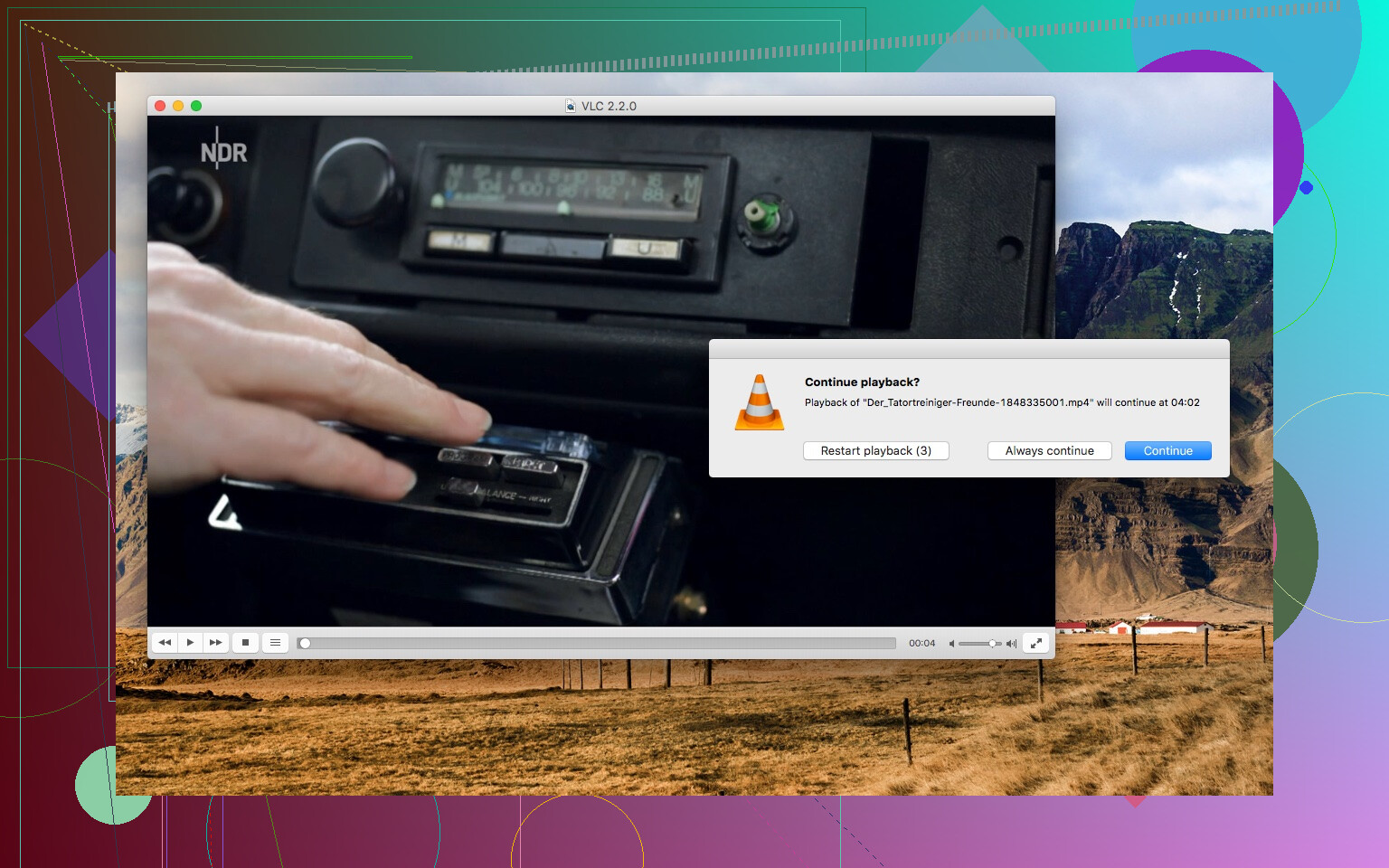
The interface looks dated. It has not seen a significant visual update in a long time, and compared to more modern players, it feels like it belongs to an earlier era of software design.
The more significant issue I ran into personally was crashing on macOS. After upgrading to a newer version of macOS, VLC started closing unexpectedly on certain file types. From what I read on their forum and bug tracker, this can be due to compatibility issues with newer macOS versions or corrupted preferences. Deleting the preferences file fixed it temporarily for me, but the problem came back after a system update. It is worth keeping in mind if you are on a Mac and planning to upgrade your OS.
Looking for an alternative: Elmedia Player
After running into those macOS stability problems, I started looking for a replacement and came across Elmedia Player. I have been using it on Mac for several months now and it has become my primary player on that platform.
Elmedia is macOS-only, which is actually part of why it works more reliably, it is built specifically for Apple’s ecosystem and follows macOS interface conventions. Window management, full-screen transitions, and trackpad gestures all behave as you would expect from a native Mac application. I have not experienced a single crash after system updates, which was the main reason I switched.
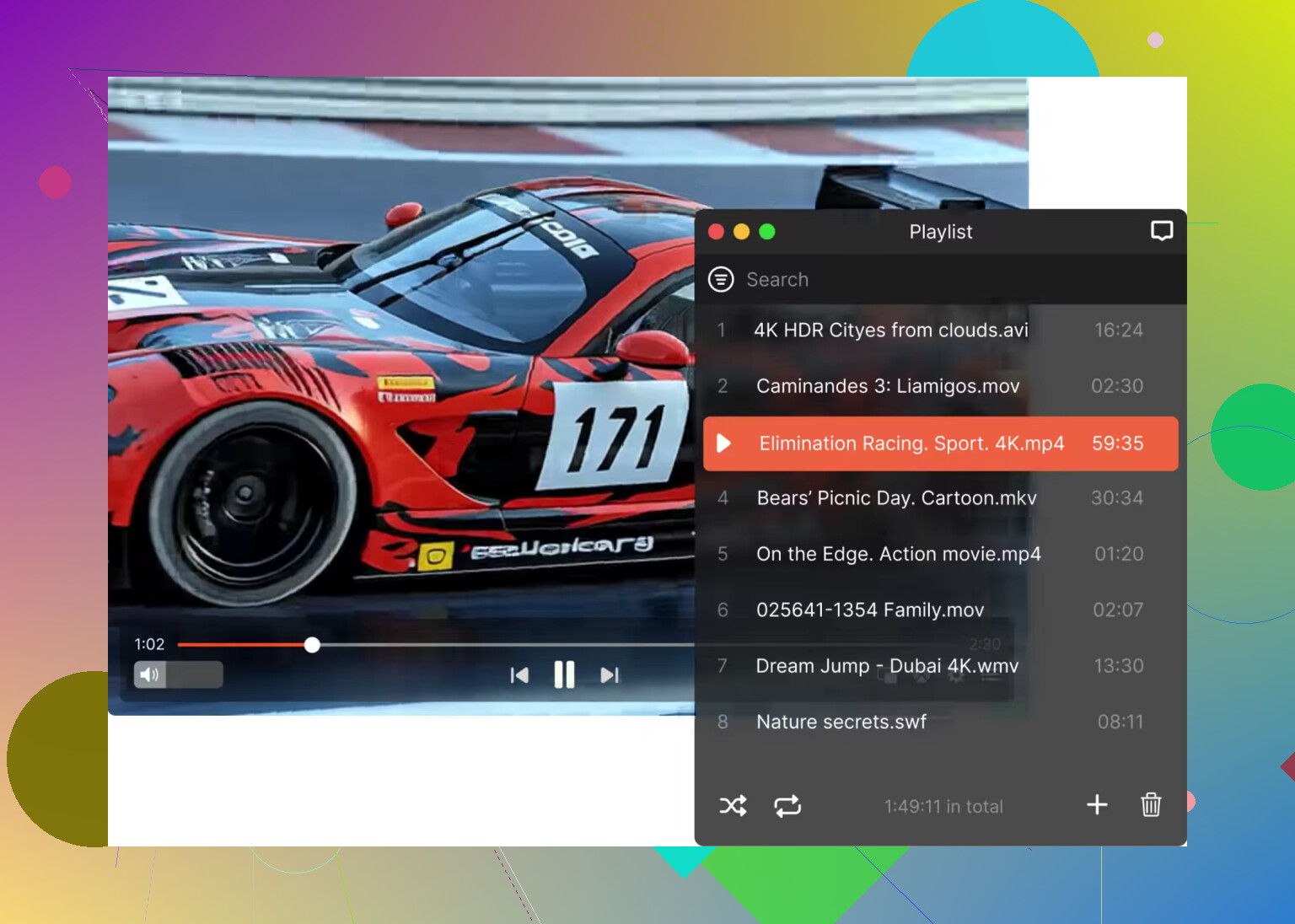
Format support is comparable to VLC. It handles MKV, AVI, MOV, MP4, FLV, FLAC, and a range of other containers and audio formats without requiring additional codecs. Subtitle handling works in a similar way, you can drag and drop an external file or let the player detect it automatically.
General impression
VLC remains a practical, no-cost option that works well on Windows and Linux. On macOS, however, the stability situation has pushed me toward Elmedia Player as a more dependable day-to-day choice. Your experience may vary, but if you are hitting the same crash issues I described, it is a reasonable alternative to consider.
16 Likes
VLC is worth trying first if your main issue is file support and low fuss. It ships with its own codecs, so you skip the old codec-pack mess. On most systems, CPU and RAM use stay reasonable for normal 1080p playback. Huge 4K files, HDR, or damaged files are where you might see spikes or stutter.
A few things to know before install:
- The UI is ugly. Functional, not polished.
- Default settings are fine. Don’t go tweak-crazy on day one.
- Turn on hardware acceleration if playback feels choppy.
- Check audio output settings if you use headphones, HDMI, or surround.
- VLC is great for local files. I’m less sold on it for library management.
I slightly disagree with @mikeappsreviewer on one point. On Mac, VLC isn’t broken for everyone. Still, macOS users do seem to hit random quirks more often than Windows users. If you want a more native Mac feel, Elmedia Player is a solid alt and feels less clunky.
My advice, install VLC, test 5 to 10 of your weirdest files, then decide. That tells you more than any feature list tbh.
VLC is still one of the safest first installs if your main concern is “will this file even open?” In that sense I agree with @mikeappsreviewer and @mike34. It’s kind of the cockroach of media players. Not pretty, but it survives and plays stuff other apps refuse to touch.
Where I kinda disagree is the resource-use panic. In my experience, VLC is usually fine on normal systems, but it’s not magically lightweight in every case. Throw a huge 4K file, high bitrate anime encode, broken subtitle track, or weird network stream at it and yeah, it can get chunky. So don’t expect miracles on older hardware.
A few things worth knowing before you install:
- It’s built more for playback than for organizing a big media library.
- The default look is plain and a little crusty.
- It has a ton of settings, but most people should leave them alone at first.
- It’s good for local files, decent for streams, not what I’d call elegant.
- DVD playback and subtitle controls are still surprisingly handy.
If you’re on Windows, VLC is a very easy “just install it” rec. On macOS, I think the complaints are fair. Not everyone has problems, but Mac users do seem to run into odd quirks more often. If you want something that feels more native on Mac, Elmedia Player is def worth a look too. It handles a lot of the same formats, but feels less janky day to day.
My honest take: VLC is great as a baseline player everyone should test. If it works with your weird files, keep it. If the interface annoys you or Mac behavior gets flaky, move on. Simple as taht.
VLC is the player I install when I want a “can this file open, yes or no?” answer fast. On that, @mike34, @andarilhonoturno, and @mikeappsreviewer are basically on target. Where I differ a bit is this: people sometimes oversell VLC as universally effortless. It usually is, not always.
What to expect before trying it:
- It plays a huge range of formats without extra codec packs.
- It is more of a utility than a polished media app.
- First launch can feel barebones, but that is kind of the point.
- It is generally light enough, though badly encoded files can still make it choke.
- The settings menu is deep, which is nice later and annoying early.
One thing I’d add that nobody stresses enough: VLC can be weird with color, deinterlacing, scaling, or subtitle rendering depending on the file and GPU driver combo. Not broken, just inconsistent enough that if a video looks “off,” it may not be the file itself.
My practical test would be:
- one normal MP4
- one MKV with subtitles
- one high bitrate 4K file
- one old AVI or odd archive file
- one network stream if you use those
If all five behave, you’re probably good.
If you are on Mac, I think the “native feel” issue matters more than some people admit. That is where Elmedia Player can make sense. Pros for Elmedia Player:
- cleaner macOS-style interface
- good format support
- smoother day-to-day feel on Mac
- solid subtitle handling
Cons for Elmedia Player:
- less universal mindshare than VLC
- not my first pick if you love endless advanced tweaking
- stronger recommendation on Mac than on Windows
So yeah, VLC is a very good first try. Just treat it like a reliable toolbox, not a beautiful living room centerpiece.